Initial System Configuration
1004en01 03-11-24 51
6.7 Select Language
The instrument can be programmed to show the displayed text in different lan-
guages, e.g. English, German, Spanish etc. (depending on program version).
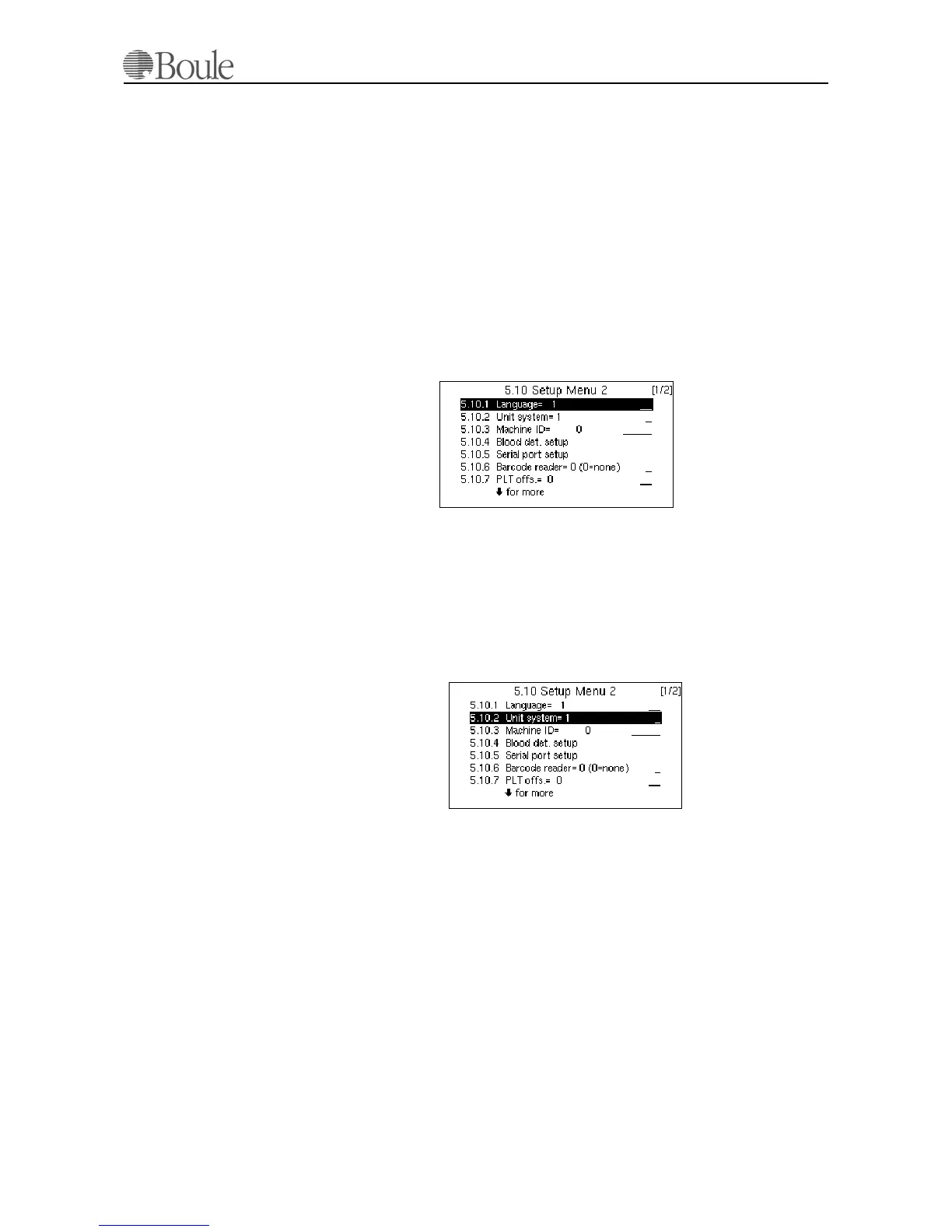
To change language:
1. Scroll to “Setup menu” from the main menu.
2. Press [Enter]
3. Scroll (up) to “Setup menu2”.
4. Press [Enter].
5. Type the number corresponding to the selected language
6. Press [Enter] to validate to new setting. (e.g. # 1 = English)
6.8 Select Units
The instrument has six different unit modes, based on SI- and CGS units. To
change, choose:
1. Select menu 5.10.2
2. Choose the required unit expression from the table below.
1047en.gif
1048en.gif



 To Next Page