Installation
46 03-11-24 1003en01
Note:
Aspiration command keys are not located on the keyboard. Aspiration of a sam-
ple is started by pressing the start-lever behind the aspiration needle.
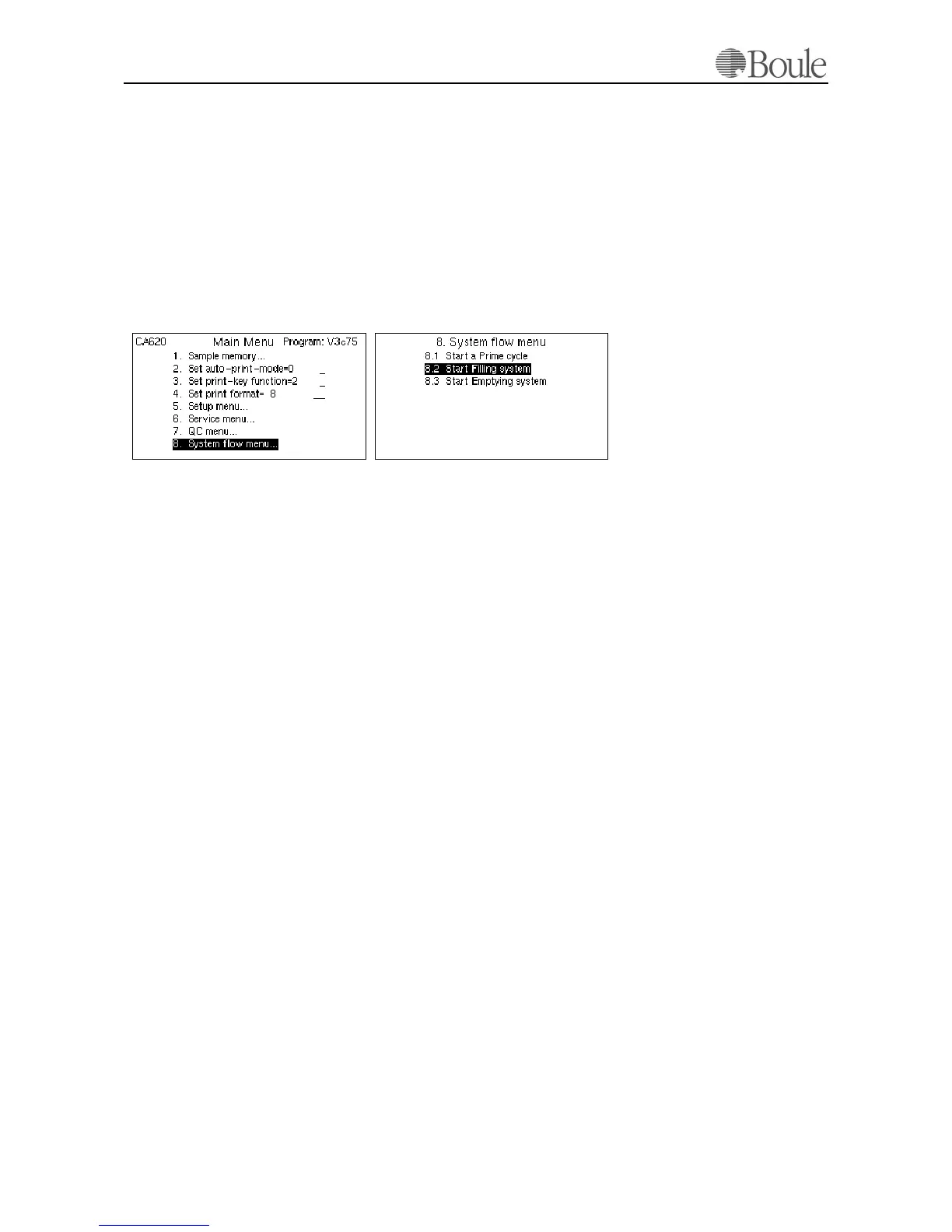
5.5 Filling the system with reagents
After power-on, the instrument will perform a self-check which lasts for ca. 2
minutes. During this period, no key entry is accepted by the instrument.
1. Press
[Menu]until the main menu is displayed on the LCD screen.
2. Scroll with the up-arrow key to 8 and press
[Enter].
3. Scroll to 8.2 and press [Enter].
The system is now filled with reagents. This cycle lasts for ca. 6 minutes.
When the system is finished with this cycle, the cursor field returns to the field
8.2. Press
[Menu] to return to the main menu.
1037en.gif1036en.gif



 To Next Page