03-11-24 93
12 Printer and Serial Output
Following is a description of the printer and data outputs of the CA620/530 and
the CA620-CellGuard analyzers. The system has 2 outputs. One is of a Centron-
ics format and the second a serial output with RS232 specifications. A standard
Centronics cable should be used and connected to a proper printer.
The SEIKO DPU 411-typeII /DPU 414, IBM pro-printer compatible, Epson or
HP - PCL printer is supported.
Note:
A printer or serial connection must conform to EN 60950
12.1 Selecting the Correct Printer Type
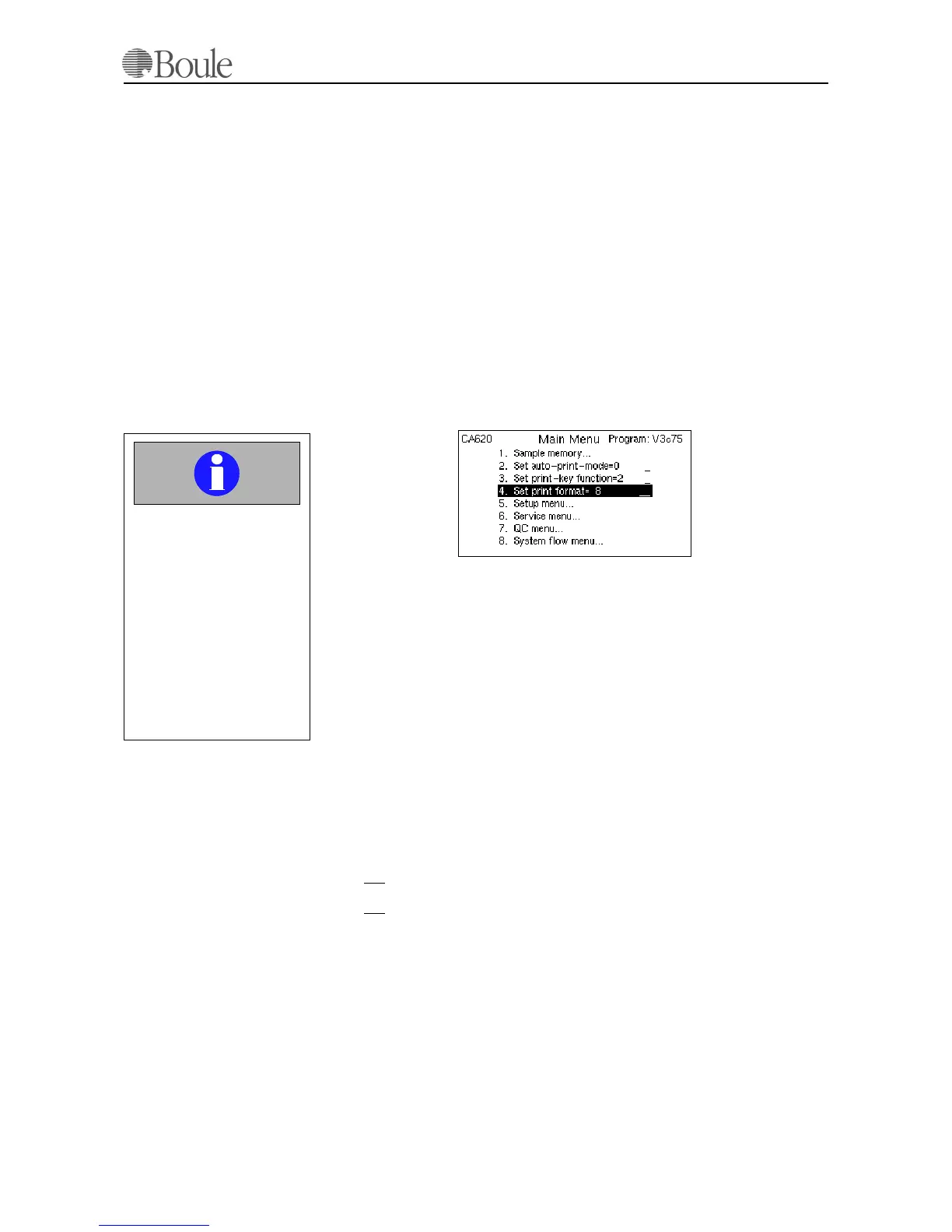
Press [Menu] until the main menu is displayed and scroll with the arrow keys to
line 4.
Press [Print] to printout a list of available formats.
Note:
Extended printer format settings and user definable print layouts are available.
Please refer to appendix 530-30-205 for detailed information how to set up a user
definable format. This appendix is available from your authorized distributor in
the English language only and requires basic understanding of printer protocol,
formats and font definitions.
12.2 The Serial Output/Hardware Connections
The instrument has an output for connection to a computer (network). The serial
output has a male 9 pin DSUB. It fulfils the RS232 specifications.
The pinning of the male 9-PIN-DSUB is as follows:
1. N. C.
2. TX
-OUTPUT
3. RX
-INPUT
4. N.C.
5. GND
6. N.C.
7. CTS-INPUT
8. RTS-OUTPUT
9. N.C.
Important
If an IBM, Epson or HP
compatible printer is used,
it is of great importance
for the correct printing
that the actual printer is
supporting the selected
data format. Incorrect
printing might follow if an
improper format or printer
is selected.
1150en.gif
1010en01



 To Next Page