Warning Displays
1008en01 03-11-24 77
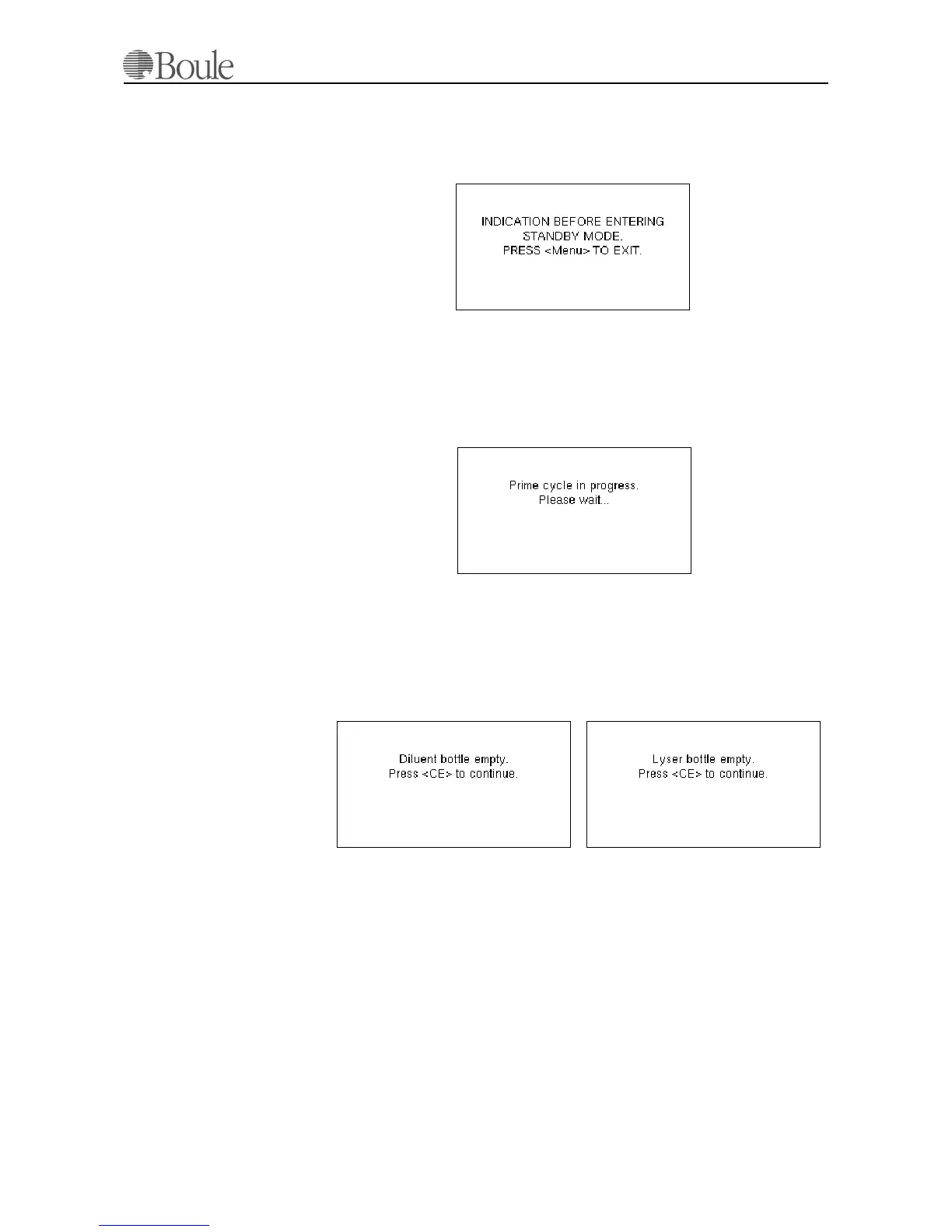
In case one of the reagent containers are empty within the Stand-by mode, one
of the above warnings will be displayed. It is essential that new reagent containers
are installed, as the 4-hour checking cycle cannot be performed by the instru-
ment.
This warning indicates that an error indication occurred and it was not cleared by
the user before the system entered the Stand-by mode.
Restart the instrument, cancel indications by pressing [CE] and perform a
“Prime” from menu 8.1
When the instrument is in Stand-by mode, and the [Menu] key is pressed, the sys-
tem will perform a “Prime cycle” to restore the flow system. This lasts for approx.
2 minutes.
9.3 Reagent Empty
The above warnings are displayed in case of an empty reagent container. Replace
and perform a “Start prime cycle” menu 8.1 from the “System flow menu”,
menu 8.
1120en.gif
1121en.gif
1122en.gif
1123en.gifs



 To Next Page