Warning Displays
76 03-11-24 1008en01
The MPA was pulled out in a wrong mode (a menu was displayed). The MPA may
only be pulled out in “Operational mode” where the last run sample is displayed.
The operational mode is selected by pressing the [Menu/Operate] key.
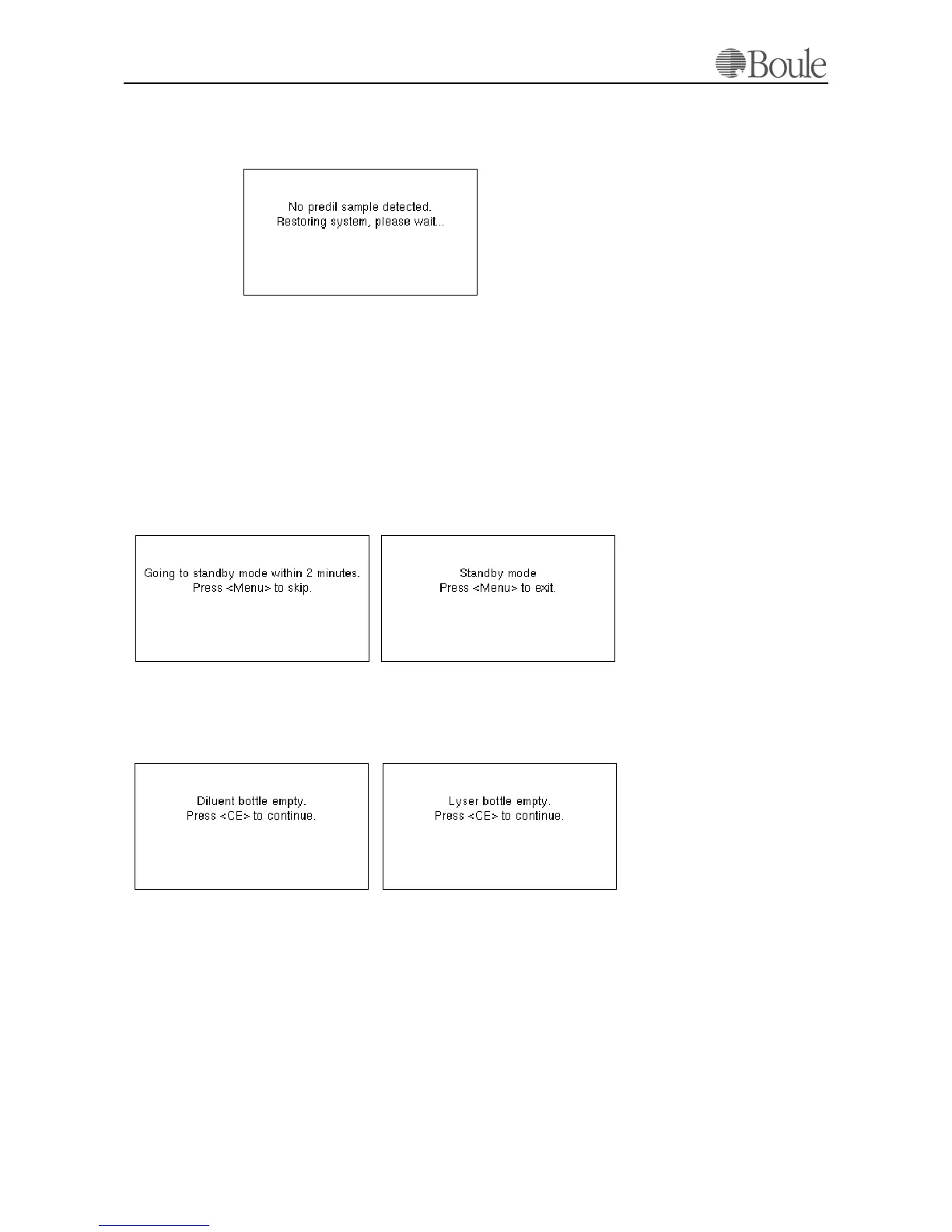
The above warning indicates that the Pre dilute Sample inlet was activated but no
sample was aspirated. This might be caused by:
a) No sample is entered.
b) An attempt is made to run on distilled water in the pre-dilute inlet.
9.2 Stand-By Mode
This warning is displayed after a 45 minutes idle situation. The instrument will go
to stand-by mode after a further 2 minutes. The operator may cancel this by
pressing [Menu].
If the instrument is in Stand-by mode, the text displayed might not be clear as the
back lighter of the LCD display is switched off. The instrument will now perform
an auto check and cleaning cycle every 4th hour.
1115en.gif
1116en.gif
1117en.gif
1118en.gif
1119en.gif



 To Next Page