03-11-24 47
6 Initial System Configuration
6.1 CA620-CellGuard
The CA620-CellGuard is configured as default in blood mode, in other words; as
a pre-donor screening instrument.
The end-user however, must decide if the CA620-CellGuard is used for pre-do-
nor screening or if it is mainly used to monitor PLT concentrates. Default settings
of the instrument can be printed out after the installation procedure by selecting
menu 5.9.
6.2 Setting up the CA620-CellGuard
for Pre-Donor Screening
The CA620-CellGuard used for pre-donor screening accepts whole blood at the
open aspiration pipette, micro capillary collected blood through the MPA device
or pre-diluted blood entered at the pre dilute aspiration probe.
In case the optional cap-piercing device is installed, closed tubes can be entered
as well.
Normal range values, floating discriminator settings are set as default to the most
common and correct settings.
All available parameters are set as default to be reported on the LCD screen as
well as on the connected printer. Hence, no extra settings are needed except that
the instrument is programmed to default in 'blood mode'
To do so:
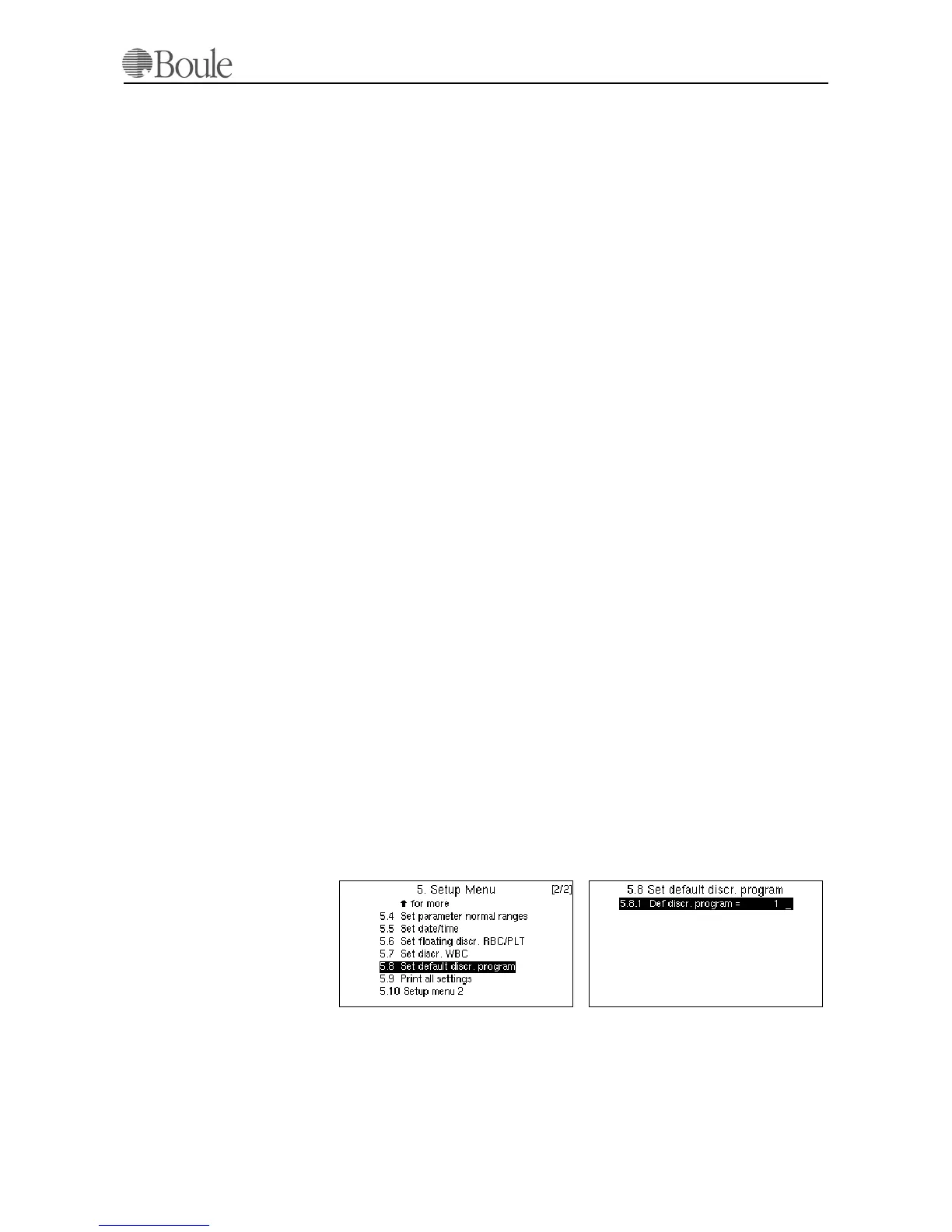
Press [Menu] until the main menu is displayed.
4. Scroll with the up-down arrow keys to line 5 [Set up].
5. Press [Enter].
6. Scroll to line 5.8.
7. Press [Enter]
8. Press digit [1]
9. Press [Enter].
This sets the CA620-CellGuard to blood operational mode as default and the
configuration is identical to the CA620.
1039en.gif1038en.gif
1004en01



 To Next Page