03-11-24 53
7Routine Operation
The instrument should always be connected to the mains supply and will auto-
matically perform an auto-checking/cleaning cycle every fourth hour. This
unique feature protects the instrument from bacterial growth, checks electronic
and mechanical settings automatically and eliminates virtually all user mainte-
nance.
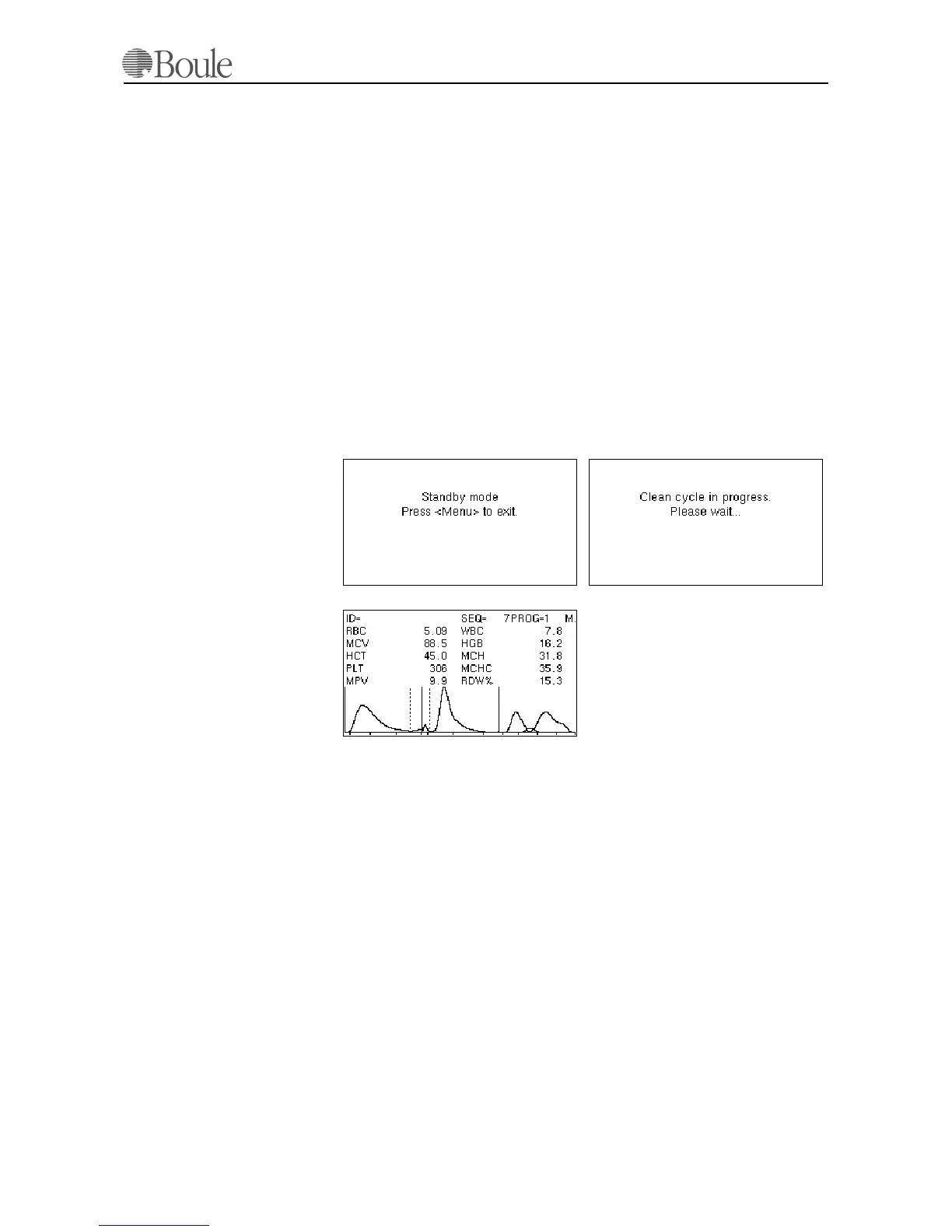
If the instrument is not used within 45 minutes (no key has been pressed or no
sample has been run), the instrument will automatically enter a “Stand-by-mode”
1. Press [Menu] and the instrument is operational after the auto prime cycle is
finished.
2. Press [Menu] again to enter the operational mode and the last run sample
will be displayed. See pictures below.
In case the instrument was powered-on and menu 8.1 or 8.2 was chosen, the sam-
ple screen will display no parameter results.
Applicable for CA620-CellGuard
The operation is identical if the system is programmed for pre-donor screening
or used as a PLT concentrate control, however, the displayed number of param-
eters will be different if used in PLT concentrate mode.
7.1 Background Check
The following sequence is performed to check that the background is low
enough, before each series of counts: Use isotonic diluent as the sample and as-
pirate by pressing the whole blood start lever which is located behind the whole
blood aspiration needle. Note that the aspiration time of diluent will be ca. 10 sec-
onds in case the CA620/530 is set up for normal use on blood specimen. The
CA620/530 applies a blood detector, which is an optical device that stops the
blood flow when blood is detected after the shear valve system. Therefore, run-
ning in “blood mode” and entering diluent as a sample, the system will time-out
after ca. 10 seconds and continue its cycle.
1050en.gif
1051en.gif
1049en.gif
1005en01



 To Next Page