QC and Blood Controls
1156en01 03-11-24 91
11.5 Display of Blood Control Data
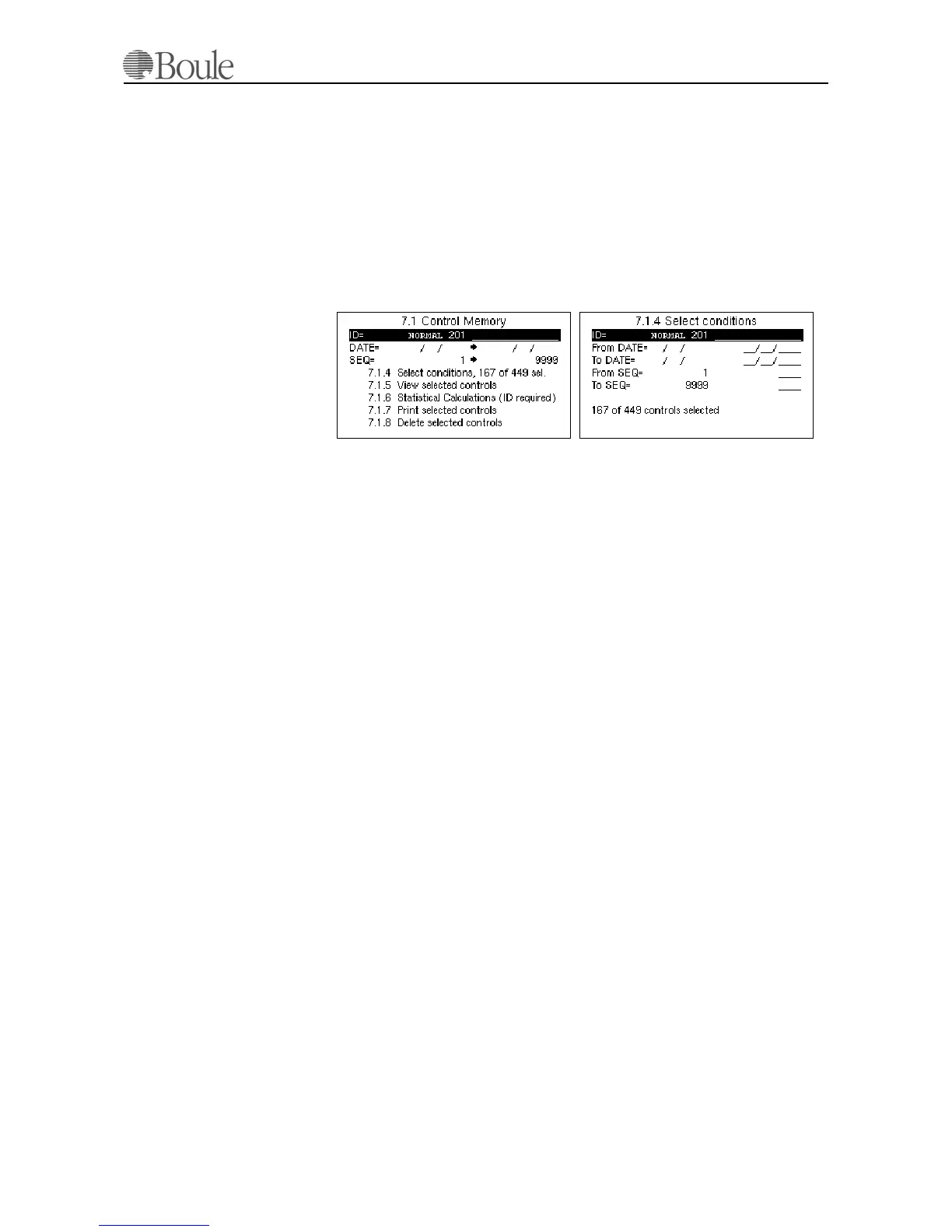
To display blood control data, enter menu 7.1 which is analogue to (main) menu
1 but exclusively for control blood. Use the left/right arrow key to display a de-
fined control or type in the control ID manually and use the “+” sign as the ter-
minator. The “+” sign is entered with the right arrow key.
Line 7.1.4 will show the number of control samples selected.
Enter menu 7.1.4 to refine the search with a date or SEQ (Sequential number)
window
See example below.
Enter menu 7.1.5 to view the controls and use the up/down arrow keys to scroll
through the control memory. Size distributions are not saved and displayed for
blood controls.
Go to menu 7.1.6 to display the mean, SD and CV of the selected data and use
menu 7.1.7 to print out the selected controls.
Menu 7.1.8 is used to delete the selected control samples from memory.
1174en.gif
1173en.gif



 To Next Page