Routine Operation
1005en01 03-11-24 55
The instrument switches now to the following menu.
Although not mandatory, enter the ID of the sample with the numerical keys.
Note that a positive identification of a sample is highly recommended to avoid
erroneous patient parameter reporting. A maximum of 15 digits are allowed in the
ID field. In case the optional Bar-Code reader is installed, simply scan in the ID
barcode from the sample tube.
After approx. 30 seconds; the CA620 will switch to the INTRA
mode as shown
below:
Note:
The INTRA mode is only available on the CA620-series
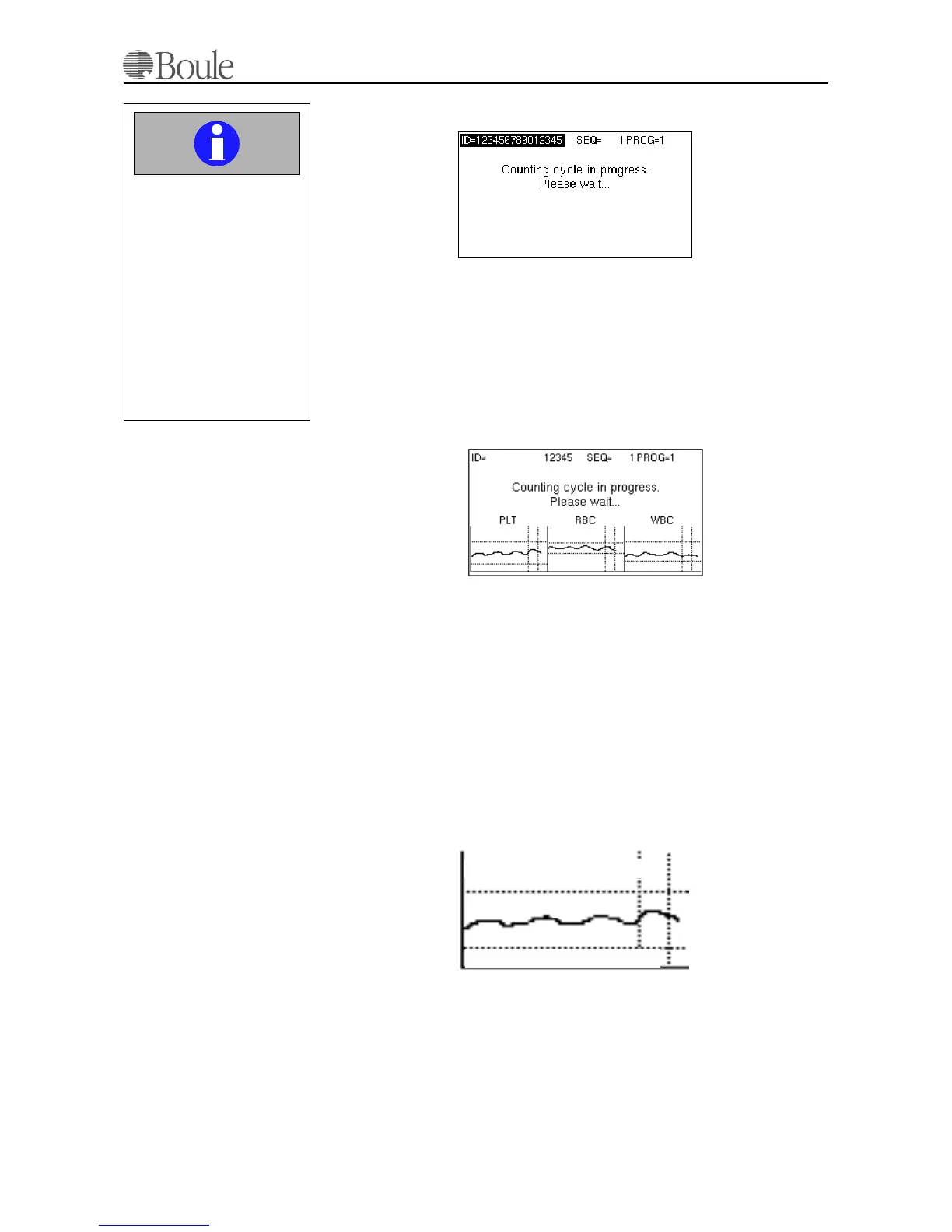
The display shows the counting rate on each counted parameter in real-time. The
horizontal lines in the “boxes” represent the parameter normal range as set for
PROG1 in menu 5.4.1, which is assigned to 'blood mode'. The drawn line during
the analysis is slightly irregular due to the counting statistics. However if the
drawn line is within the parameter limit lines, the sample is probably within the
normal range. In case the drawn line is outside the limits, the sample is probably
pathological. With this tool, the operator is alerted of a suspected pathological
case before the sample is analyzed completely. The vertical dotted lines represent
the expected normal counting time. See below.
Important
Remove the sample from
the open inlet aspiration
needle when the display
has changed from “Aspi-
rating” to “Counting cycle
in progress”.
Not removing the sample
could result in incorrect
washing sequence of the
aspiration needle.
1056en.gif
1057en.gif
1058.gif
Upper “normal” range setting
Lower “normal” range setting
Rate



 To Next Page