User Interface
1006en01 03-11-24 67
The displayed fields are:
a) LYM-L. The lowest possible mode (peak on the histogram) where Lym-
phocytes might be detected.
b) GRAN-H. The highest possible mode (peak on the histogram) where Gran-
ulocytes might be detected.
In case any of the modes (peaks on the histogram) are outside these limits, the 3-
part differential is aborted and a NM or OM differential flag is displayed.
See further Parameter Flags on page 33.
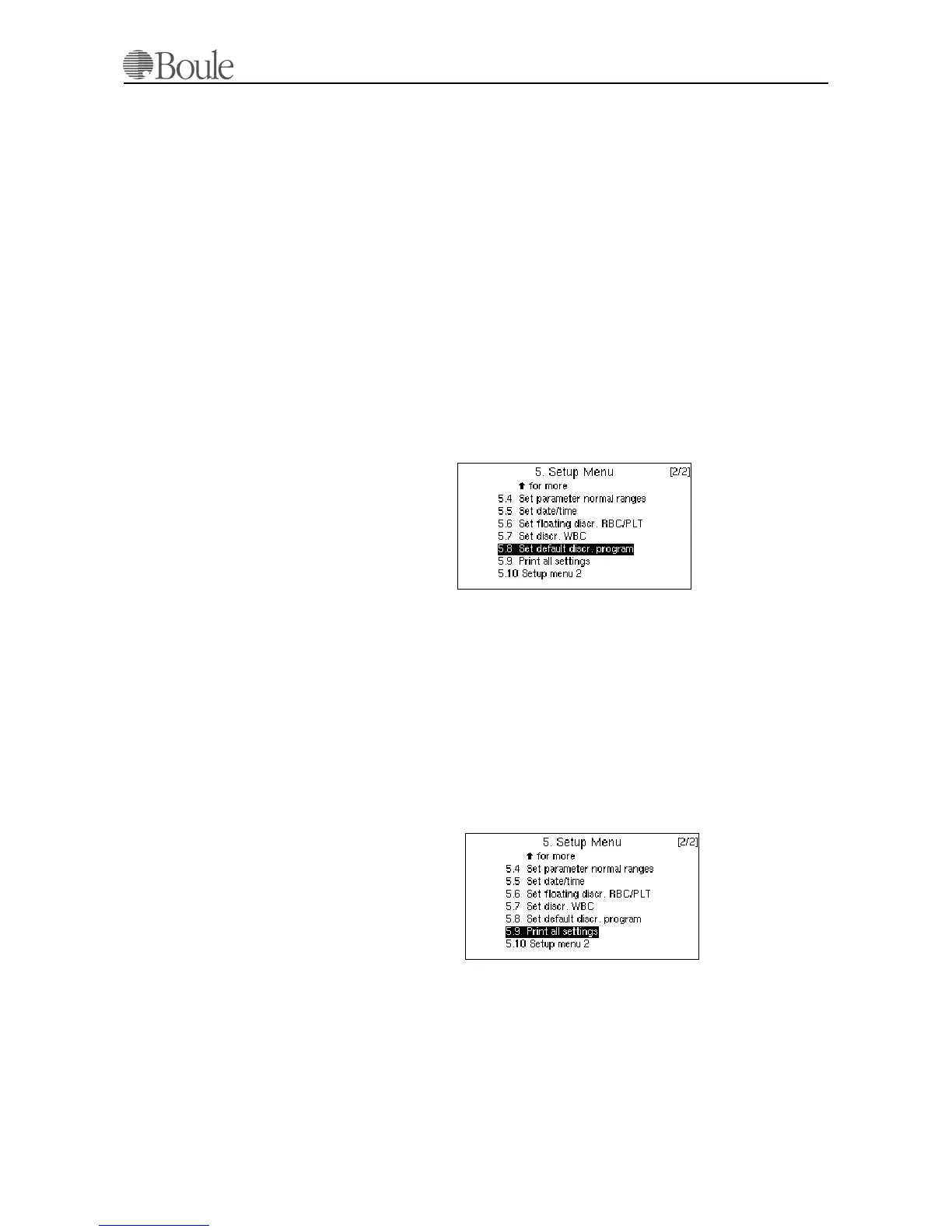
Set default discr. program CA620/530
This menu sets the default mode of the instrument, which PROG setting is used
whenever a sample is aspirated.
Setting menu 5.8 to “1” will select all PROG 1 settings, which equals
“Blood mode” as default with any aspiration of a sample.
Setting menu 5.8 to “2” will select all PROG 2 settings, as default with any aspi-
ration of a sample.
Print all settings
1. Scroll with the “up-down” arrow key to menu 5.9.
2. press [Enter].
The connected printer will list all settings that are user programmable. It is advis-
able to do so after the installation procedure is finished to backup and save the
original settings of the instrument. Detailed information of each printed value is
listed in the CA620/CA530 Service Manual. The printed list is listed in the En-
glish language only to simplify service, maintenance and failure reporting to the
manufacturer.
1091en.gif
1092en.gif



 To Next Page