■■■■■■■■■■■■■■■■■■■■■■
4 Operation
876 Dosimat plus
■■■■■■■■
23
2
Modifying/applying the method name
■ In the function bar, select Store and press [OK].
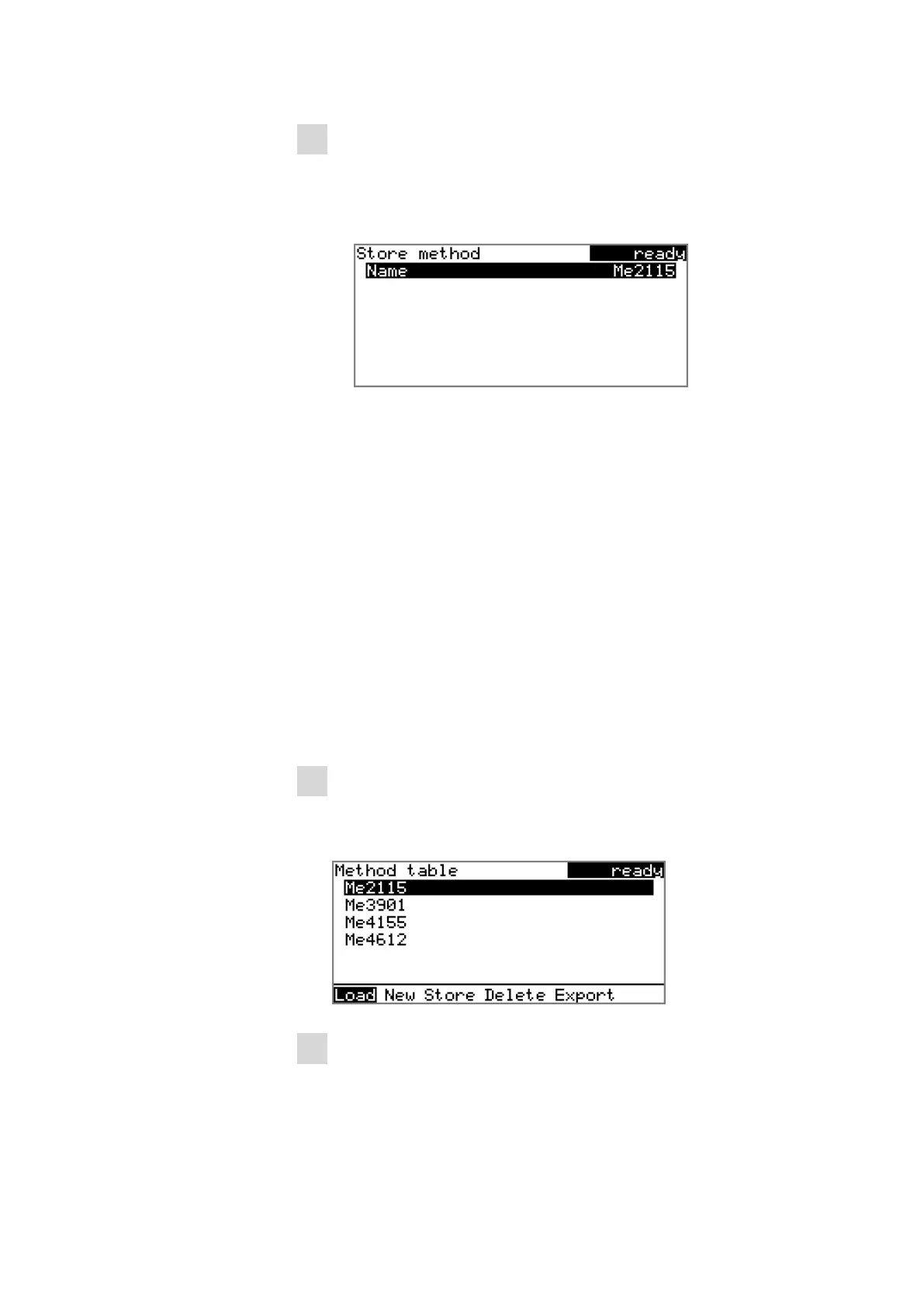
A method name will be suggested for new methods. If the
method has already been saved once, then the method name will
be displayed:
Applying the name:
■ Press [BACK].
The method will be saved and the method table is displayed.
Entering a new name:
■ Press [OK].
The text editor opens.
■ Enter a method name (max. 12 characters) and apply with
Accept or [BACK].
■ Press [BACK].
The method will be saved and the method table is displayed.
4.3.4 Loading a method
To load a method, proceed as follows:
1
Open the method table
■ In the main dialog, select Method and press [OK].
The method table with the stored methods opens:
2
Select a method
■ Select the desired method.













 To Next Page