Chapter 3 Operation
3-74
Using the
recall soft key
It is sometimes inconvenient to scroll through the features list using the arrow
keys. This is particularly true when there are many features in the features list.
The recall soft key is a handy way to select a feature without scrolling through the
entire features list. For example, if the cursor happens to be on circle 73 and you
want to view the results screen for line 4, press the recall soft key and enter 4. The
recall soft key is also useful for constructions.
To construct a distance from a point and circle
Step 1
Press the distance key.
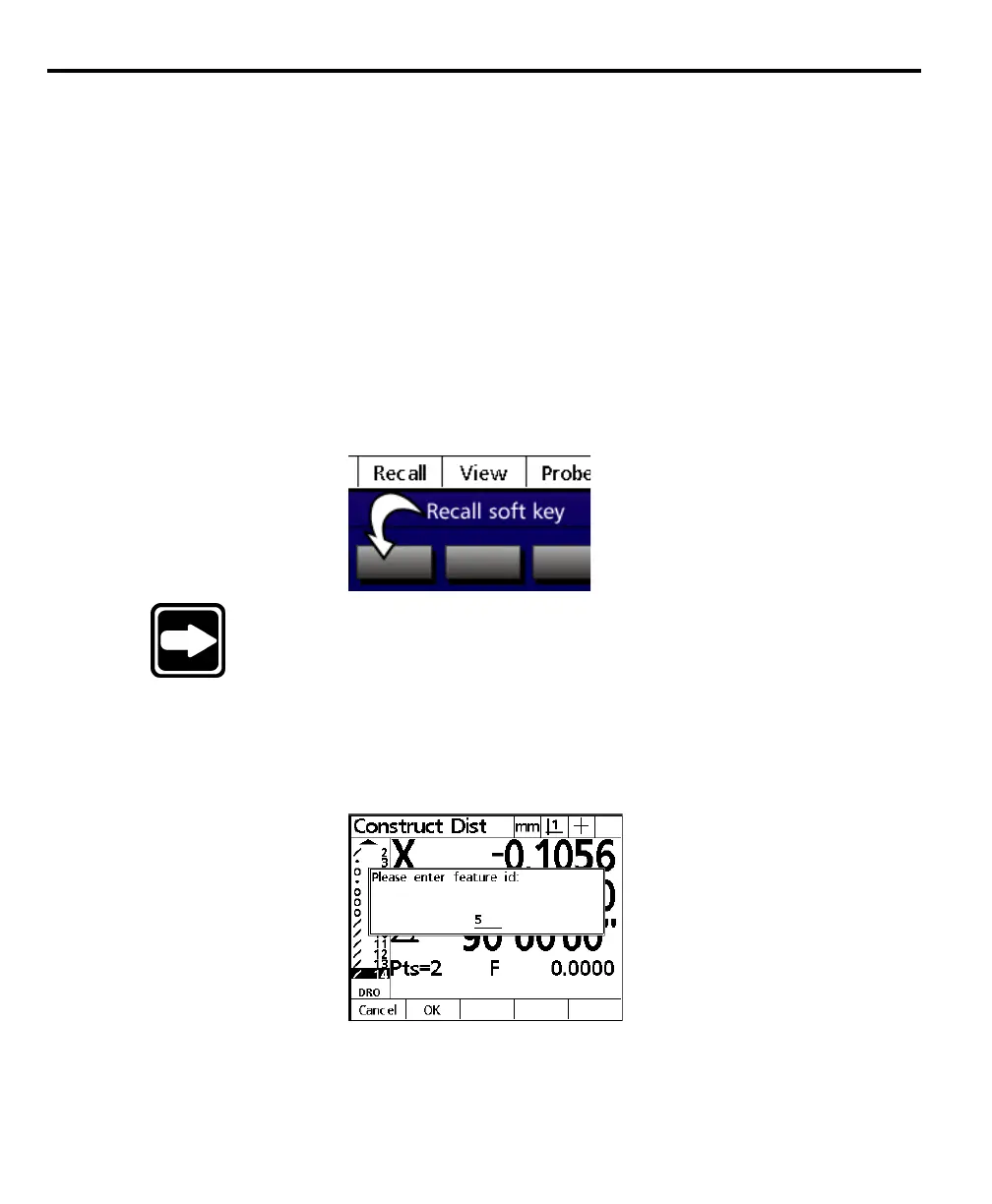
Step 2
Press the recall soft key.
NOTENOTE
NOTENOTE
NOTE
This example uses the This example uses the
This example uses the This example uses the
This example uses the
recall soft keyrecall soft key
recall soft keyrecall soft key
recall soft key
to select features for the to select features for the
to select features for the to select features for the
to select features for the
construction. Users can select features using the arrow keys ifconstruction. Users can select features using the arrow keys if
construction. Users can select features using the arrow keys ifconstruction. Users can select features using the arrow keys if
construction. Users can select features using the arrow keys if
they preferthey prefer
they preferthey prefer
they prefer
..
..
.
Step 3
Use the numeric keypad to enter the feature number of the first feature used in
the construction. This construction uses point 5 from the features list.
Step 4
Press the enter key.



 To Next Page