Chapter 3 Operation
3-24
Probing TProbing T
Probing TProbing T
Probing T
echniqueechnique
echniqueechnique
echnique
Probe features with crosshairs or optical edge detection. Align crosshairs on the
desired point and press enter to take points. The crosshair probe indicator ap-
pears on the upper right corner of the LCD as shown.
Optical edge detection requires the user to ‘teach’ the system to detect dark-to-
light or light-to-dark changes in order to find an edge and take points. QC200s
equipped with optical edge detection display probe and teach soft key commands
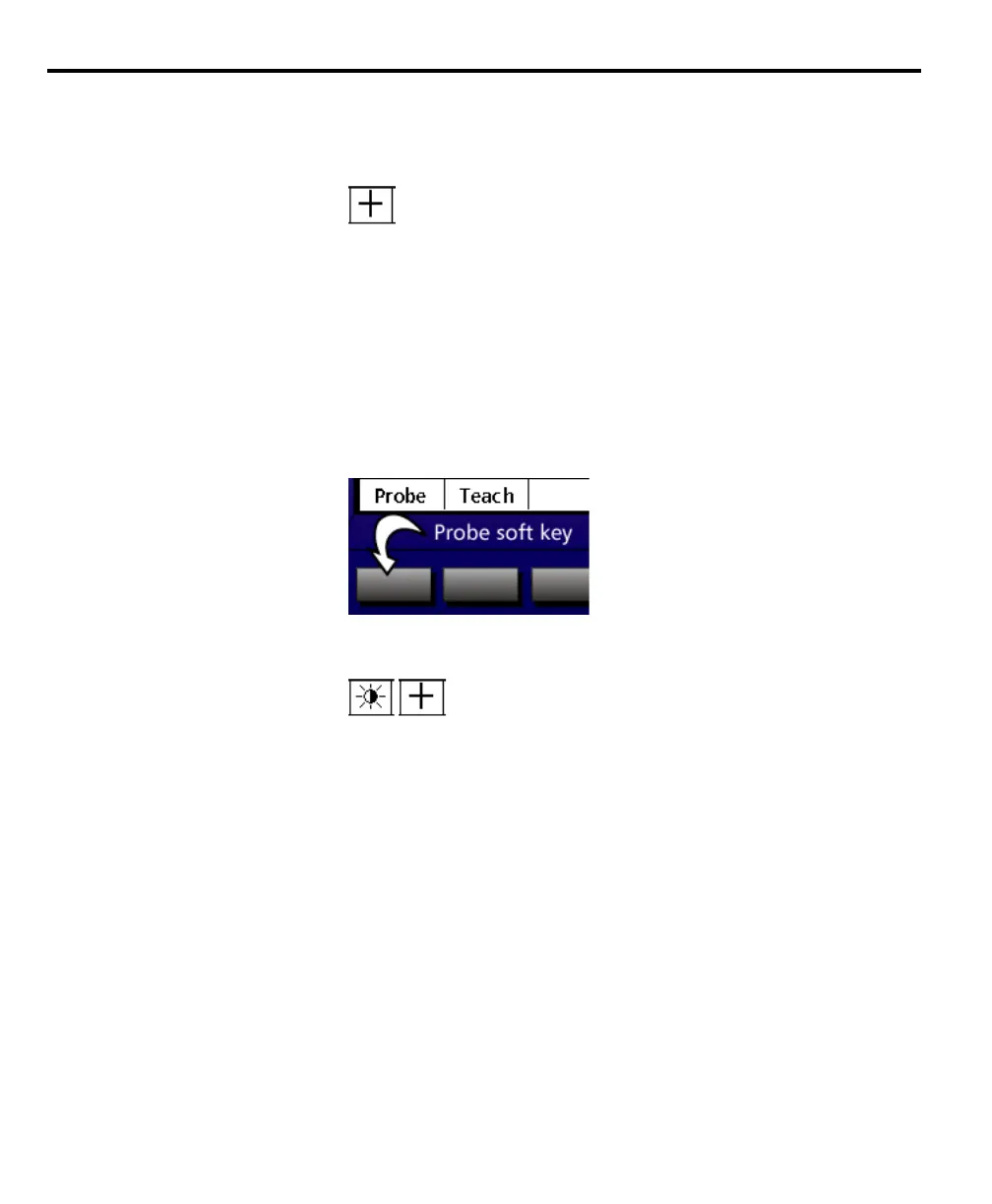
at the bottom of the LCD. Press the probe soft key to toggle between crosshair
and edge detection.
To select optical edge/ crosshair probe
Step 1
Press the probe soft key.
The auto edge detection icon is shown on the left and the crosshair icon is on the
right. The icon displayed indicates the current selection.



 To Next Page