Quadra-Chek
®
QC200
3-3
Configuration & System Setup
Only qualified supervisors and dealer representatives should perform system
configuration and setup. Operators should not attempt to alter the configura-
tion of the QC200.
Applying power
Move the power switch located on at the back of the QC200 to the ON posi-
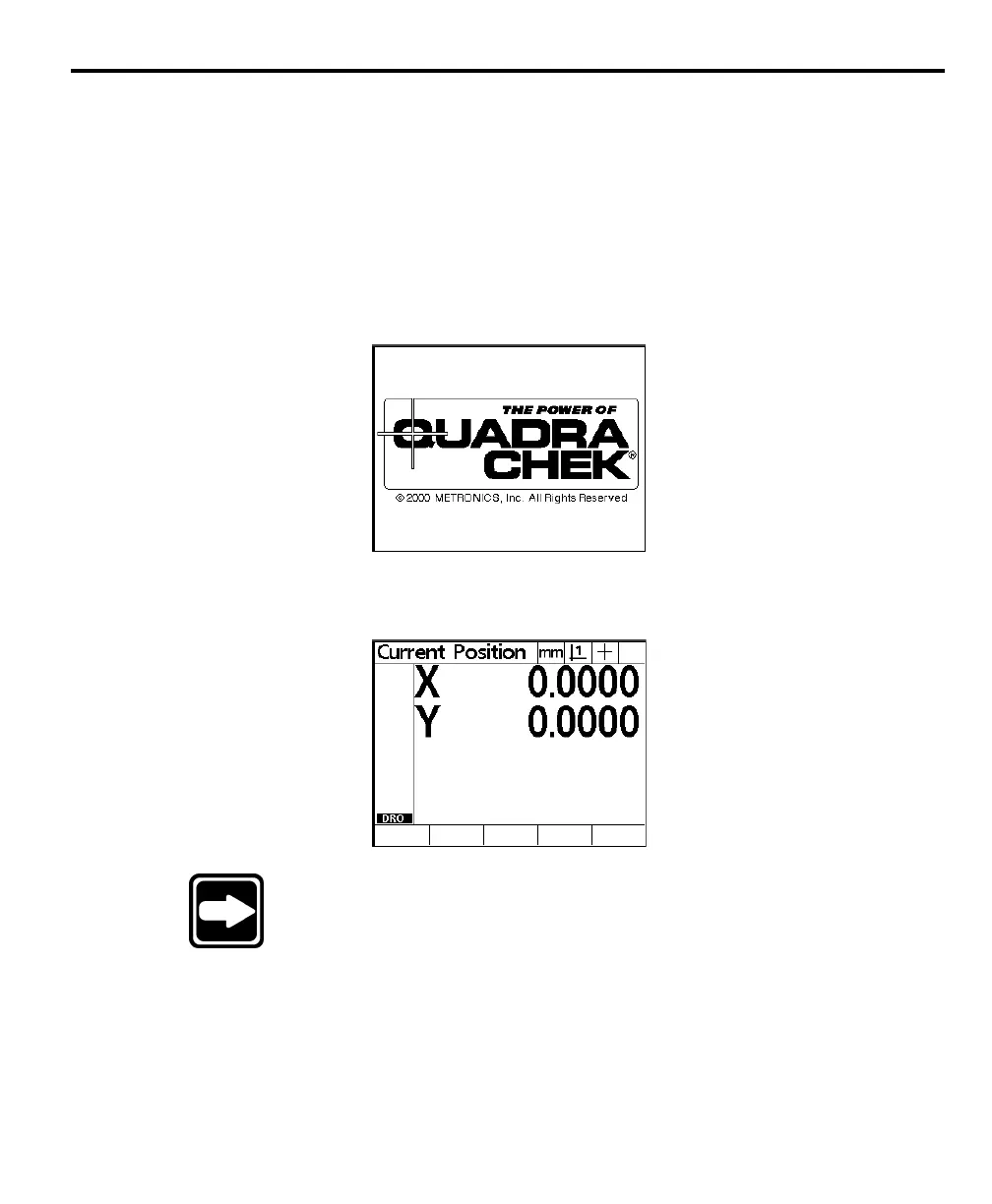
tion. The system initializes and displays the power-up screen.
PowerPower
PowerPower
Power
-up screen-up screen
-up screen-up screen
-up screen
The power-up screen is displayed each time the QC200 is turned on.
Press any key to display the DRO screen. The DRO screen shows the current
position of the encoders on each axis.
NOTENOTE
NOTENOTE
NOTE
Some encoders require the user to move each axis across aSome encoders require the user to move each axis across a
Some encoders require the user to move each axis across aSome encoders require the user to move each axis across a
Some encoders require the user to move each axis across a
reference mark before the QC200 displays the DRO screen.reference mark before the QC200 displays the DRO screen.
reference mark before the QC200 displays the DRO screen.reference mark before the QC200 displays the DRO screen.
reference mark before the QC200 displays the DRO screen.



 To Next Page