Chapter 3 Operation
3-4
Adjusting LCD tilt
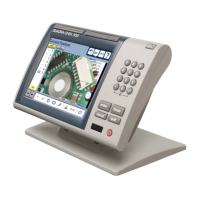
Adjust the tilt angle of the QC200 for comfortable viewing. If necessary, loosen
the two Allen screws at the base of the enclosure and tilt the QC200 to the
desired angle. Tighten the Allen screws so the enclosure is held firmly but can be
adjusted again without loosening.
Adjusting LCD contrast
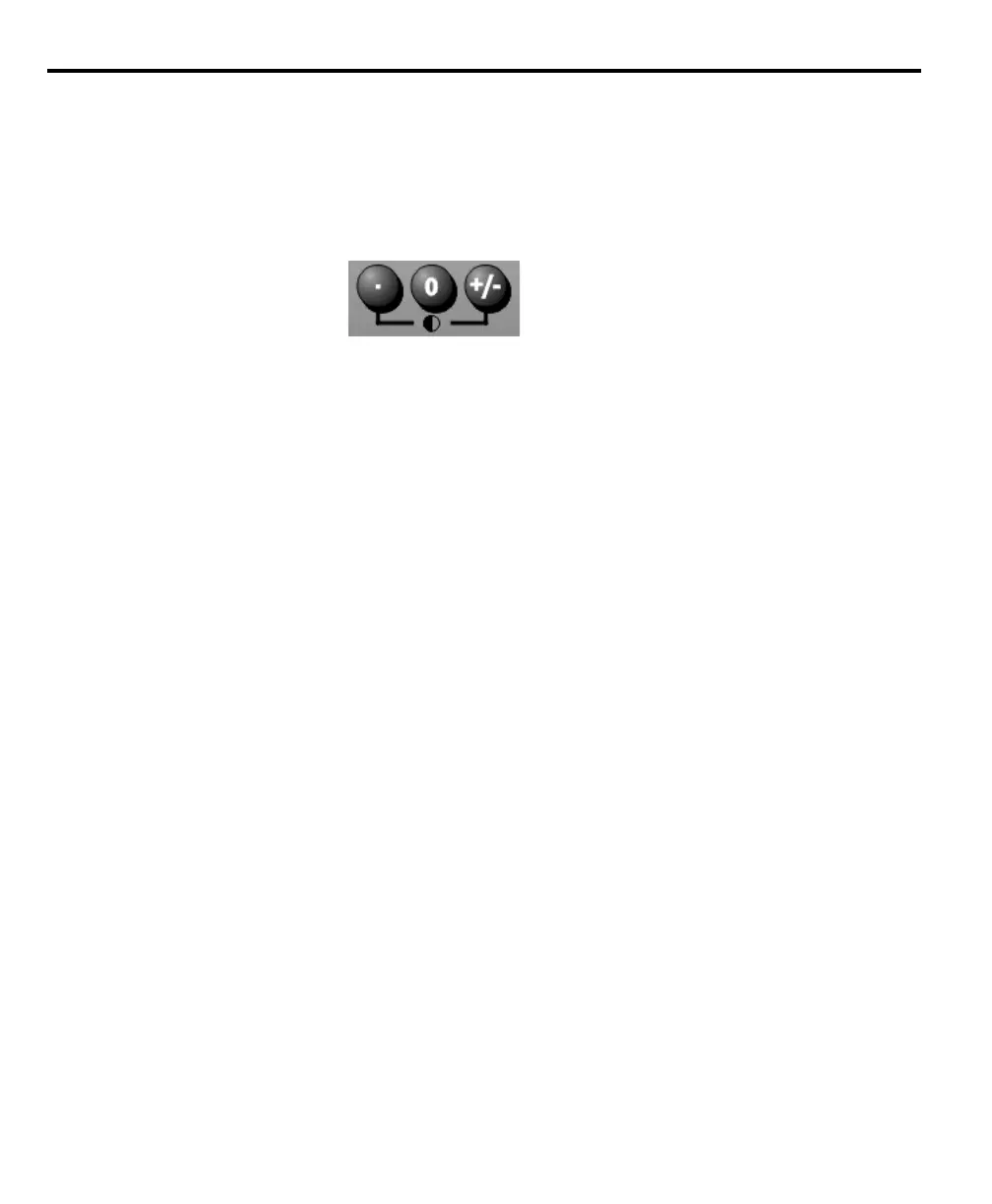
Adjust the LCD contrast for optimum viewing of the DRO screen. Press the
decimal point key to decrease contrast or the +/- key to increase contrast.


 To Next Page