Chapter 7 Setup
7-76
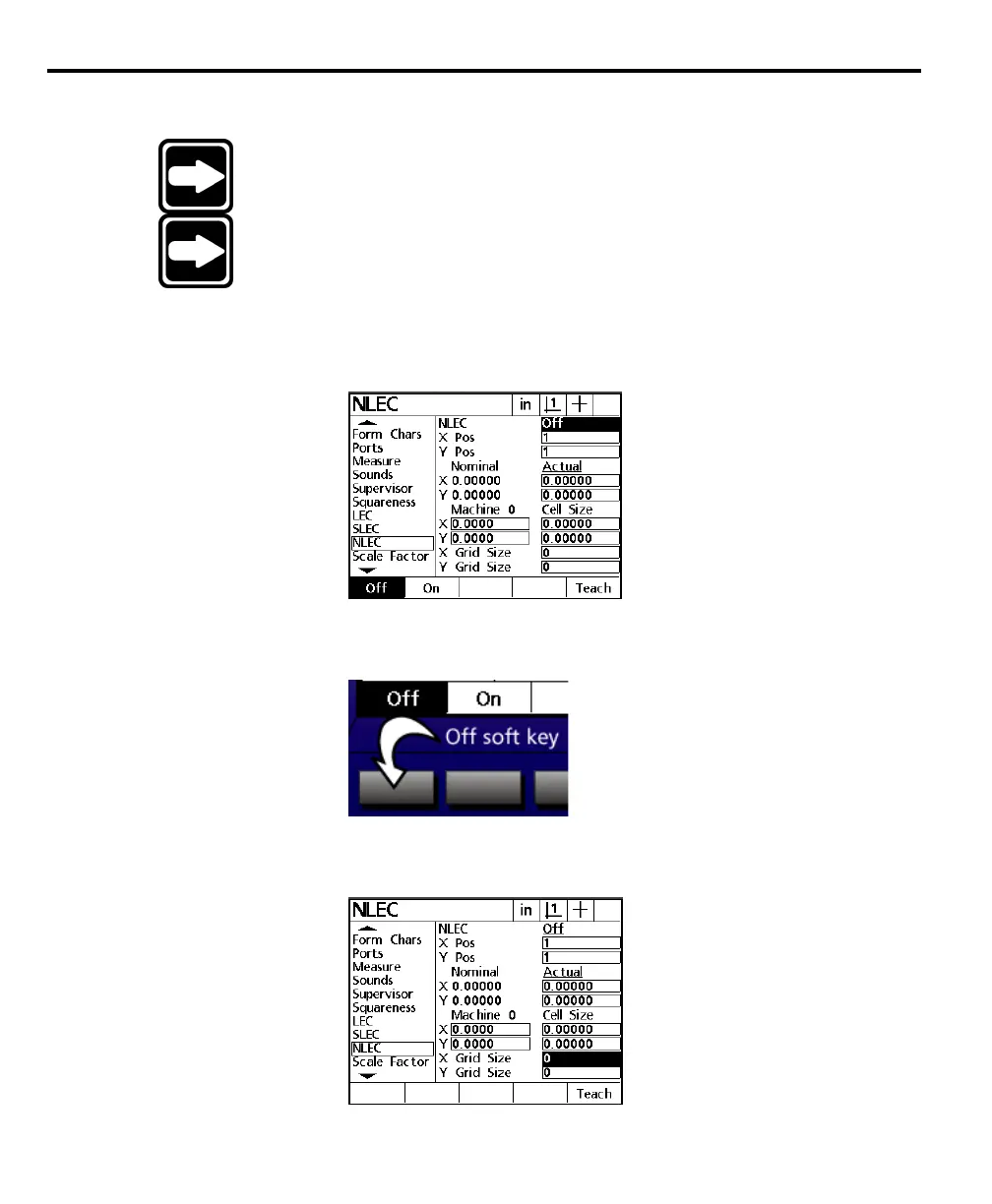
To setup NLEC
NOTENOTE
NOTENOTE
NOTE
Place the standard grid on the measuring device before you begin.Place the standard grid on the measuring device before you begin.
Place the standard grid on the measuring device before you begin.Place the standard grid on the measuring device before you begin.
Place the standard grid on the measuring device before you begin.
NOTENOTE
NOTENOTE
NOTE
TT
TT
T
urn off LEC and SLEC before setting up NLEC. LEC and SLECurn off LEC and SLEC before setting up NLEC. LEC and SLEC
urn off LEC and SLEC before setting up NLEC. LEC and SLECurn off LEC and SLEC before setting up NLEC. LEC and SLEC
urn off LEC and SLEC before setting up NLEC. LEC and SLEC
correction coefficients applied during NLEC setup producecorrection coefficients applied during NLEC setup produce
correction coefficients applied during NLEC setup producecorrection coefficients applied during NLEC setup produce
correction coefficients applied during NLEC setup produce
inaccurate NLEC correction coefficients.inaccurate NLEC correction coefficients.
inaccurate NLEC correction coefficients.inaccurate NLEC correction coefficients.
inaccurate NLEC correction coefficients.
Step 1
Highlight the NLEC field as shown.
Step 2
Press the off soft key.
Step 3
Highlight the X grid size field as shown.



 To Next Page