Chapter 2 Quick-Start Demonstration
2-4
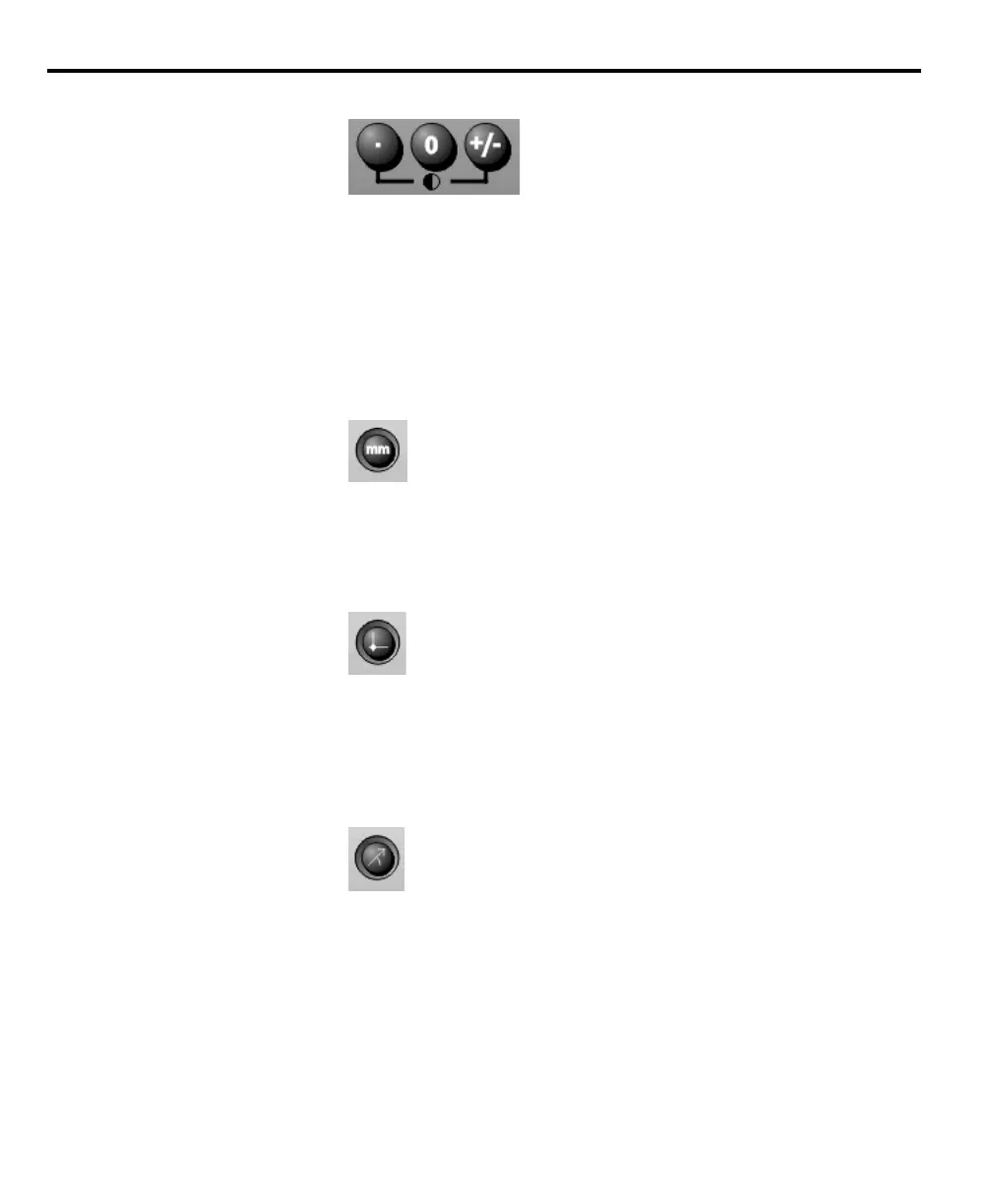
Adjusting LCD contrast
Adjust the LCD contrast for optimum viewing of the DRO screen. Press the
decimal point key to decrease contrast or the +/- key to increase contrast.
Selecting measurement and display modes
Use the mode selection keys located above the numeric keypad to choose mea-
surement units, datums, and display coordinates. These parameters are user
defined and depend on the application performed.
mm/inch
Use the mm/inch mode selection key to toggle the display units between milli-
meters and inches. The current unit of measure is displayed in the upper right
corner of the screen.
Datum
Use the datum mode selection key to toggle between datum 1 and datum 2.
Datum 2 is a temporary datum that is useful for performing incremental mea-
surements. The current datum number is displayed in the upper right corner of
the screen.
Polar/Cartesian
Use the polar/cartesian mode selection key to toggle the display between polar
and cartesian display coordinates. Select the appropriate display coordinates for
your application. See chapter 3: operation for a complete discussion of polar and
cartesian display coordinates.



 To Next Page