Quadra-Chek
®
QC200
3-97
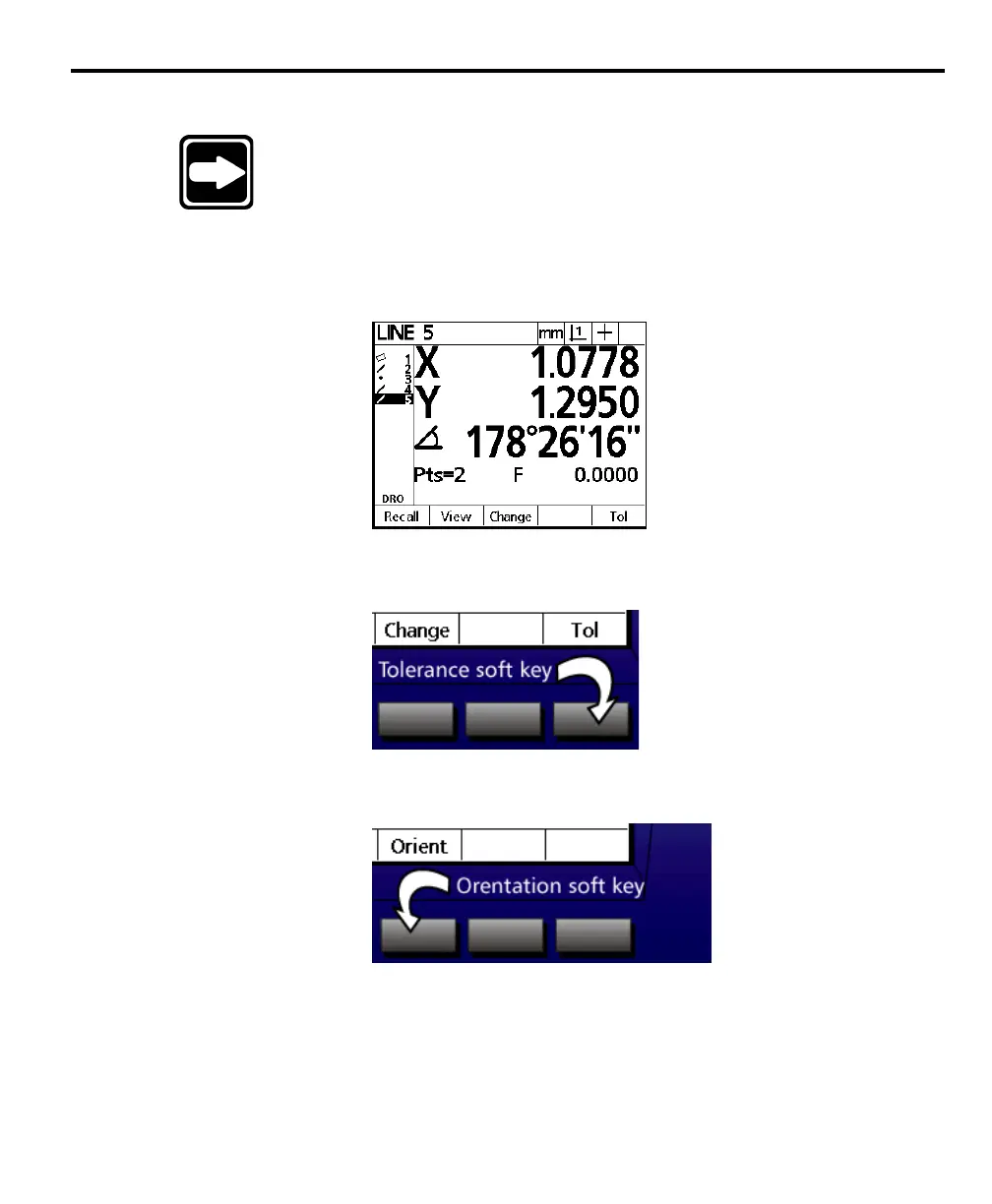
To perform a perpendicularity tolerance on a line
NOTENOTE
NOTENOTE
NOTE
Use the perpendicularity tolerance to verify that a line isUse the perpendicularity tolerance to verify that a line is
Use the perpendicularity tolerance to verify that a line isUse the perpendicularity tolerance to verify that a line is
Use the perpendicularity tolerance to verify that a line is
perpendicular to a given feature within a specified toleranceperpendicular to a given feature within a specified tolerance
perpendicular to a given feature within a specified toleranceperpendicular to a given feature within a specified tolerance
perpendicular to a given feature within a specified tolerance
zone.zone.
zone.zone.
zone.
Step 1
Highlight the desired line in the features list.
Step 2
Press the tolerance (tol) soft key.
Step 3
Press the orientation (orient) soft key.



 To Next Page