Chapter 4 Programming
4-18
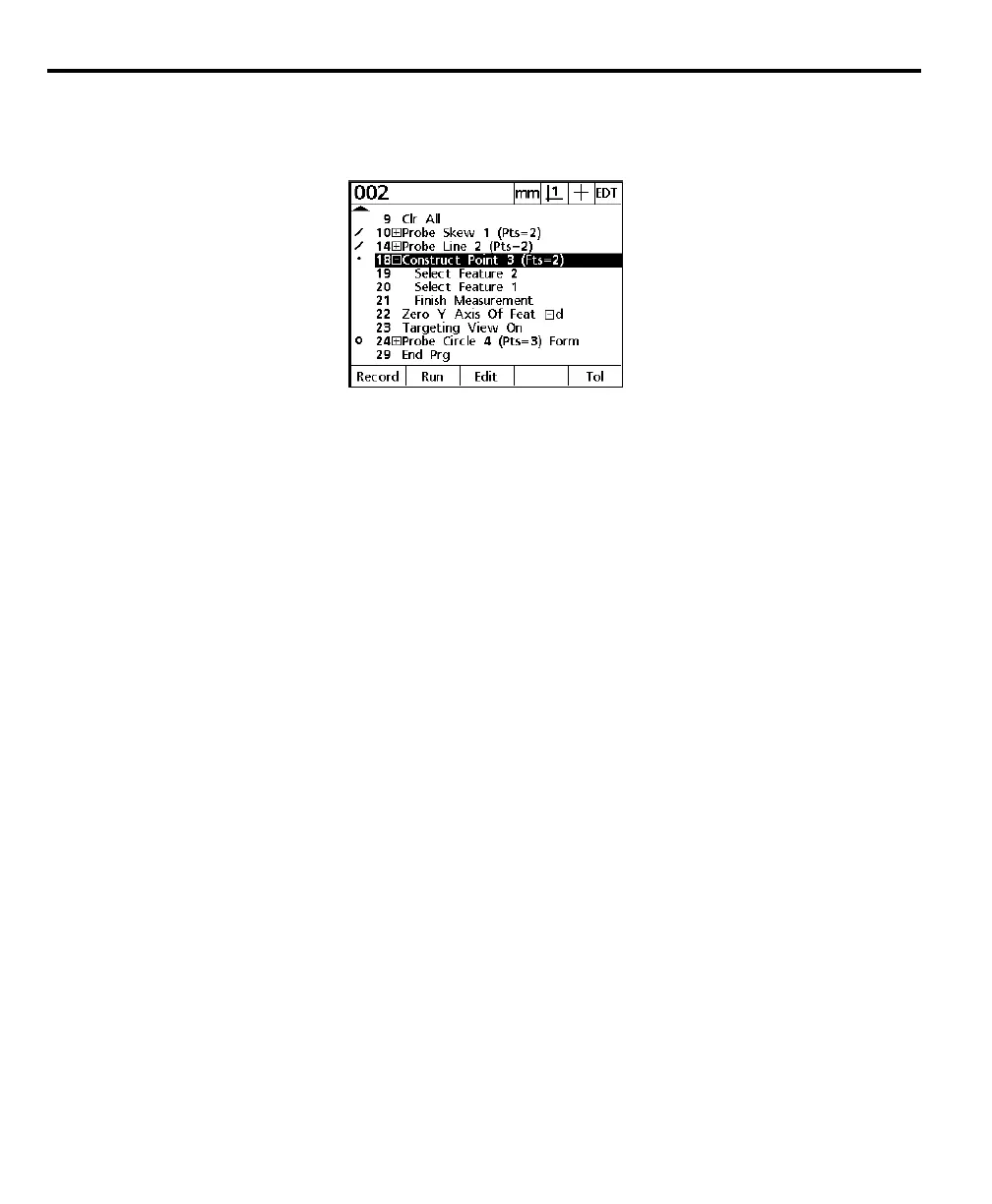
The expanded step is displayed as shown. Notice that steps 19 through 21 are
now displayed. Use the above procedure to view the sub-steps in any com-
pressed step.
Program properties step
Program properties is a set of basic parameters for each program. Users can edit
program properties using the soft keys.
Program properties include:
Use machine reference
Press the yes soft key to use machine coordinates in the program until a datum is
established while recording. Press the no soft key to use the skew/datum estab-
lished before recording the program. The default depends on whether there is a
datum (skew or hard zero) in the system before recording.
Clear features
Press the yes soft key to clear the features list at the beginning of the program. Press
the no soft key to keep the features in the features list.
Use as recorded
Use as recorded applies to programs using optical edge detection. Press the no soft
key to prompt the user to perform an edge teach before the first edge detection
measurement. Press the yes soft key to use the edge detection as is. Most systems
are stable enough to use as is. Some applications, for parts with varying light and
edge definition, require an edge teach for each part.
Pause tolerance (tol) results
Press the never soft key to continue the program regardless of tolerance results.
Press the if fail soft key to pause the program if a tolerance fails. Press the if pass soft
key to pause the program if a tolerance passes. Press the always soft key to pause
the program after each tolerance pass or fail.



 To Next Page