Chapter 3 Operation
3-8
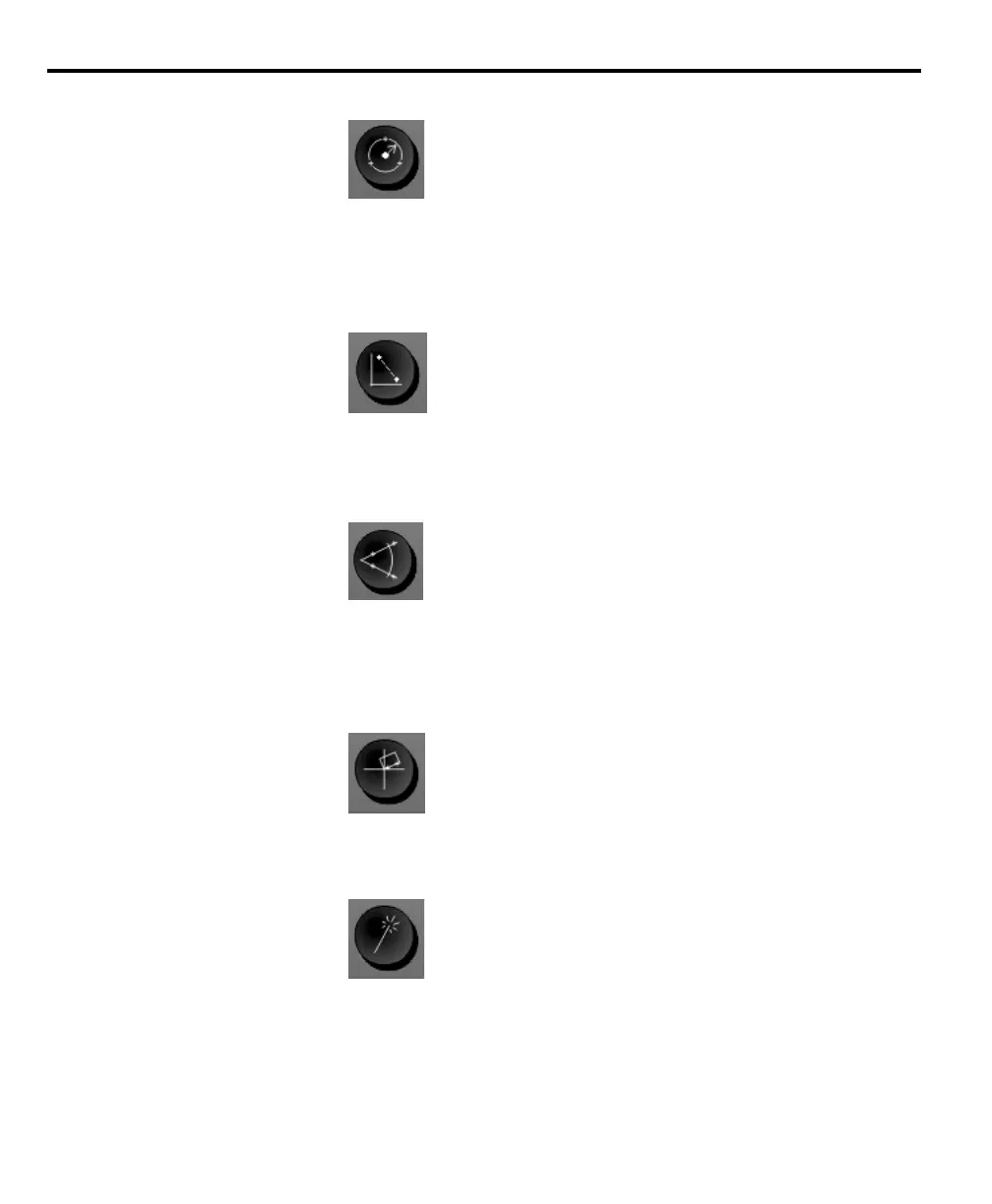
Circle
Press the circle key once to measure one circle, or twice to use auto repeat to
measure a series of circles. A minimum of three (max. 100) data points are
required to measure a circle.
Distance
Press the distance key once to measure one distance, or twice to use auto repeat to
measure a series of distances. Two points are required to measure a distance.
Angle
Press the angle key once to measure one angle, or twice to use auto repeat to
measure a series of angles. A minimum of two (max. 100) data points are
required to measure each leg of an angle.
Skew
Press the skew key to compensate electronically for non-square part alignment.
Measure Magic
Press the measure magic key to automatically measure any geometric feature or
twice to measure a series of like features. Enter the desired points and measure
magic analyzes the data to determine the feature type.



 To Next Page