Chapter 6 Communications
6-40
Tolerance reports
Tolerance reports contain tolerance results for toleranced features in the features
list. Tolerance results include:
• Feature number
• Type of tolerance
• Actual dimensions
• Nominal dimensions
• High & low limits
• Bonus/reference
To set up a printer to print tolerance reports
NOTENOTE
NOTENOTE
NOTE
The following procedure shows how to set up the QC200 toThe following procedure shows how to set up the QC200 to
The following procedure shows how to set up the QC200 toThe following procedure shows how to set up the QC200 to
The following procedure shows how to set up the QC200 to
print a tolerance report. Once this procedure is complete, simplyprint a tolerance report. Once this procedure is complete, simply
print a tolerance report. Once this procedure is complete, simplyprint a tolerance report. Once this procedure is complete, simply
print a tolerance report. Once this procedure is complete, simply
press the press the
press the press the
press the
send/print keysend/print key
send/print keysend/print key
send/print key
to print a tolerance report. It is not to print a tolerance report. It is not
to print a tolerance report. It is not to print a tolerance report. It is not
to print a tolerance report. It is not
necessary to repeat the set up procedure every time you print anecessary to repeat the set up procedure every time you print a
necessary to repeat the set up procedure every time you print anecessary to repeat the set up procedure every time you print a
necessary to repeat the set up procedure every time you print a
tolerance report.tolerance report.
tolerance report.tolerance report.
tolerance report.
Step 1
Press the menu key.
Step 2
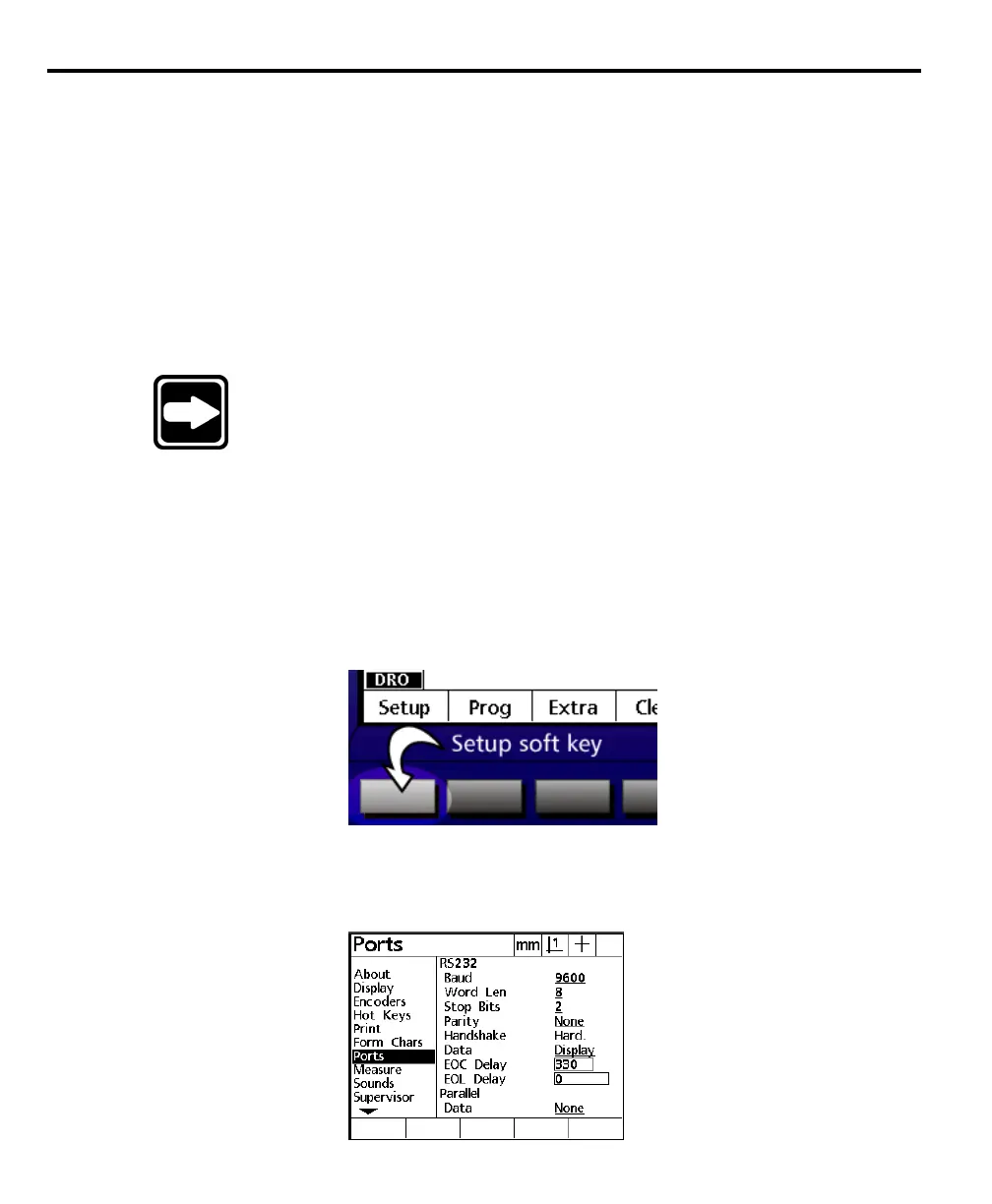
Press the setup soft key.
Step 3
Highlight ports as shown.



 To Next Page