Chapter 3 Operation
3-14
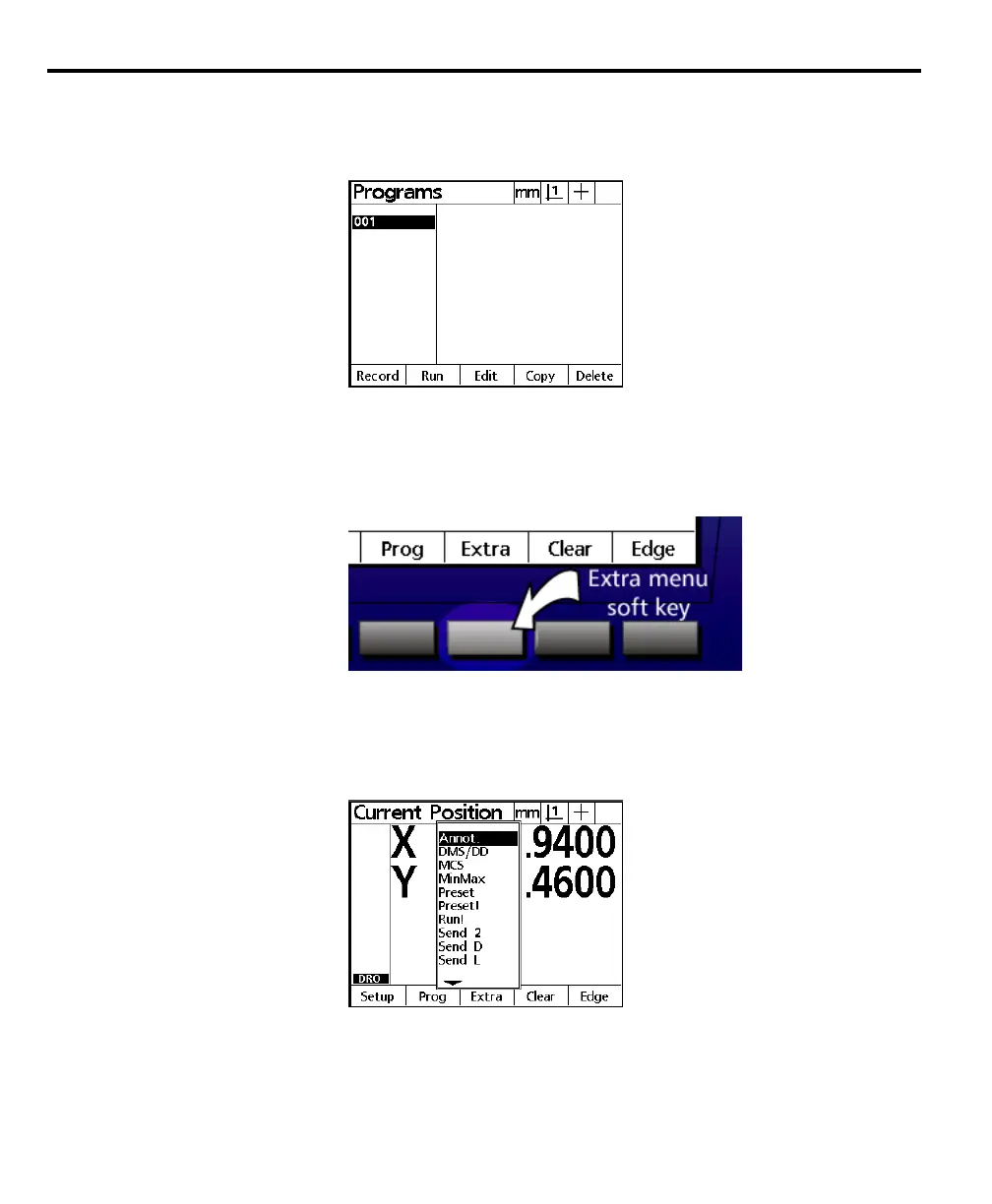
The program menu contains a list of programs created by the user. Programs are
prerecorded sequences of key-presses and measurements. Highlight the desired
program in the list and press the run soft key to run a program.
Recording programs is discussed in chapter 4.
Extra menu
Press the extra soft key to display the extra menu.
The extra menu contains a list of additional functionality. Use the up and down
arrow keys to highlight items in the extra menu list. Press the enter key to select
the highlighted item. A brief explanation of each function is given below.
Annot
Highlight annotation (annot) in the menu list to toggle between backward and
forward annotation.



 To Next Page