Chapter 2 Quick-Start Demonstration
2-6
Backward/forward annotationBackward/forward annotation
Backward/forward annotationBackward/forward annotation
Backward/forward annotation
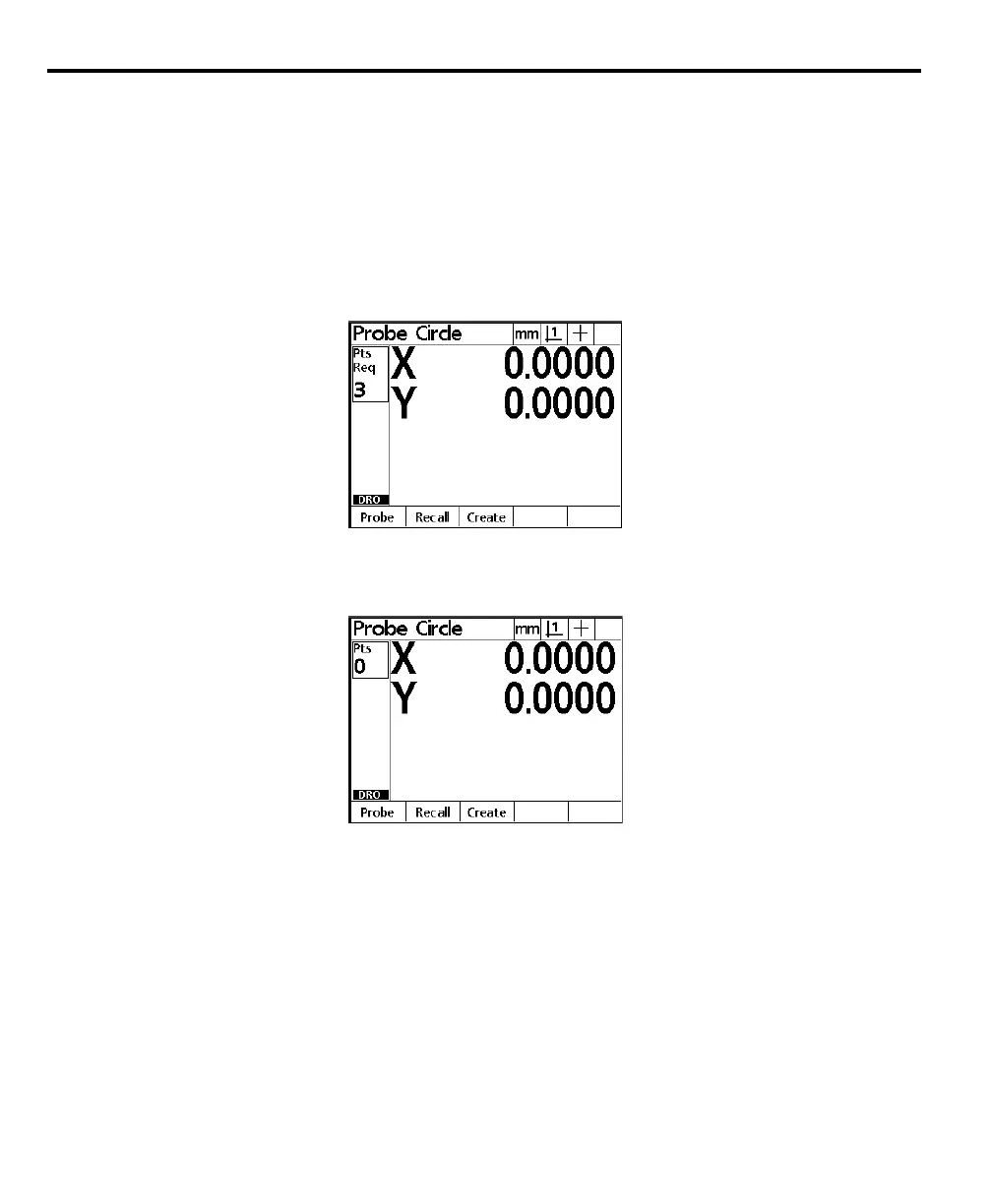
Use forward annotation to set the required number of points for each feature
type. Use backward annotation to allow the operator to determine the number
of points. When using forward annotation, the number of required points is
shown on the top left corner of the screen. As points are entered the number
counts down.
Forward annotation displays the required number of points and counts down as
points are probed.
Backward annotation starts at zero and displays the number of points as they are
taken.



 To Next Page