Quadra-Chek
®
QC200
3-37
Measuring Features
Use the measurement procedures in this section to measure points, lines, circles,
angles, and distances. To measure a feature, press the desired feature selection
key, probe the required points, and press the finish key. For example, to measure
a circle press the circle key, probe a minimum of three points, and press the finish
key.
Use auto repeat to measure several features of the same type (such as a series of
lines). Press the desired feature selection key twice to activate auto repeat. For
example, press the circle key twice to measure a series of circles. When auto repeat
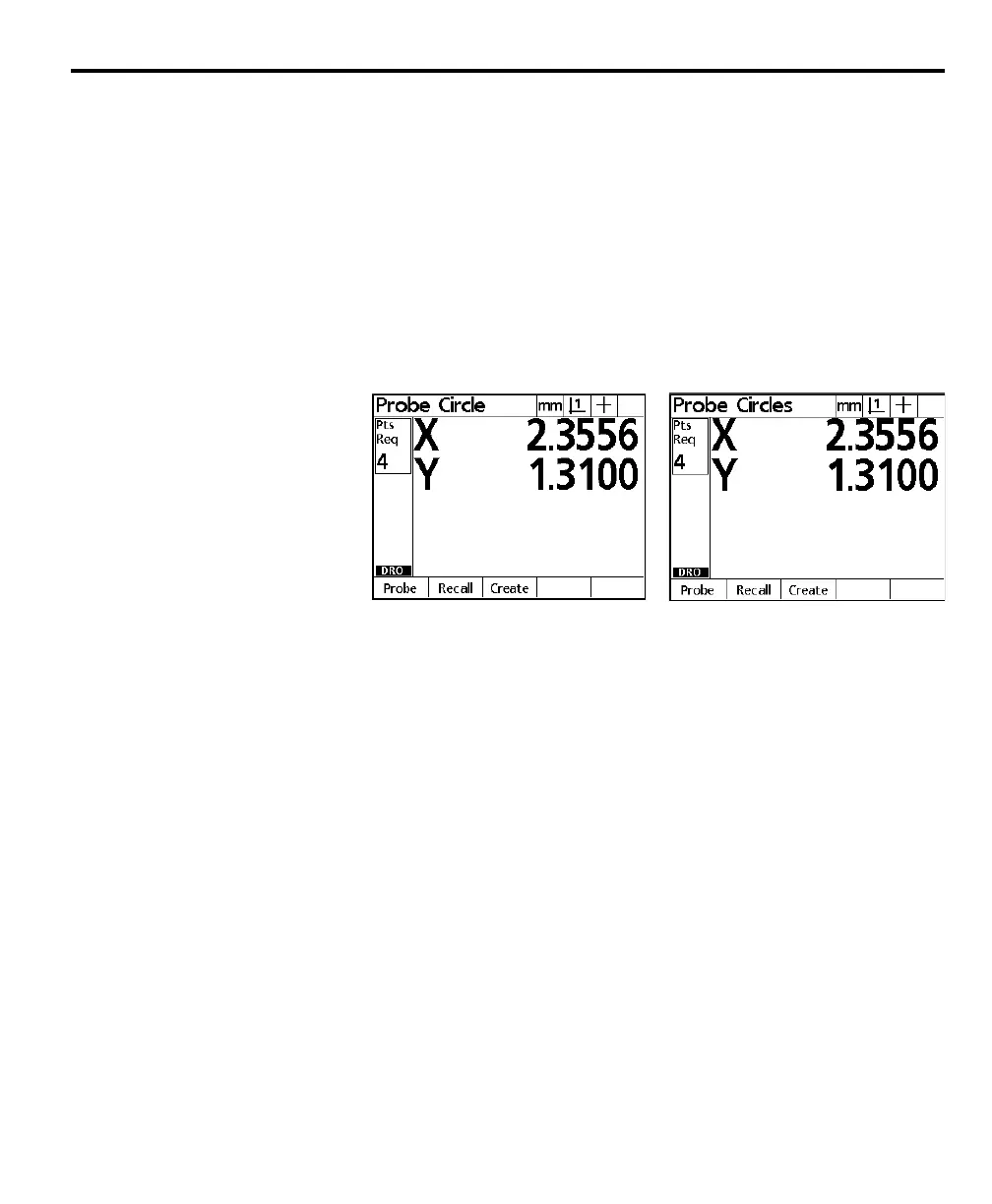
is selected the probe feature screen becomes the probe features screen. For example,
the probe circle and probe circles screens are shown below.
Use auto repeat and forward annotation to speed up repetitive inspections. For
example, an inspection of a dozen circles requires the user to press the circle key
before measuring each circle and press the finish key for each measurement. The
same inspection using auto repeat and forward annotation requires the user to
press circle key twice before and the finish key once after measuring all 12 circles.
Pressing the finish key turns off auto repeat.



 To Next Page