Quadra-Chek
®
QC200
4-19
Print tolerance (tol) results
Press the never soft key to never print the tolerance results. Press the if fail soft key
to print the results if a tolerance fails. Press the if pass soft key to print the results
if a tolerance passes. Press the always soft key to print the results after each
tolerance pass or fail.
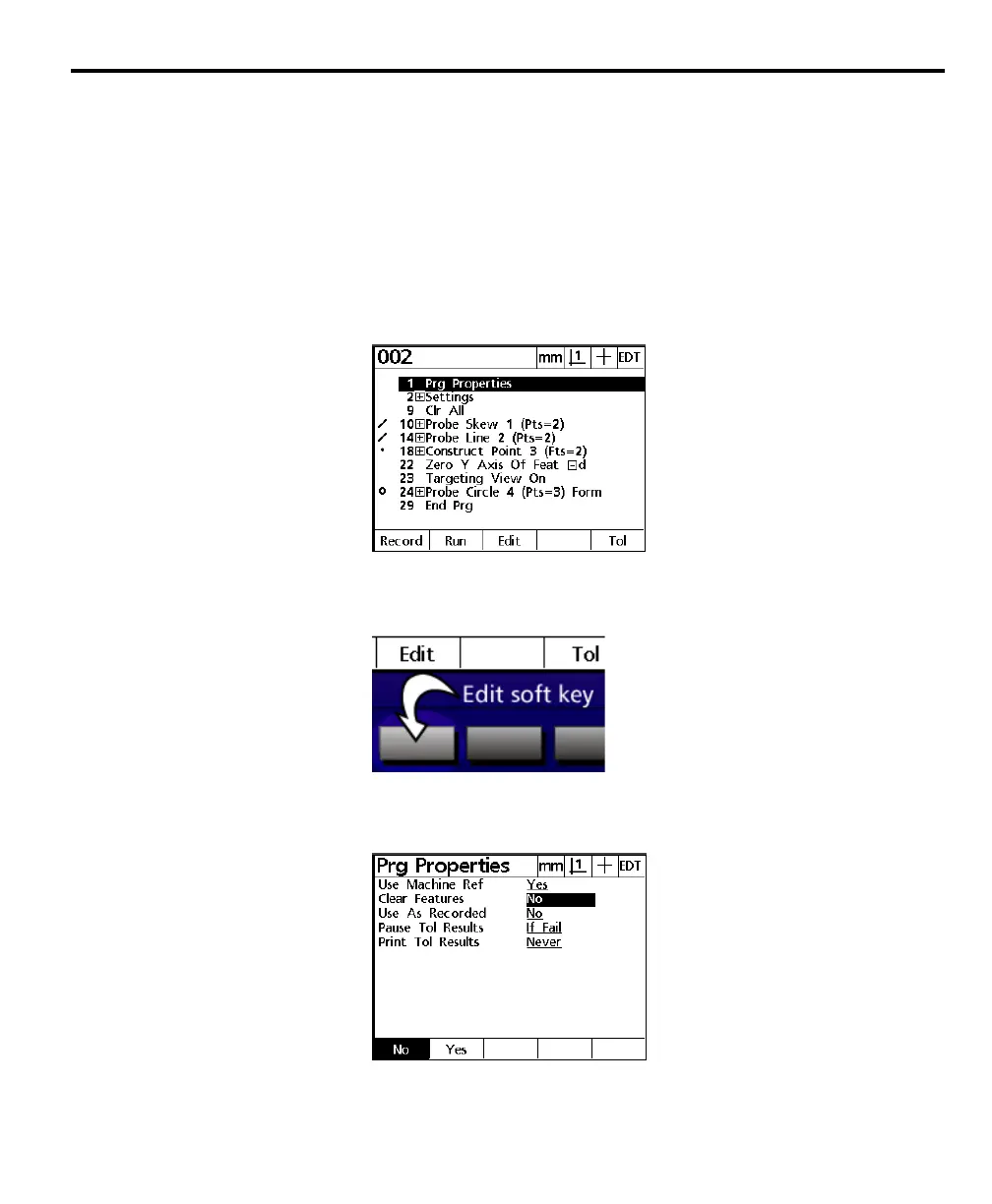
To edit program properties step
Step 1
Highlight the program properties step as shown.
Step 2
Press the edit soft key.
Step 3
Use the arrow keys to highlight the desired parameter as shown.



 To Next Page