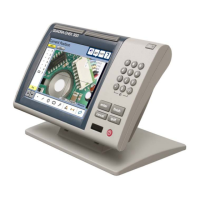
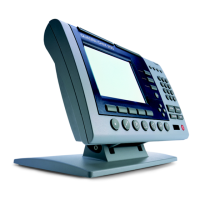
Quadra-Chek
®
QC200
7-15
To calibrate a filar axis
NOTENOTE
NOTENOTE
NOTE
This example assumes that the type, interpolation, and unitsThis example assumes that the type, interpolation, and units
This example assumes that the type, interpolation, and unitsThis example assumes that the type, interpolation, and units
This example assumes that the type, interpolation, and units
fields are properly set for the encoders in use.fields are properly set for the encoders in use.
fields are properly set for the encoders in use.fields are properly set for the encoders in use.
fields are properly set for the encoders in use.
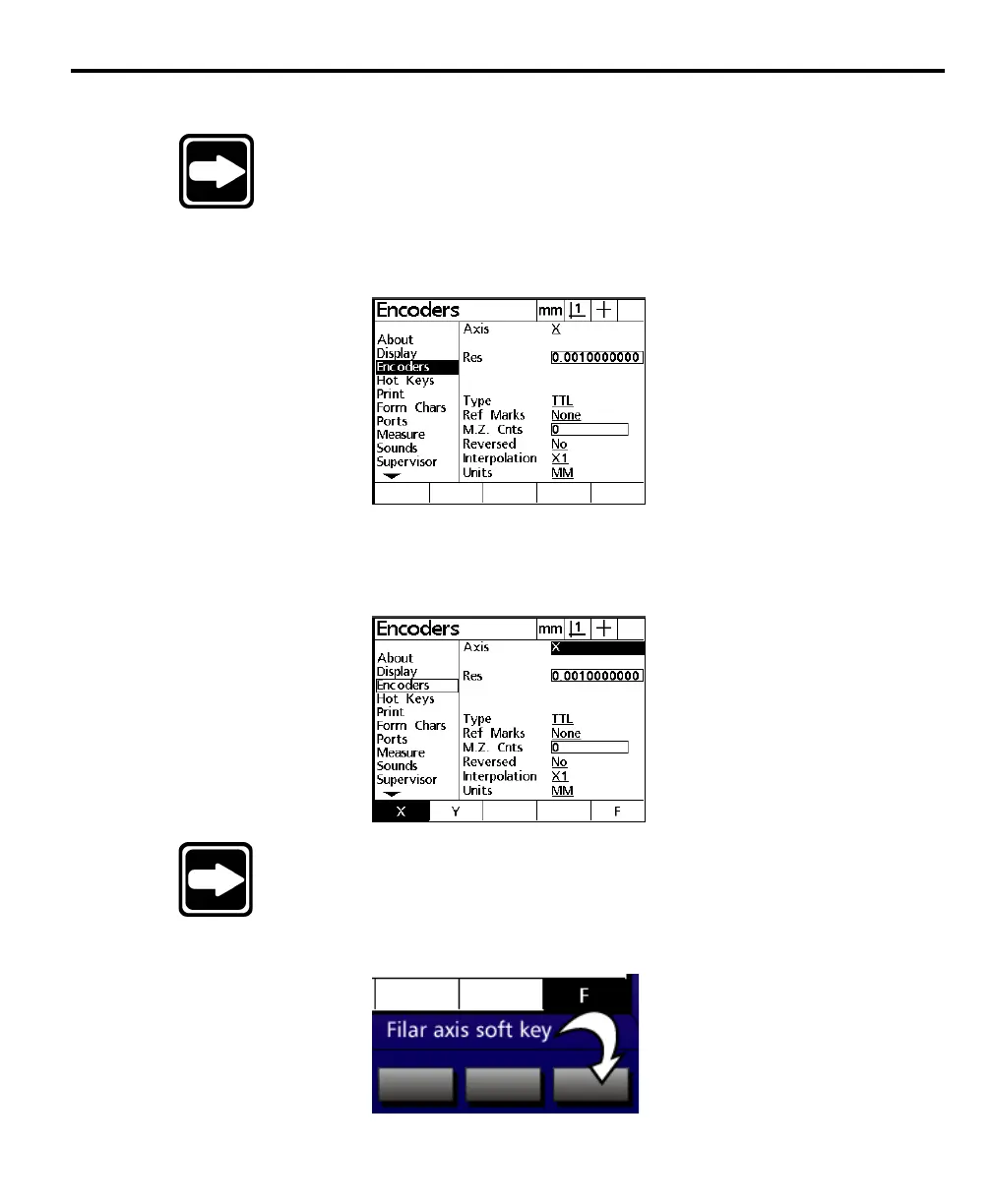
Step 1
Highlight the encoders field as shown.
Step 2
Highlight the axis field as shown.
NOTENOTE
NOTENOTE
NOTE
Use the arrows keys to highlight the desired field.Use the arrows keys to highlight the desired field.
Use the arrows keys to highlight the desired field.Use the arrows keys to highlight the desired field.
Use the arrows keys to highlight the desired field.
Step 3
Press the F axis soft key.


 To Next Page