Chapter 7 Setup
7-14
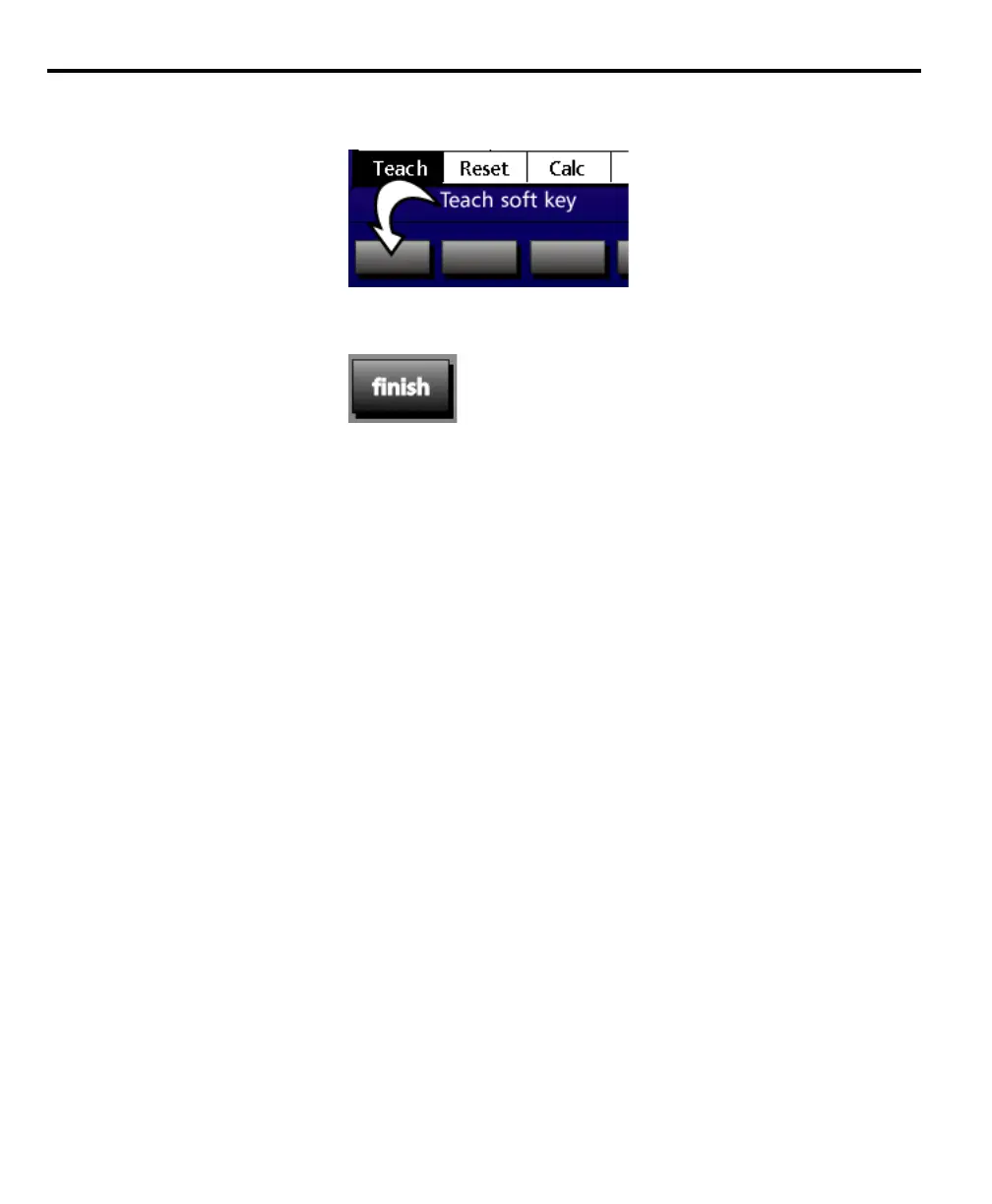
Step 10
Press the teach soft key.
Step 11
Press the finish key twice.
The Q axis calibration is complete.
To check Q axis calibration
Step 1
Rotate the Q axis to zero degrees.
Step 2
Press the zero axis key for the Q axis.
Step 3
Rotate the Q axis by the teach amount.
Step 3
Compare the Q axis display to the teach amount.


 To Next Page