Quadra-Chek
®
QC200
3-9
Soft keys
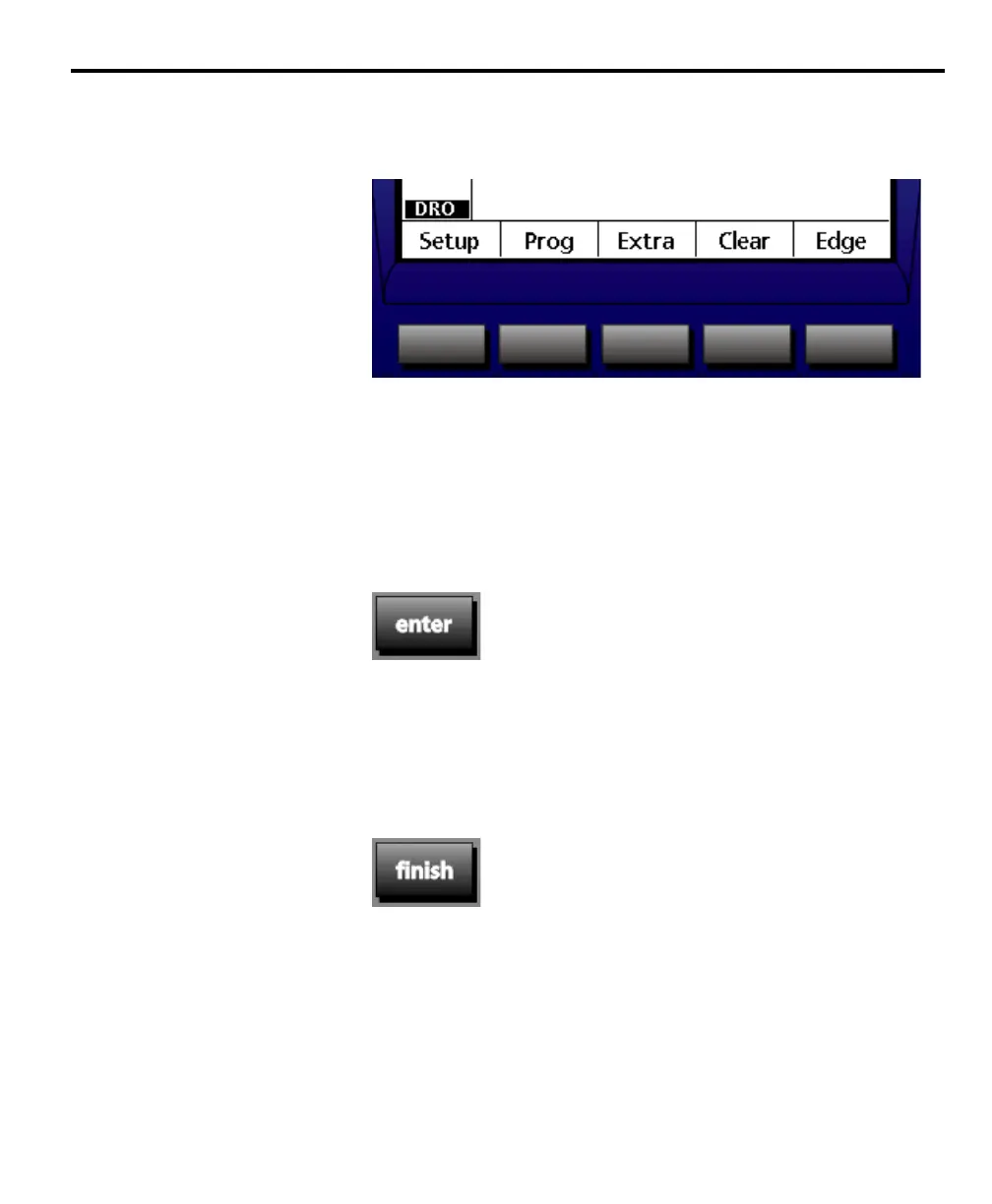
There are five soft keys located beneath the LCD display. Soft keys correspond
to the functions that appear above each key at the bottom of the LCD display.
For example, the soft keys above correspond to the setup, program (prog), extra,
clear, and edge functions.
Command keys
There are four command keys located beneath the numeric keypad: enter, finish,
cancel, and quit.
Enter
Press the enter key to enter points during feature measurements. The enter key is
also used to enter data into input fields such as on a setup screen. See chapter 7:
setup for more information. In general the enter key indicates that data, from a
measurement or in a field, is ready for use. Users typically press the enter key to
enter each point in a measurement.
Finish
Press the finish key to complete feature measurements. Pressing the finish key a
second time returns the user to the DRO screen. Users typically press the finish
key after the final point in a measurement is entered.



 To Next Page