Chapter 3 Operation
3-46
Measuring angles
Angles are measured by probing points on the two lines (legs) that make up the
angle. Up to 100 points can be probed on each line. A minimum of two points
(per leg) is required. Use more points for greater accuracy. When more than two
points are probed on any line, a best-fit algorithm determines the location of the
line and a form (F ) value is calculated the line. Angles can also be constructed
from previously measured features.
To measure an angle
Steps 1 through 5 measure the first leg of the angle.
Step 1
Press the angle key.
NOTENOTE
NOTENOTE
NOTE
Press the Press the
Press the Press the
Press the
angle keyangle key
angle keyangle key
angle key
twice to measure a series of angles using twice to measure a series of angles using
twice to measure a series of angles using twice to measure a series of angles using
twice to measure a series of angles using
auto repeatauto repeat
auto repeatauto repeat
auto repeat
..
..
.
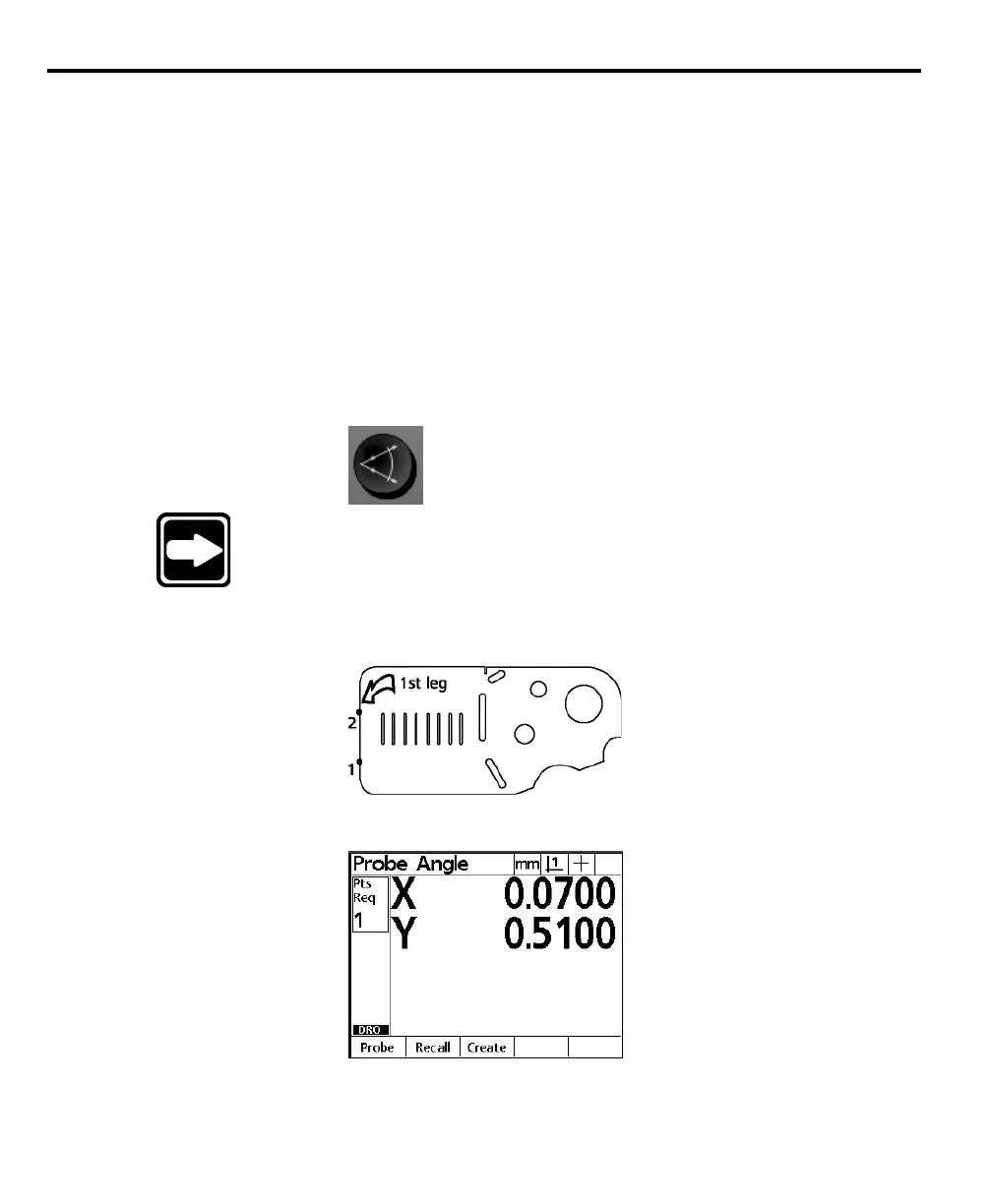
Step 2
Probe the first point as shown.
The probe angle screen is displayed as shown.
Step 3
Press the enter key.



 To Next Page