Quadra-Chek
®
QC200
3-45
Step 4
Highlight the second circle in the features list as shown.
Step 5
Press the enter key.
Step 6
Press the finish key.
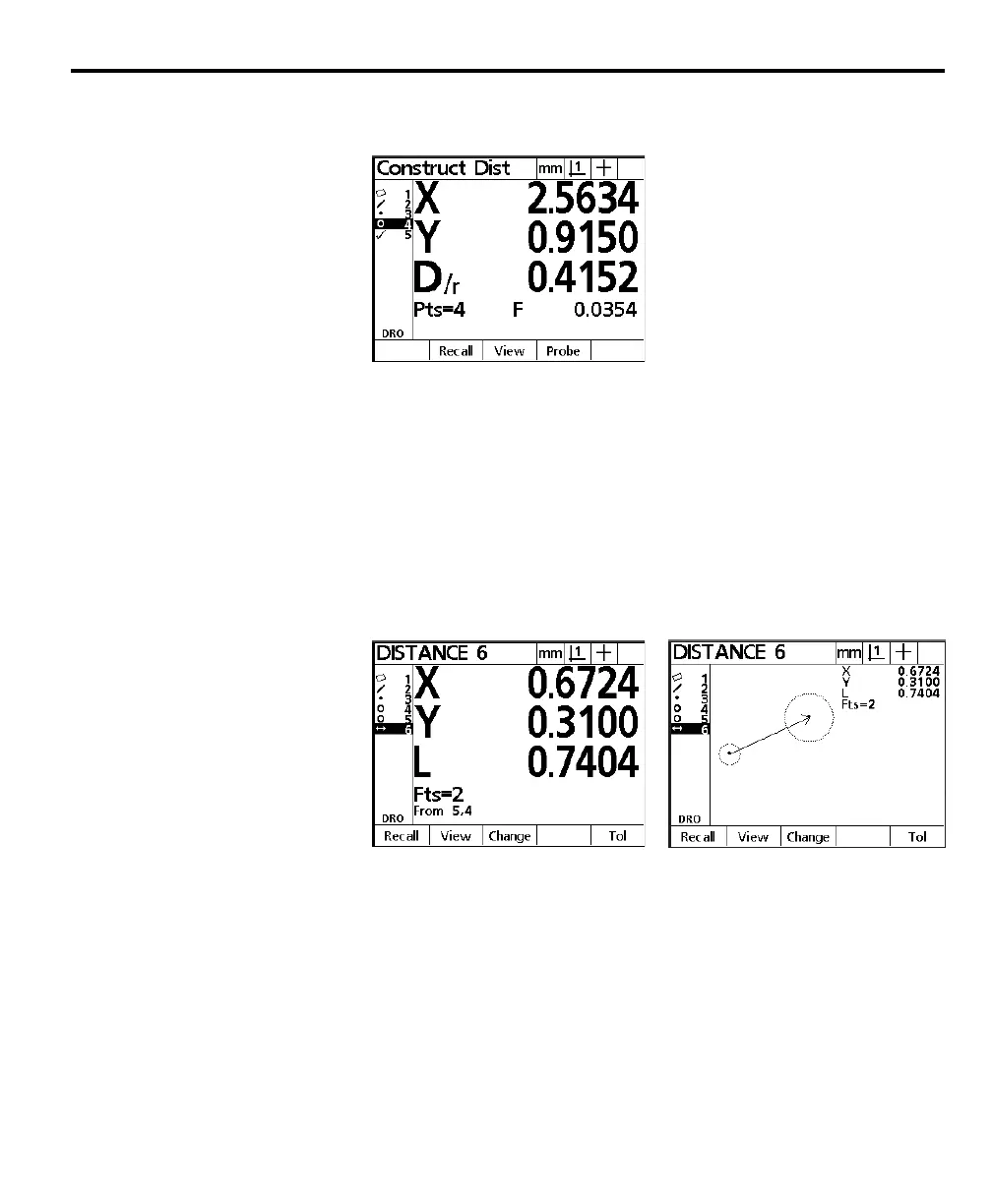
The distance feature data is displayed on the screen and added to the feature list.
The distance results screen displays the length of the distance as L and shows the
distance traveled by the X and Y axes. Press the view soft key for a graphic
representation of the distance feature.
Notice the information displayed beneath the length result. The number of
features used in the construction is shown as: Fts = 2. This means that two
features were used in the current construction. Beneath the number of features
is a line that reads: From 5,4. This means that features 5 and 4 from the features
list were used in the current construction.



 To Next Page