Quadra-Chek
®
QC200
3-13
Menus
Setup menu
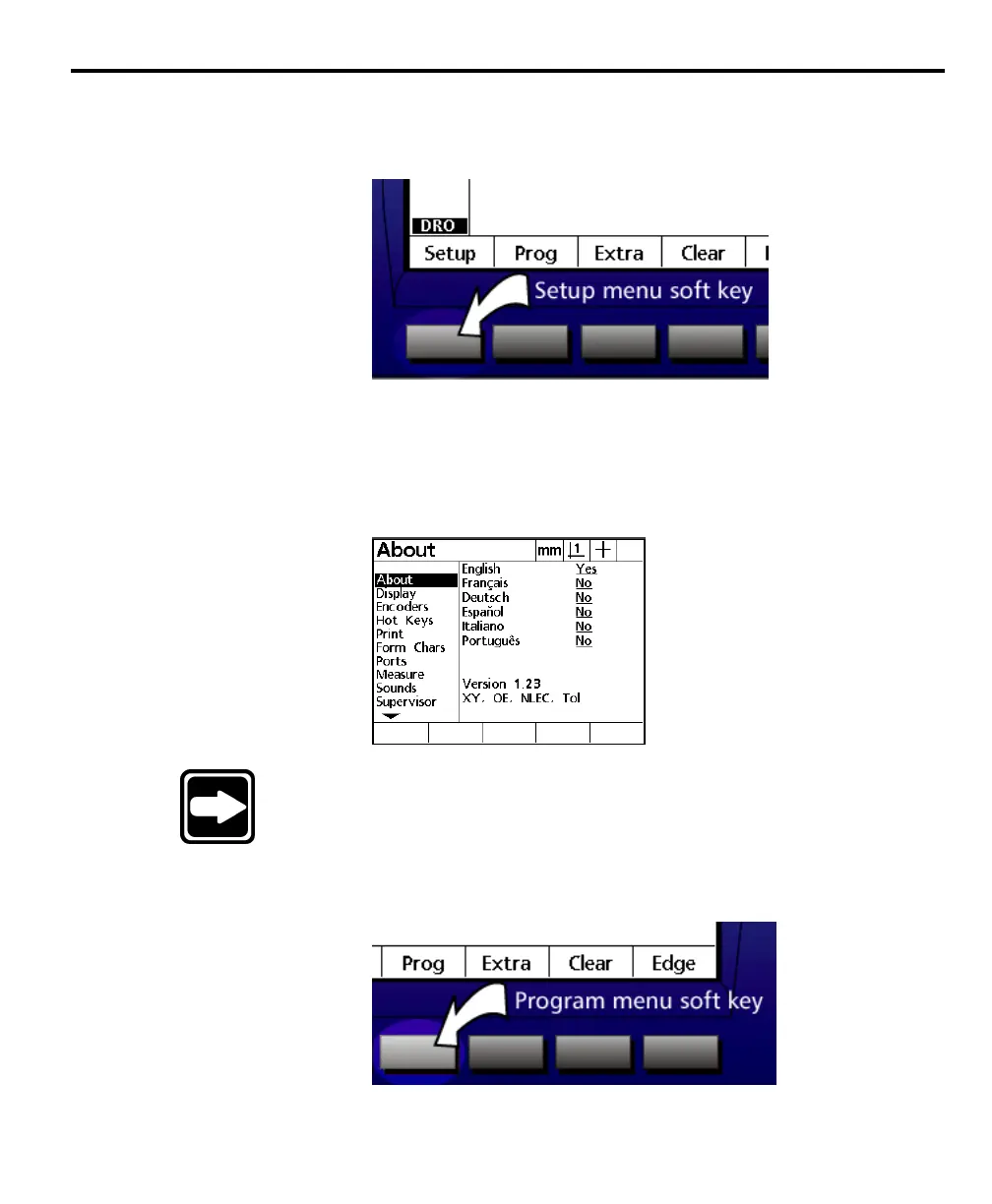
Press the setup menu soft key to access the QC200 setup screens.
Supervisors and dealer representatives use the setup menu to configure measure-
ment, display, and communication parameters of the QC200. Use the arrow
keys to highlight the desired setup screen. In the example below, the about setup
screen is highlighted. See chapter 7: setup for more information about the various
setup screens.
NOTENOTE
NOTENOTE
NOTE
Setup and system configurations should be changed only bySetup and system configurations should be changed only by
Setup and system configurations should be changed only bySetup and system configurations should be changed only by
Setup and system configurations should be changed only by
qualified personnel.qualified personnel.
qualified personnel.qualified personnel.
qualified personnel.
Program (prog) menu
Press the program (prog) soft key to access the QC200 program screen.



 To Next Page