Quadra-Chek
®
QC200
6-41
NOTENOTE
NOTENOTE
NOTE
Use the arrow keys to highlight the desired field.Use the arrow keys to highlight the desired field.
Use the arrow keys to highlight the desired field.Use the arrow keys to highlight the desired field.
Use the arrow keys to highlight the desired field.
Step 4
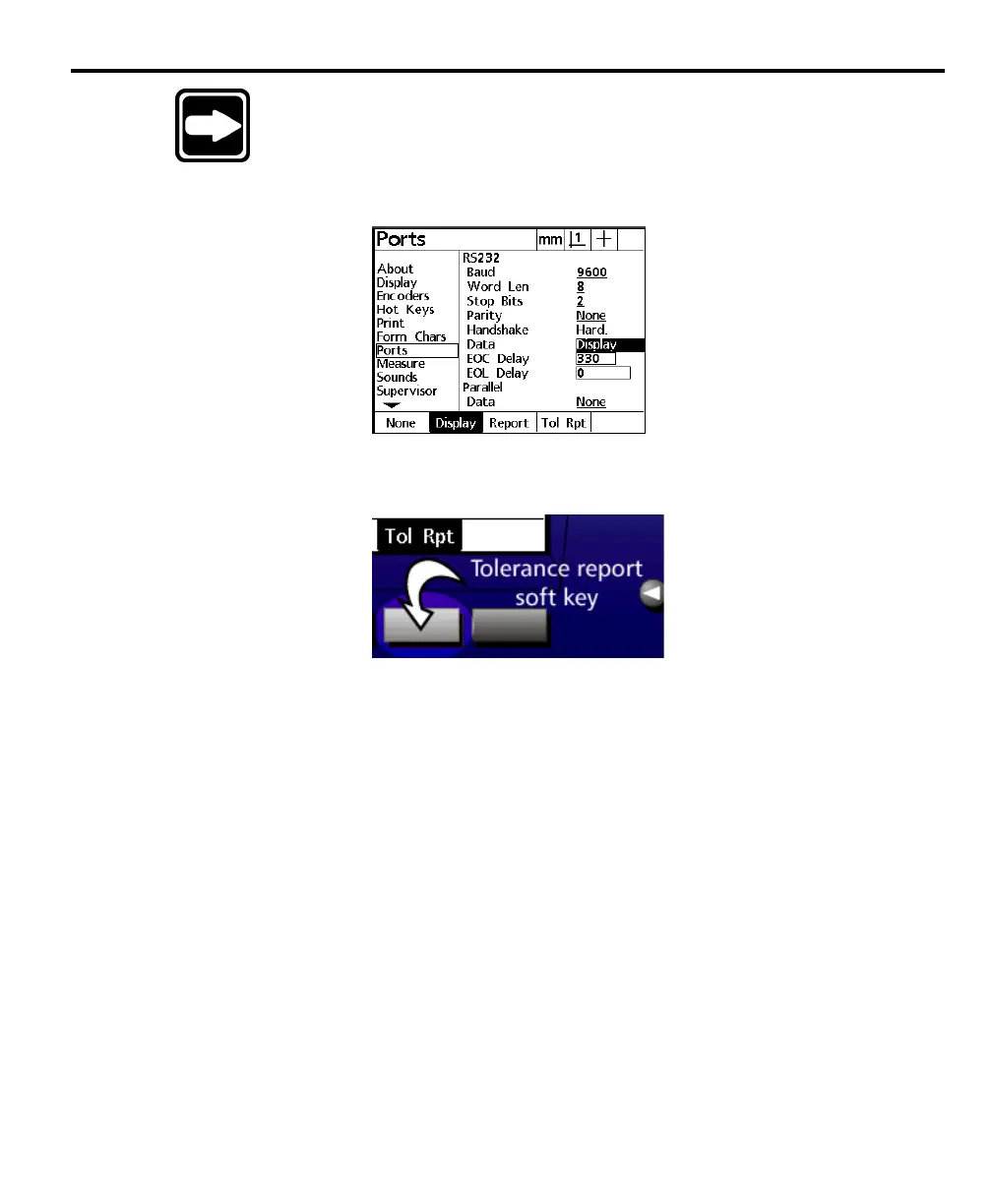
Highlight the data field as shown.
Step 5
Press the tolerance report (tol rpt) soft key.
Step 6
Press the finish key twice.
The printer port is now set up to print tolerance reports.



 To Next Page