Chapter 7 Setup
7-38
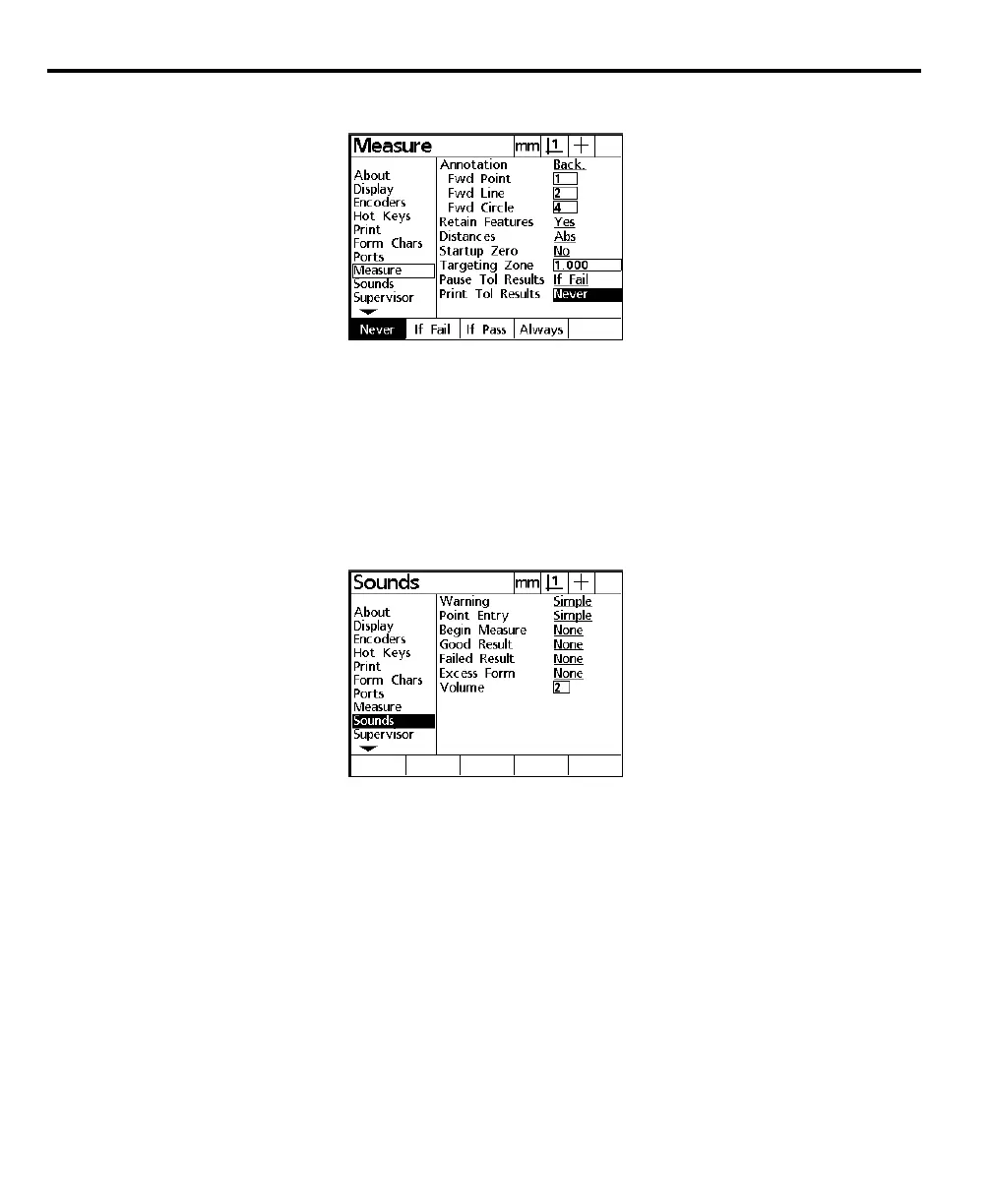
Highlight the print tolerance results field as shown.
Use the print tolerance results field to print a report depending on the results of
feature tolerances. Press the never soft key to print no report regardless of tolerance
results. Press the if fail soft key to print only failed tolerance results. Press the if
pass soft key to print only passed toleranced results. Press the always soft key to
print each tolerance result pass or fail.
Sounds
Highlight the sounds field as shown.
Use the sounds setup screen to toggle sound features on/off and adjust speaker
volume.



 To Next Page