Quadra-Chek
®
QC200
2-9
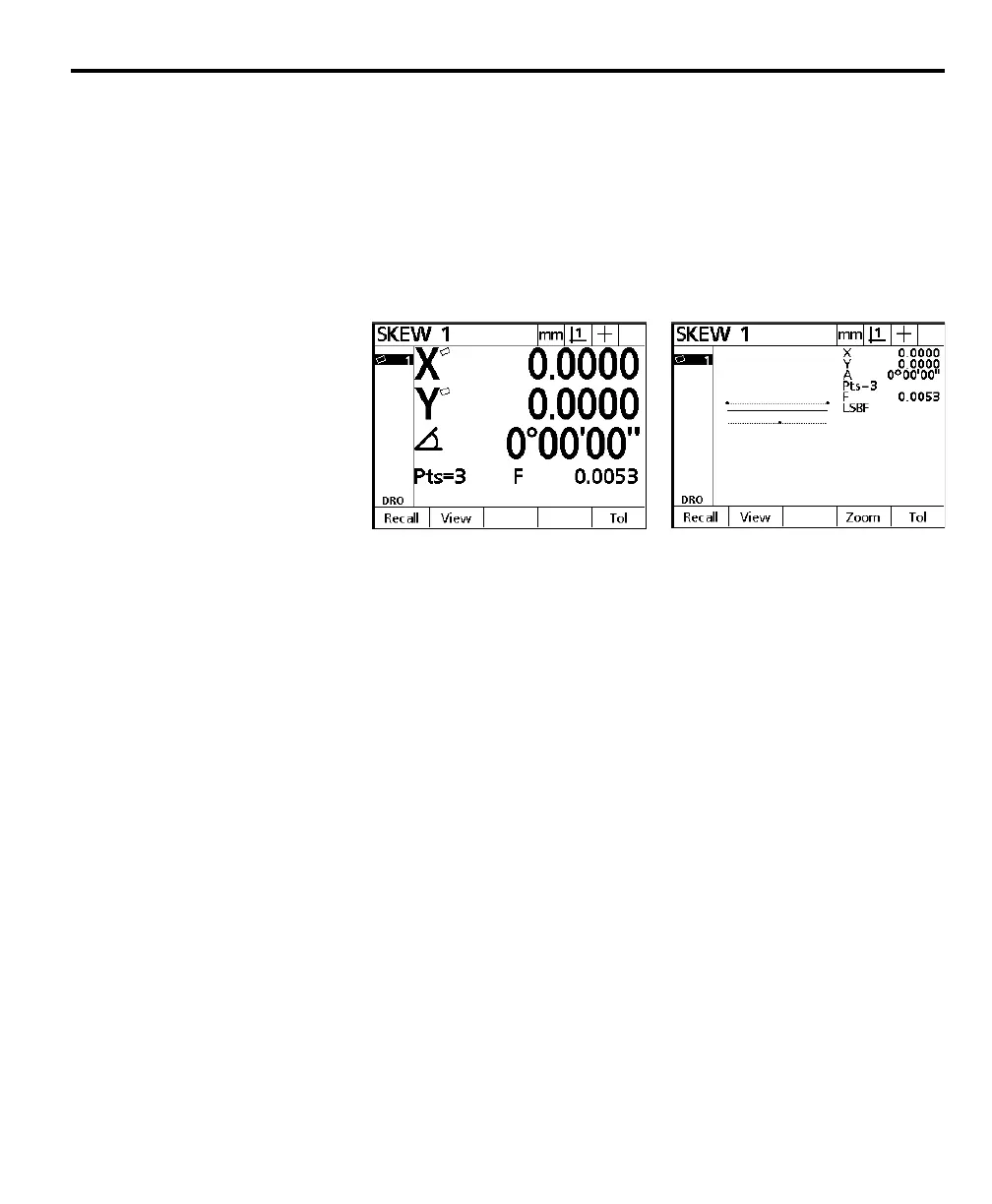
The skew data screen is displayed and the skew is added to the feature list. The
small skew icons displayed next to the X and Y axes indicate that the part is
mechanically misaligned. An electronic alignment is applied to the skew line to
compensate for the part skew. The skew data screen displays the electronically
aligned part coordinates NOT the actual machine coordinates. If the part is
perfectly aligned on the machine axis, the skew icons are not displayed and no
compensation is applied. In real world applications, a perfectly aligned part is
very rare. Press the view soft key for a graphic representation of the skew line.
Press the view soft key a second time to return to the skew data screen.
The part is now compensated for mechanical misalignment. This compensation
is applied to all subsequent measurements of the part.



 To Next Page