Quadra-Chek
®
QC200
2-13
Step 9
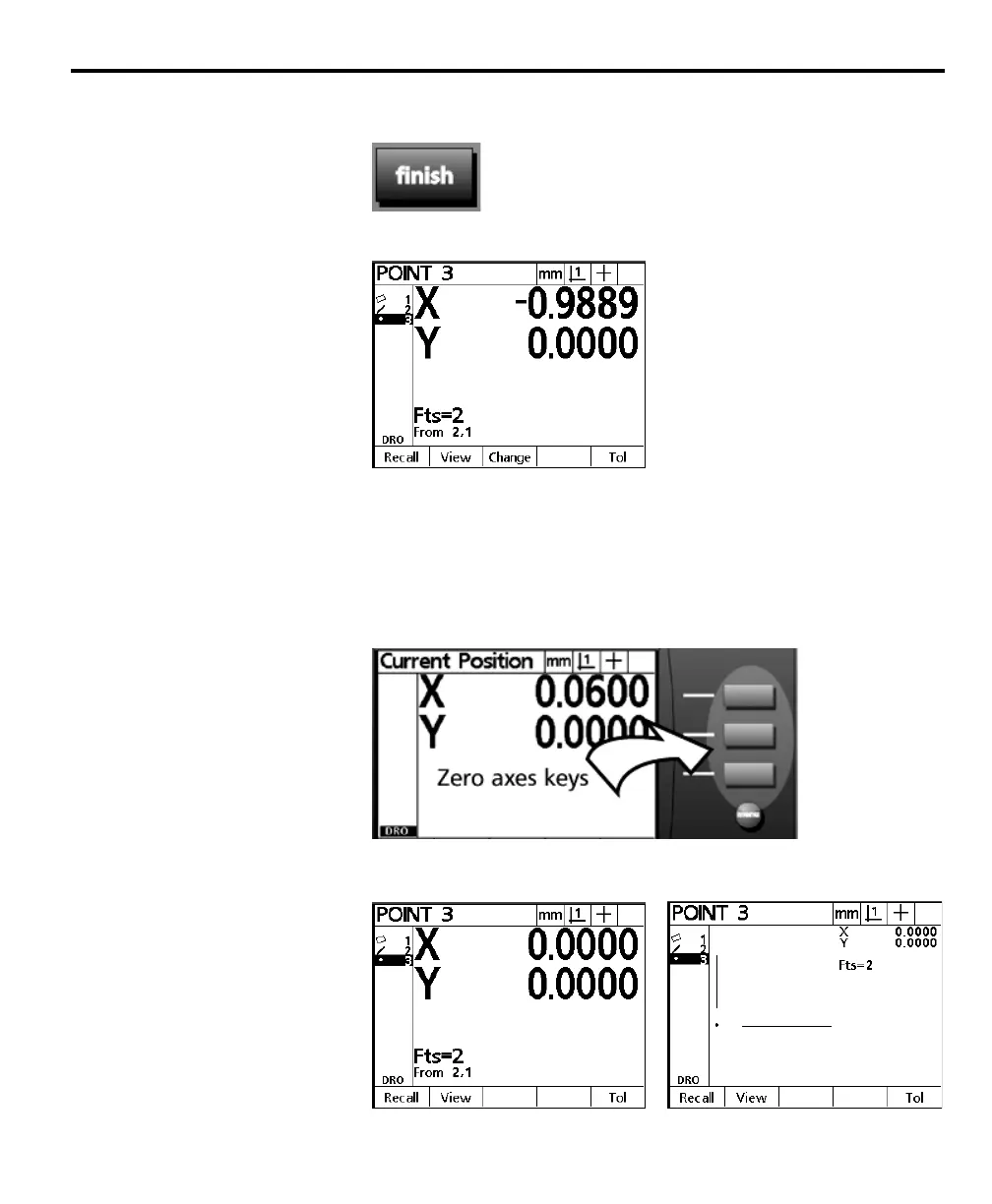
Press the finish key.
The constructed point appears in the feature list and is highlighted.
Step 10 zeros the X and Y axes on the newly constructed point. Use the zero axes
keys to establish a datum on any point feature.
Step 10
Press the zero X and zero Y axes keys. The zero X axis key is located next to the X axis
display and the zero Y axis key is located next to the Y axis display as shown.
When both axes are zeroed the screen appears as shown.



 To Next Page