Chapter 2 Quick-Start Demonstration
2-18
Step 4
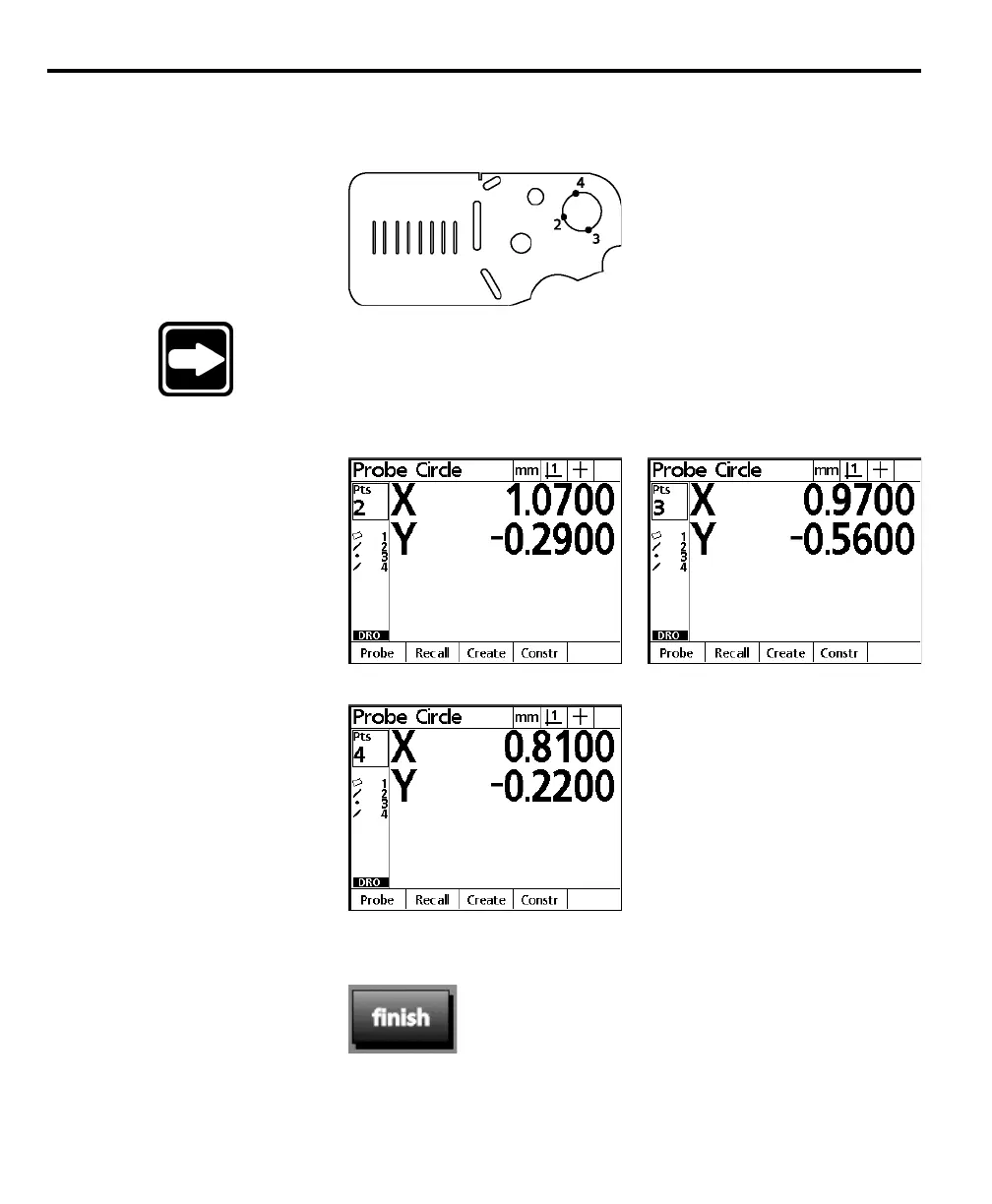
Probe three more points along the edge of the circle. Press the enter key after each
point.
NOTENOTE
NOTENOTE
NOTE
Space points approximately 90 to 120 degrees apart for bestSpace points approximately 90 to 120 degrees apart for best
Space points approximately 90 to 120 degrees apart for bestSpace points approximately 90 to 120 degrees apart for best
Space points approximately 90 to 120 degrees apart for best
results.results.
results.results.
results.
The X and Y coordinates are displayed after each point as shown.
Step 5
Press the finish key.



 To Next Page