Chapter 3 Operation
3-6
mm/inch
Use the mm/inch mode selection key to toggle the display units between milli-
meters and inches. The current unit of measure is displayed in the upper right
corner of the screen.
Datum
Use the datum mode selection key to toggle between datum 1 and datum 2.
The current datum number is displayed in the upper right corner of the screen.
Polar/Cartesian
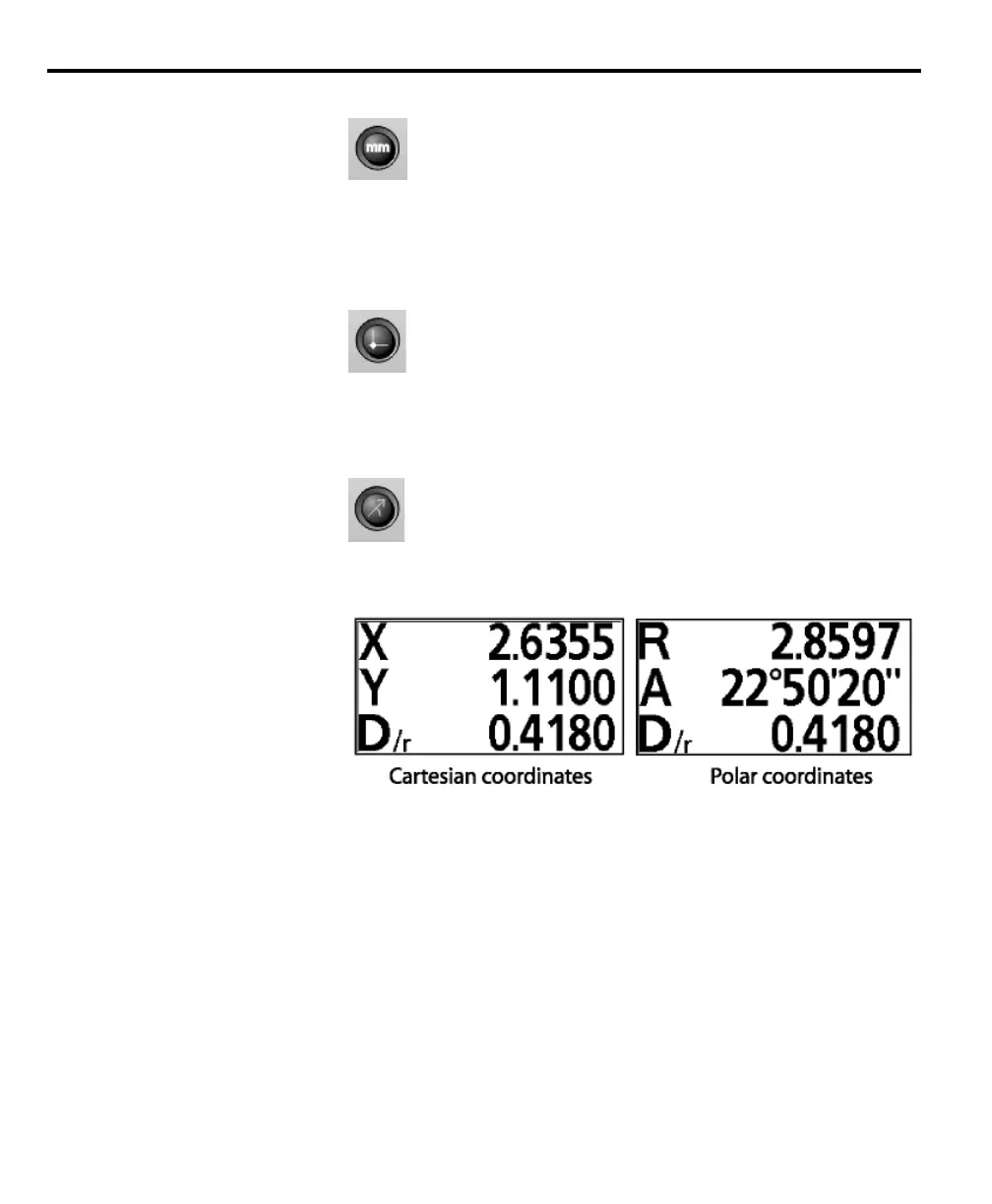
Use the polar/cartesian mode selection key to toggle between polar and cartesian
display coordinates.
All points probed with the QC200 exist within a coordinate system. Coordinate
systems are simply a way of describing the location of a point or points in a given
space. More importantly, the coordinate system determines how the QC200
displays measurements.
There are two kinds of coordinate systems used by the QC200: polar coordi-
nates and cartesian coordinates. Users can select the coordinate system appropri-
ate for their specific application.
Cartesian coordinates describe the locations of points as linear distances from the
datum. For example, a point with the coordinates (2,3) is located 2 units from
the datum along the X axis and 3 units from the datum along the Y axis.



 To Next Page