Quadra-Chek
®
QC200
3-31
Step 4
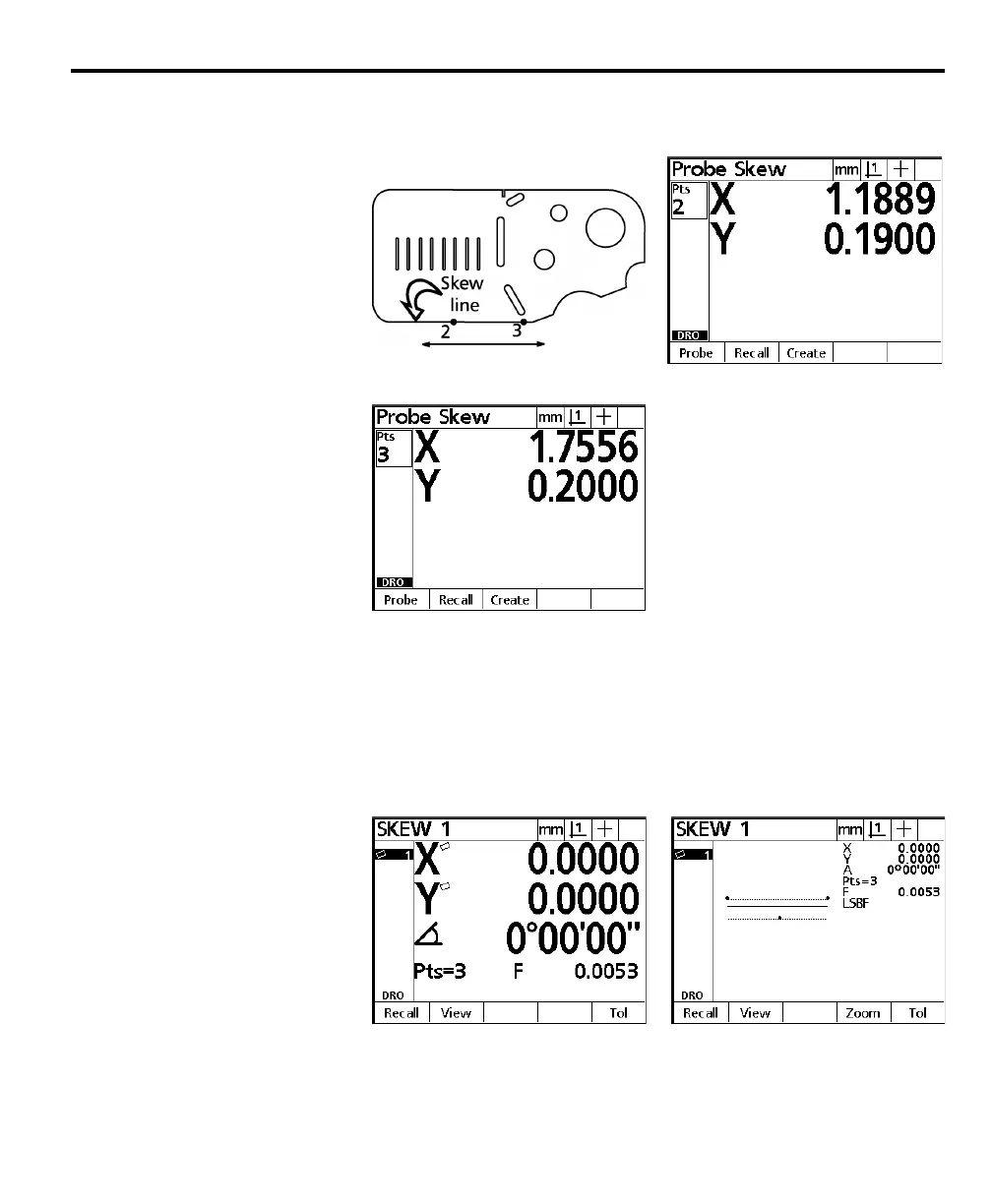
Probe two more points along the line. Press the enter key after each point.
Step 5
Press the finish key.
The skew data screen is displayed and the skew is added to the feature list. Small
skew icons are displayed next to the X and Y axes display. Press the view soft key
for a graphic representation of the point feature. Press the view soft key a second
time to return to the skew data screen.
The part is now compensated for mechanical misalignment. This compensation
is applied to all subsequent measurements of the part.



 To Next Page