Setting 3.4 Recording trend
EM-7361 P42
(2) Make the settings for normal recording. In reference to the table below, set the various parameters.
Select from Samples / Time.
When “Samples” is selected in String mode, the samples can be set.
Set this in the range of 1000 to 50000.
When “Time” is selected in Storing mode, the time can be set.
The settable interval depends on the storing rate. Refer to the table below.
- When “1 day” is selected for the interval, set “Hour.” Select from 0 to 23 (hours).
- When “1 week” is selected for the interval, set “Hour” and “Day of week.” Select
from 0 to 23 (hours), Sun / Mon / Tue / Wed / Thu / Fri / Sat.
- When “1 month” is selected for the interval, set “Hour.” Select from 0 to 23
(hours).
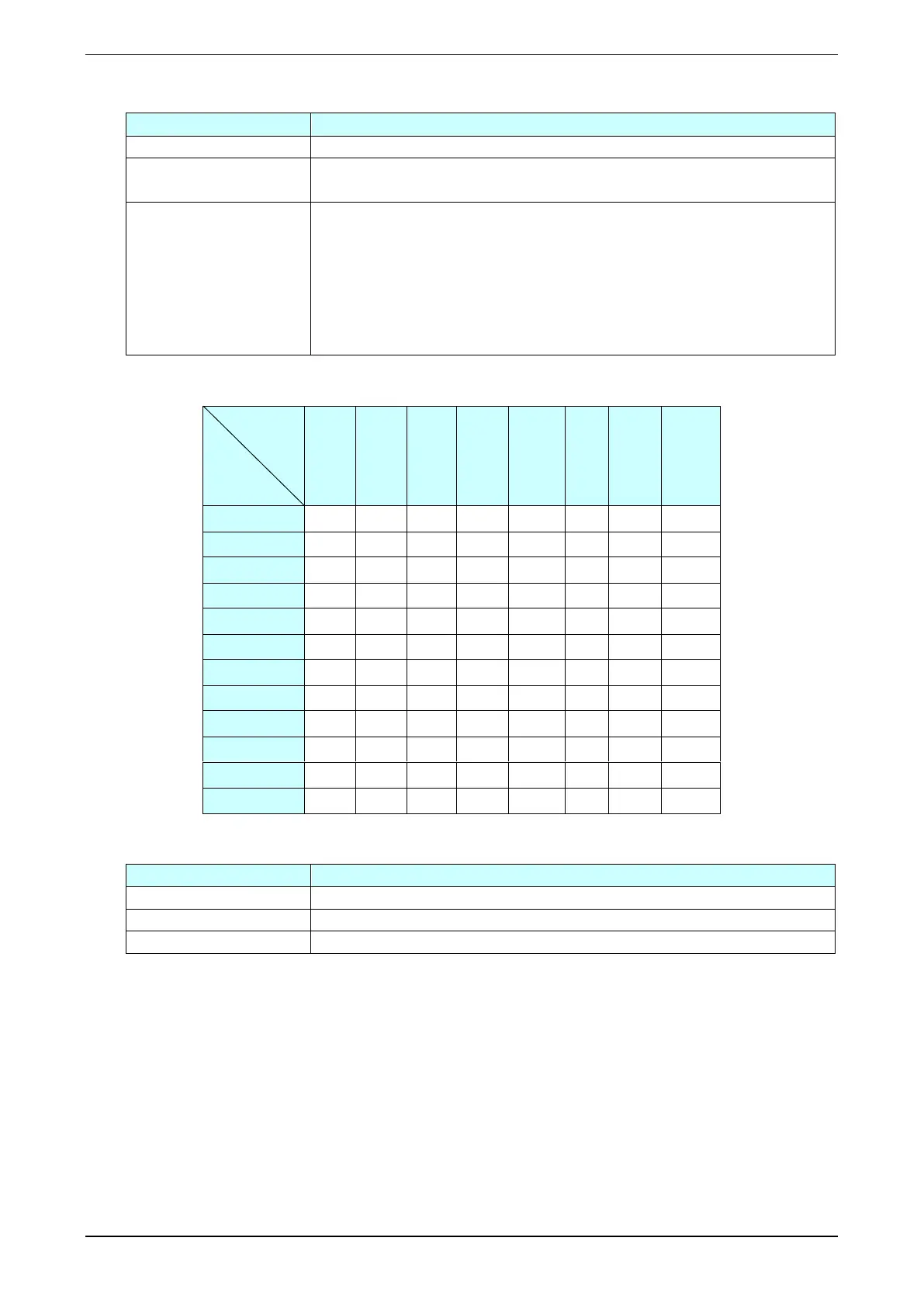
Correspondence table storing rate and interval (●: selectable)
(3) Make the settings for trigger recording. In reference to the table below, set the various parameters.
Select from Level / Edge.
Set this in the range of 0 to 5000.
Set this in the range of 1 to 5000.



 To Next Page