Setting 3.4 Recording trend
EM-7361 P43
Normal recording
When Normal start is set in [Auto start] on the “Trend” display, trend recording starts upon PC Recorder startup.
(1) Storing mode: Samples
When Samples is set in [Storing mode], the recorded data are saved to a trend file by samples.
(2) Storing mode: Time
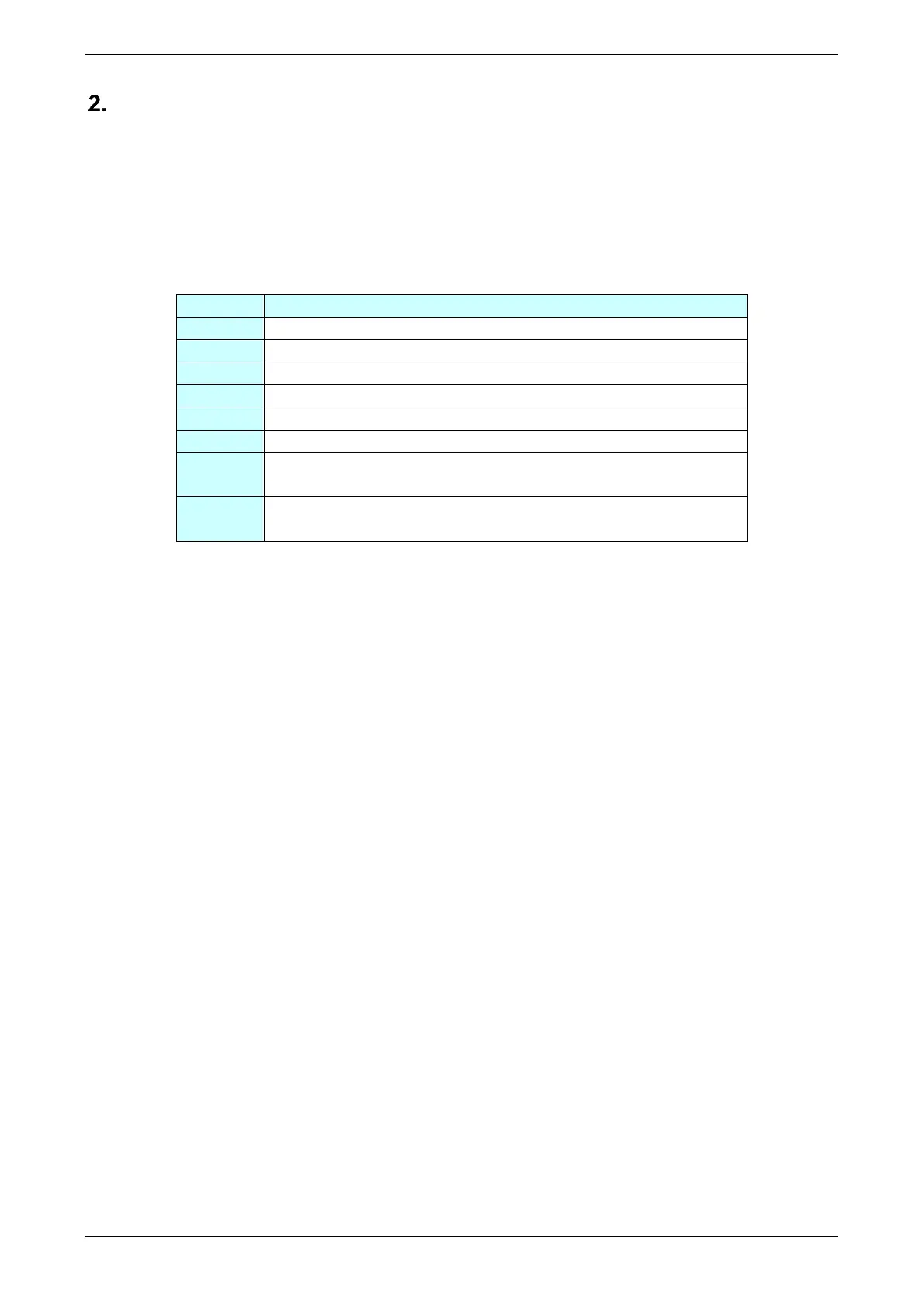
When Time is set in [Storing mode], the recorded data are saved to a trend file at the time set in [Time]. For
storage timing, refer to the table below.
0, 10, 20, 30, 40, 50 minutes and 0 seconds past the hour
0, 30 minutes and 0 seconds past the hour
0 minutes and 0 seconds every hour
0, 6, 12, 18 hours, 0 minutes, and 0 seconds
0, 12 hours, 0 minutes, and 0 seconds
0 minutes and 0 seconds when set in [Hour]
0 minutes and 0 seconds when set in [Hour] on the day of the week set in
[Day of week]
0 minutes and 0 seconds when set in [Hour] on the first day of every
month.



 To Next Page