5.2.2 Operation
Switch between pages
The pages can be switched by clicking the “Page Switch” button. The maximum number of pages is four.
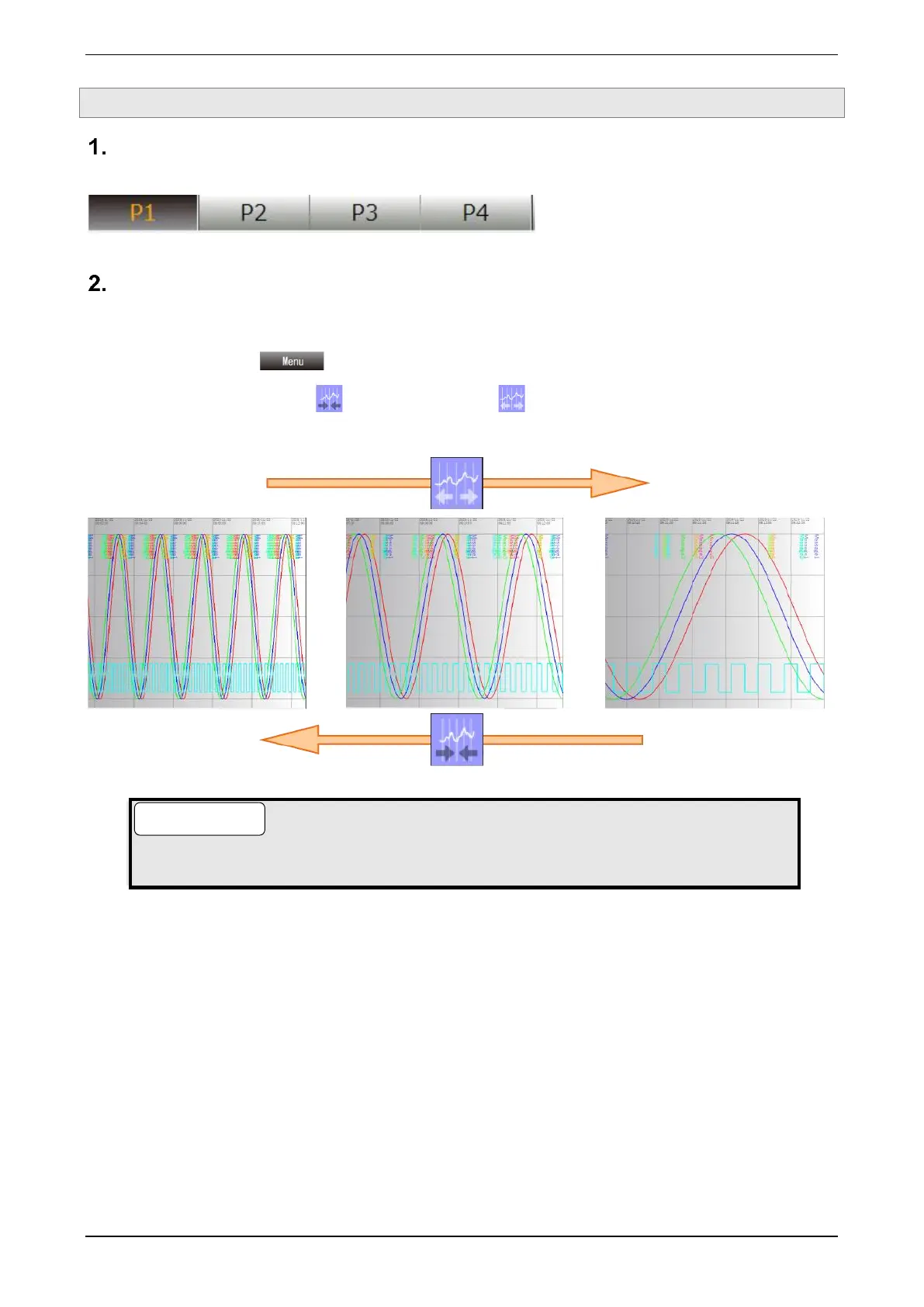
Expand/compress the time axis
The time axis of the trend graph can be expand/compress. The expansion and compression ratios are the
settings shared among all pages.
(1) Clicking the “Menu ” button displays the “menu” dialog.
(2) Click “Compress Time Axis ” or “Expand Time Axis ” of the operation icons.
Each time the button is clicked, the time axis of the trend graph compress/expand.
● The time axis can be switched between four levels: 100% (unity magnification), 50%, 20%, and
10%.



 To Next Page