Recording data 4.1 Trend file
EM-7361 P52
4. Recording data
PC Recorder stores three types of data files: trend files, report files, and system log files.
The data to be saved in the trend files and the report files should be set in 3.4 Recording trend and the 3.5
Recording report.
The system log is automatically saved by PC Recorder.
Trend file
Trend files are saved in binary format (extension: TRD).
File name
A file is created with a name consisting of the year, month, day, hour, minute, second, and millisecond
(yyyymmddhhmmss///) of the first sample.
(e.g. 20231025103010500.TRD for October 25, 2023, 10:30:10, and 500 milliseconds with daylight saving
time not used)
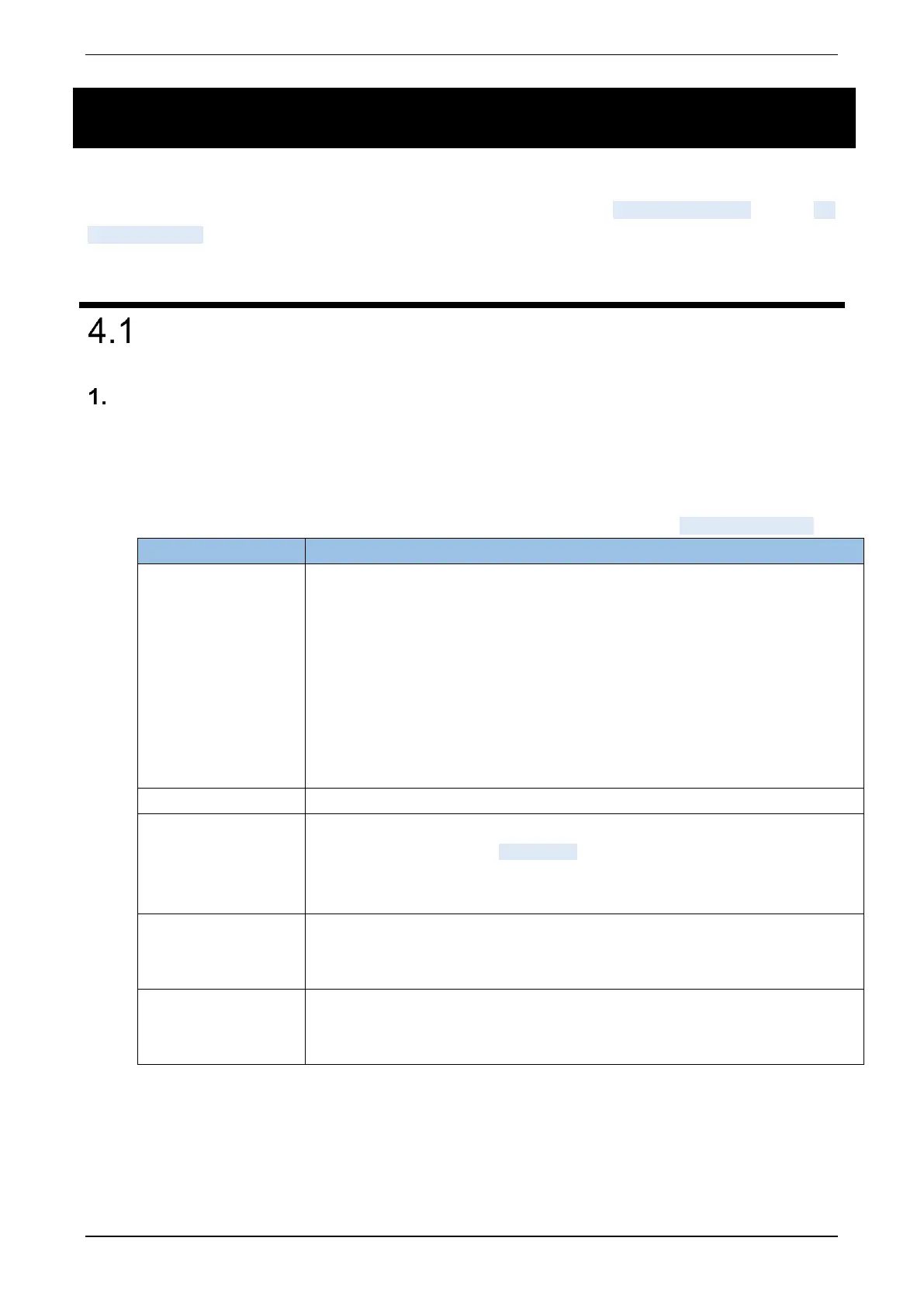
For details on trend files, refer to the table below. Also, for the folder structure, refer to 4.4 Folder structure.
File names depend on whether or not to use in daylight saving time. In daylight saving
time, recording is performed with “S” added to the end of the file name for the “Standard,”
or “D” for “DST.”
- When daylight saving time is not used:
YYYYMMDDhhmmsslll.TRD
- When daylight saving time (Standard) is used:
YYYYMMDDhhmmsslllS.TRD
- When daylight saving time (DST) is used:
YYYYMMDDhhmmsslllD.TRD
Setting information, trend data, event data, comment data
Right-click the “PC Recorder” icon in the task tray and click “View (V).” Data can be
viewed using a Web browser. ->5.2 Trend
Data can be viewed with the waveform viewer software for TR30 (model: TRViewer).
TRViewer can be downloaded from our website.
Recording capacity
(per file)
- Trend data: 50000 samples × 16 pen-points
- Event data: 3000 events
- Comment data: 1000 comments
- To prevent the creation of fragmented files due to short-term continuous triggering, it is
prohibited to create a file again within one second after another file is created.
- Actual quantity may differ slightly between PC Recorder and TRViewer.



 To Next Page