Event view
Click the “Menu ” button and select “Event view ” to go to the “Event view” display.
5.5.1 Display content
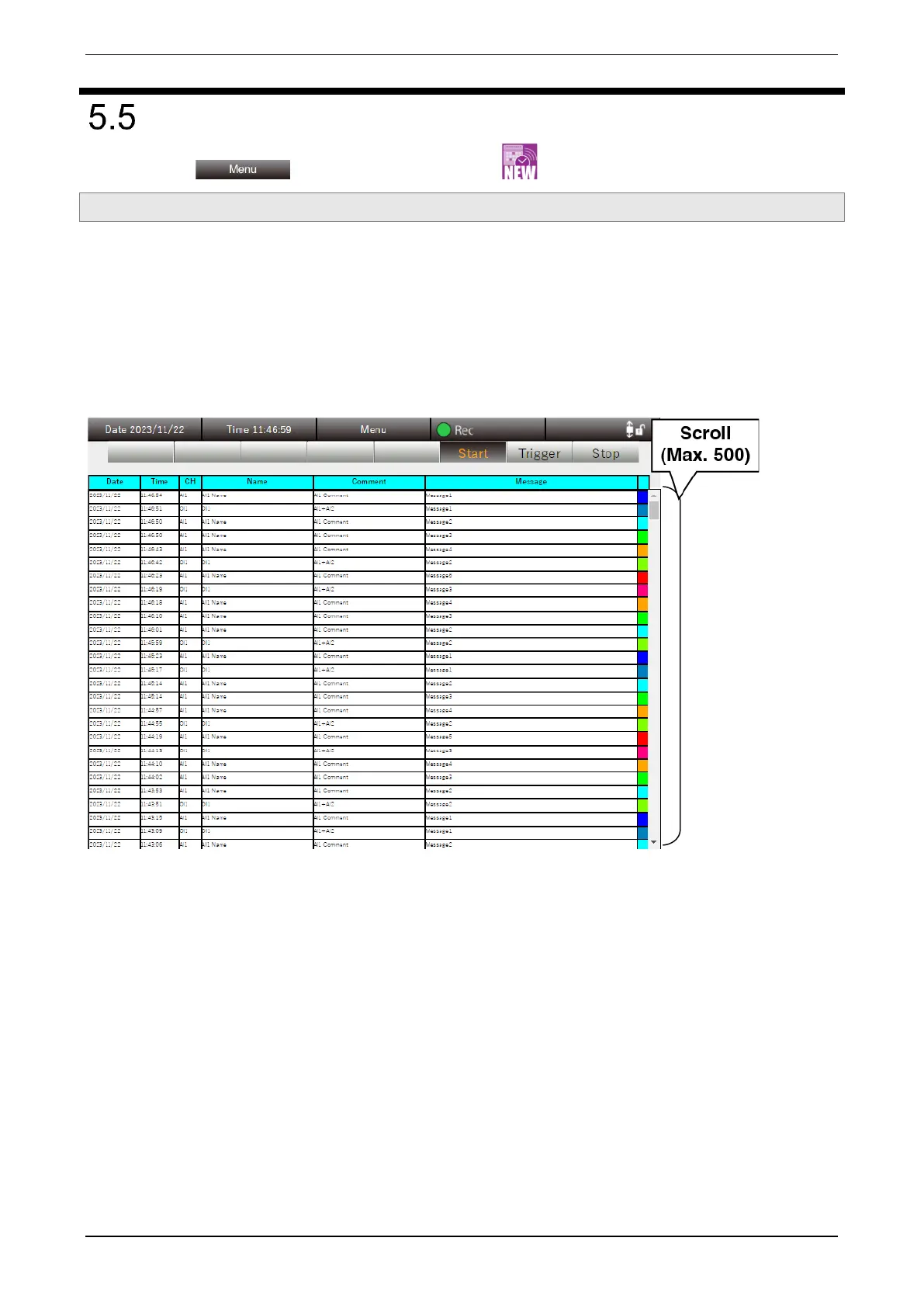
A list of Event view is displayed.
When an event that has been set for each channel by right clicking the “PC Recorder” icon in the task tray and
selecting “Setting (C)” occurs, the event information is showed on this display.
On the Event view display, the event information on the 500 most recent events is displayed. It is also updated
even when recording is suspended.
Event view data is cleared by right clicking the “PC Recorder” icon and clicking “Close (X)” to close.



 To Next Page