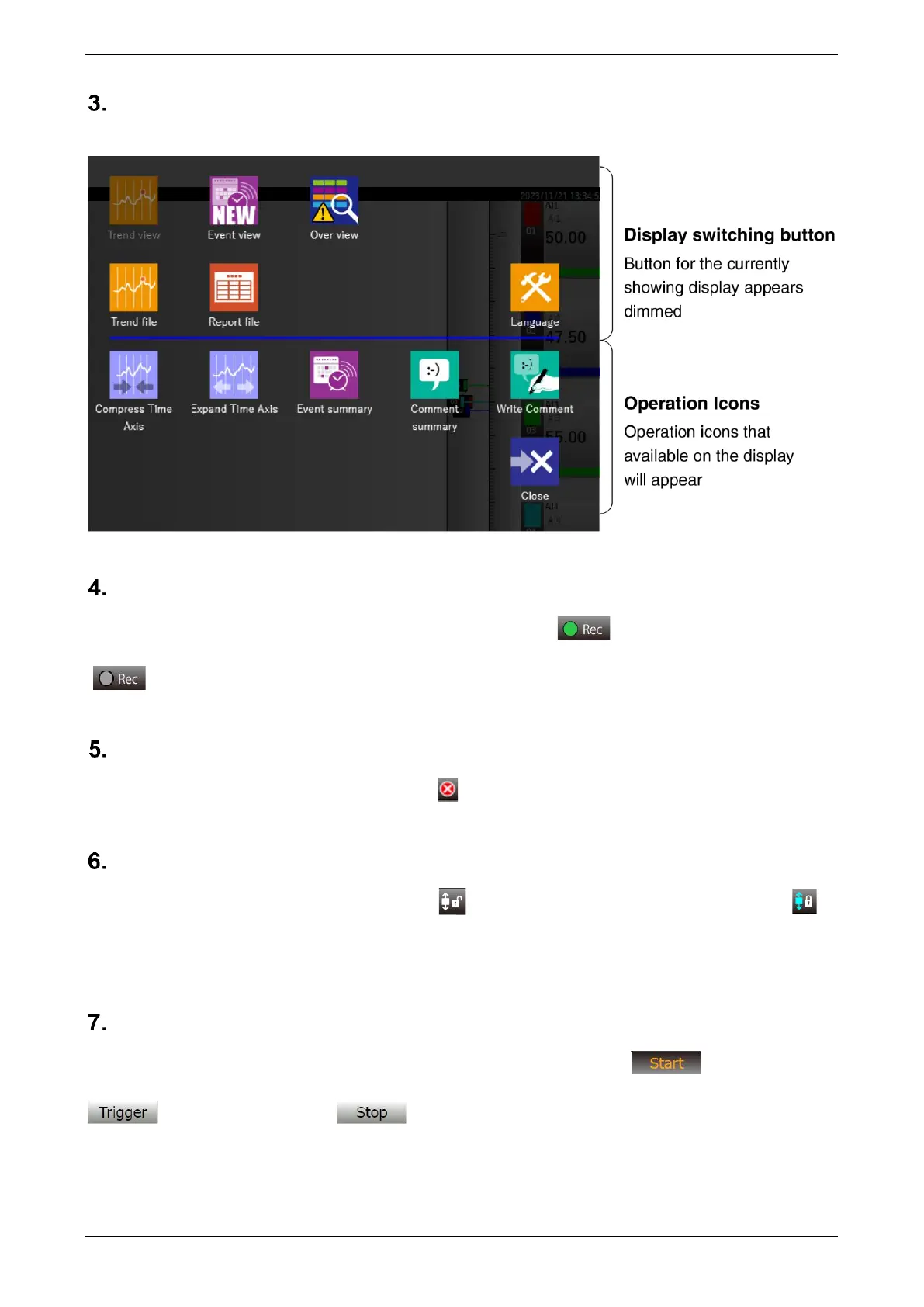
Menu button
Clicking the Menu button displays the menu dialog.
Trend status display
Displays the recording status of trend data. This lights in green ( ) during recording and goes off
( ) when recording is stopped. When waiting for a trigger, it blinks.
Error display
If communication with PC Recorder is lost, an error is displayed.
Screen lock display
If the screen scroll is not locked, the open key icon is displayed; if it is locked, the closed key icon is
displayed. Click to toggle the screen lock status.
To print the “Trend” or “Event view” display, “screen-lock” the display to be printed, and then print it.
Trend start button
By clicking the “Trend Start” button, you can switch between Normal start , Trigger recording
, and Stop trend recording .



 To Next Page