Trend display (Comments summary)
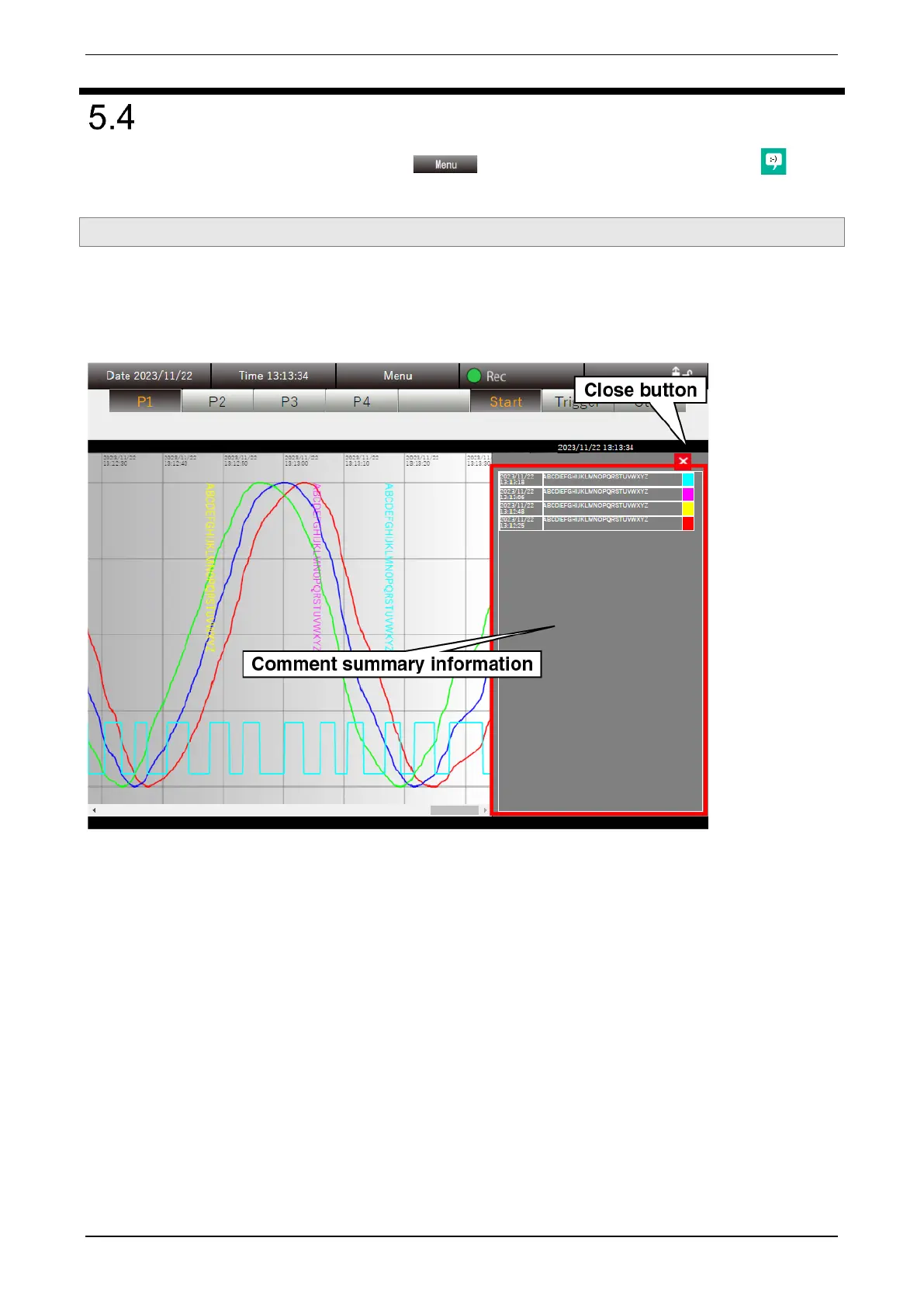
With the Trend display showed, click the “Menu ” button and select “Comments Summary .” Then
the comments summary information is showed on the Trend display.
5.4.1 Display content
Comments summary information is showed in the “Trend area” of the “Trend” display, where the digital display
area, scale display area, and pen mark are showed. The comments summary information is shared and
showed on all pages. Clicking the [Close] button closes the comments summary information and returns to the
normal “Trend” display.



 To Next Page