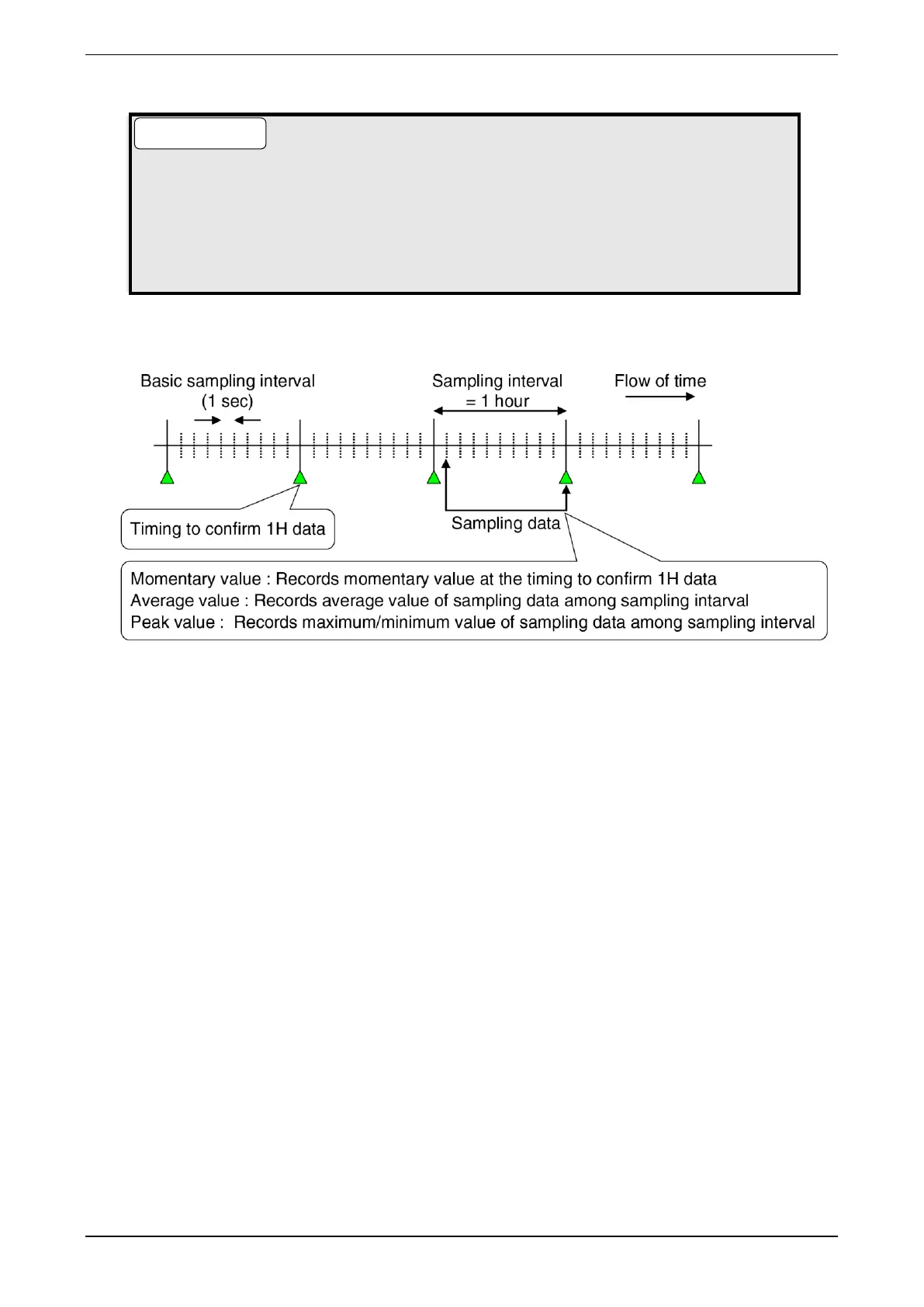
● When “Momentary value” is selected as the sampling method, data is recorded at 0 minutes
and 0 seconds of every hour.
● When the sampling method is other than “Momentary value,” the “Fixed character” set in the
“error mode” is recorded in the “hourly data” to be recorded in the daily report if the sampling
data recorded for an hour is all an error. If even one piece of data can be obtained during one
hour, the operation set in the sampling method is performed from the obtained data.
*1: Description of sampling method



 To Next Page