16
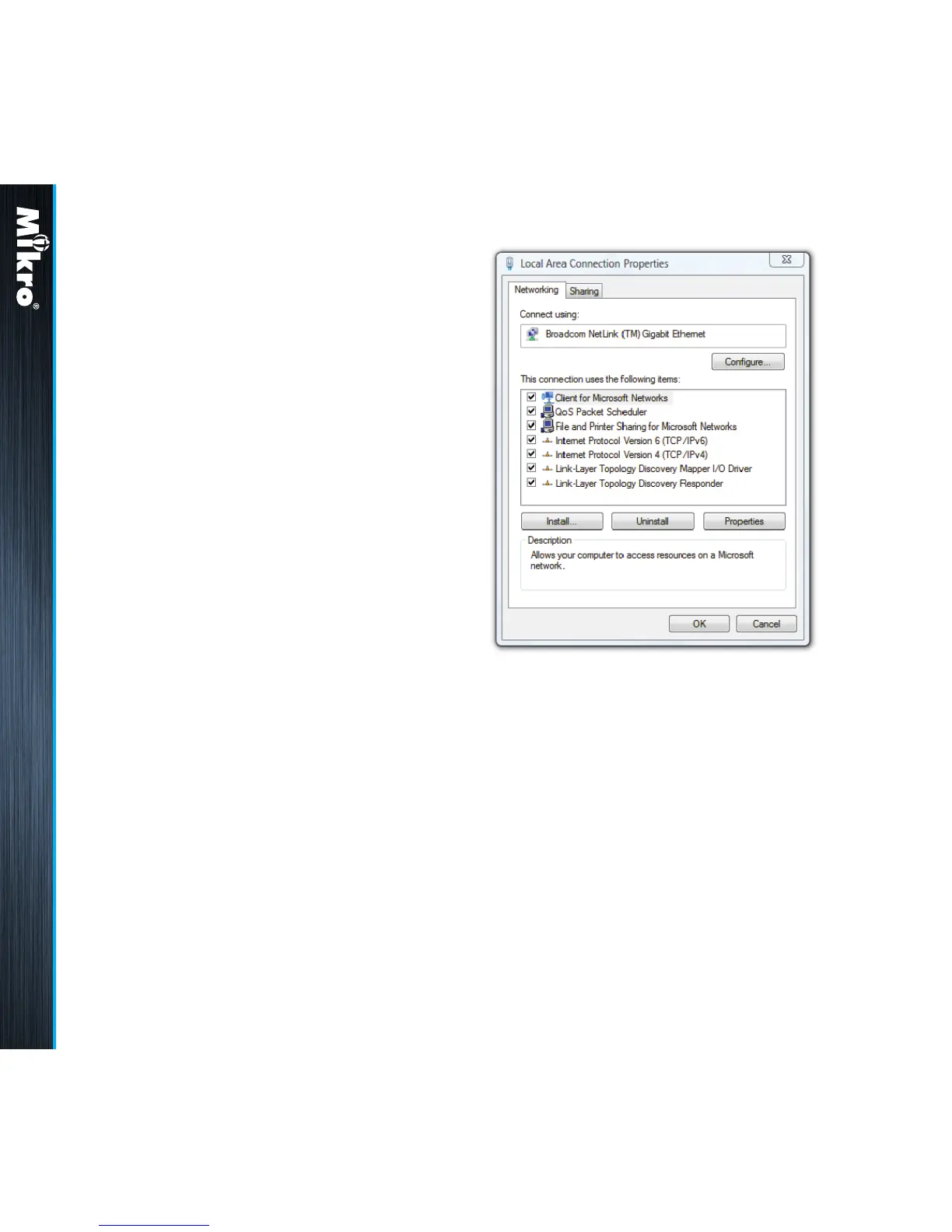
e) Single click to highlight the Internet Protocol
Version 4 (TCP/IPv4) bar and click on the
Properties button. The Internet Protocol
Version 4 (TCP/IPv4) Properties window will
appear as shown in Fig 14.
f) check on the Use the following IP address
button and set the IP address to 192.168.28.1
and the subnet mask to 255.255.255.0 as
shown below.
Fig 13 :
Local Area Connection Properties window
Only devices within the sub-network as dened
by the subnet mask can communicate with the
meter. In the instance of the above default subnet
mask, only devices (e.g. PC or router, etc.) with
IP addresses that begin with 192.168.28 can
communicate with the meter.
For direct PC connection, the IP address of the
PC can be changed as follows:
a) go to the START menu and click on the
Control Panel label.
b) under the Network and Internet heading,
click on the View network status and tasks
link.
c) under the Tasks sidebar, click on the Manage
network connections link.
d) double click on the LAN port that is connected
to the meter. You may be asked by Windows
for access permission. Upon conrmation,
you will see the Local Area Connection
Properties window as shown in Fig 13.
Installation 2.4



 To Next Page