Show the IP address of ARP pool.
Show the IP address's corresponding MAC address.
Show the binding interface of ARP.
Table 3-1-4-1 Routing Information
3.2 LoRaWAN
3.2.1 Packet Forwarder
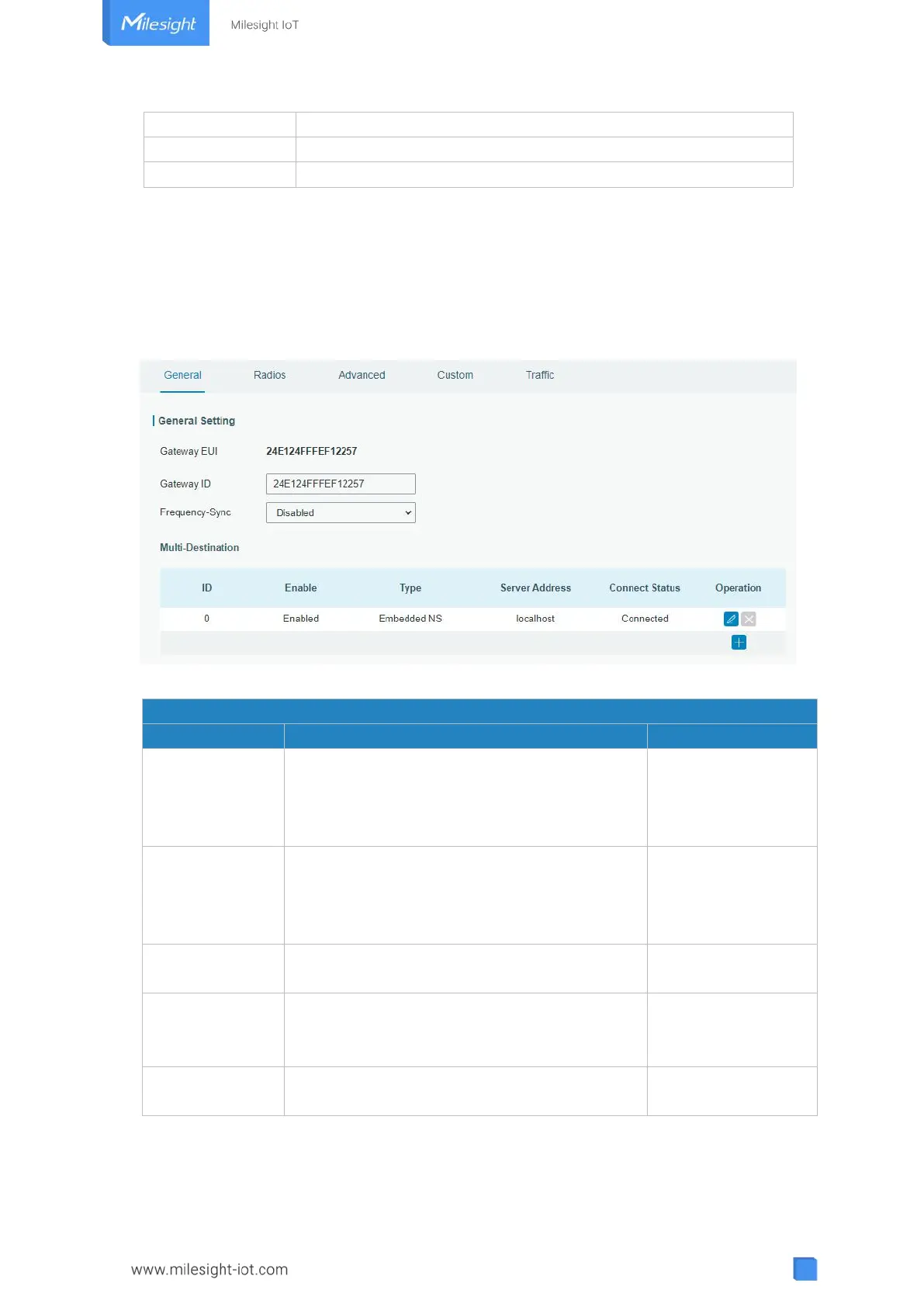
3.2.1.1 General
Figure 3-2-1-1
Show the identifier of the gateway.
Generated from MAC
address of the
gateway and cannot
be changed.
Fill in the corresponding ID which you’ve used
for register gateway on the remote network
server, such as TTN. It is usually the same as
gateway EUI and can be changed.
Sync frequency configurations from network
server by selecting the corresponding ID.
The gateway will forward the data to the
network server address that was created and
enabled in the list.
Show the connection status of package
forwarder.
Table 3-2-1-1 General Setting Parameters



 To Next Page