Choose LoRaWAN
®
channel plan used for the
upstream and downlink frequencies and
datarates. Available channel plans depend on the
gateway’s model.
Depend on the
gateway’s
frequency
Enabled frequencies are controlled using channel
mask.
Leave it blank means using all the default
standard usable channels specified in the
LoRaWAN
®
regional parameters document.
It allows to enter the index of the channels.
Examples:
1, 40: Enabling Channel 1 and Channel 40
1-40: Enabling Channel 1 to Channel 40
1-40, 60: Enabling Channel 1 to Channel 40 and
Channel 60
All: Enabling all channels
Null: Indicates that all channels are disabled
Depend on the
gateway’s
frequency
Table 3-2-2-1 General Parameters
Note: For some regional variants, if allowed by your LoRaWAN
®
region, you can use
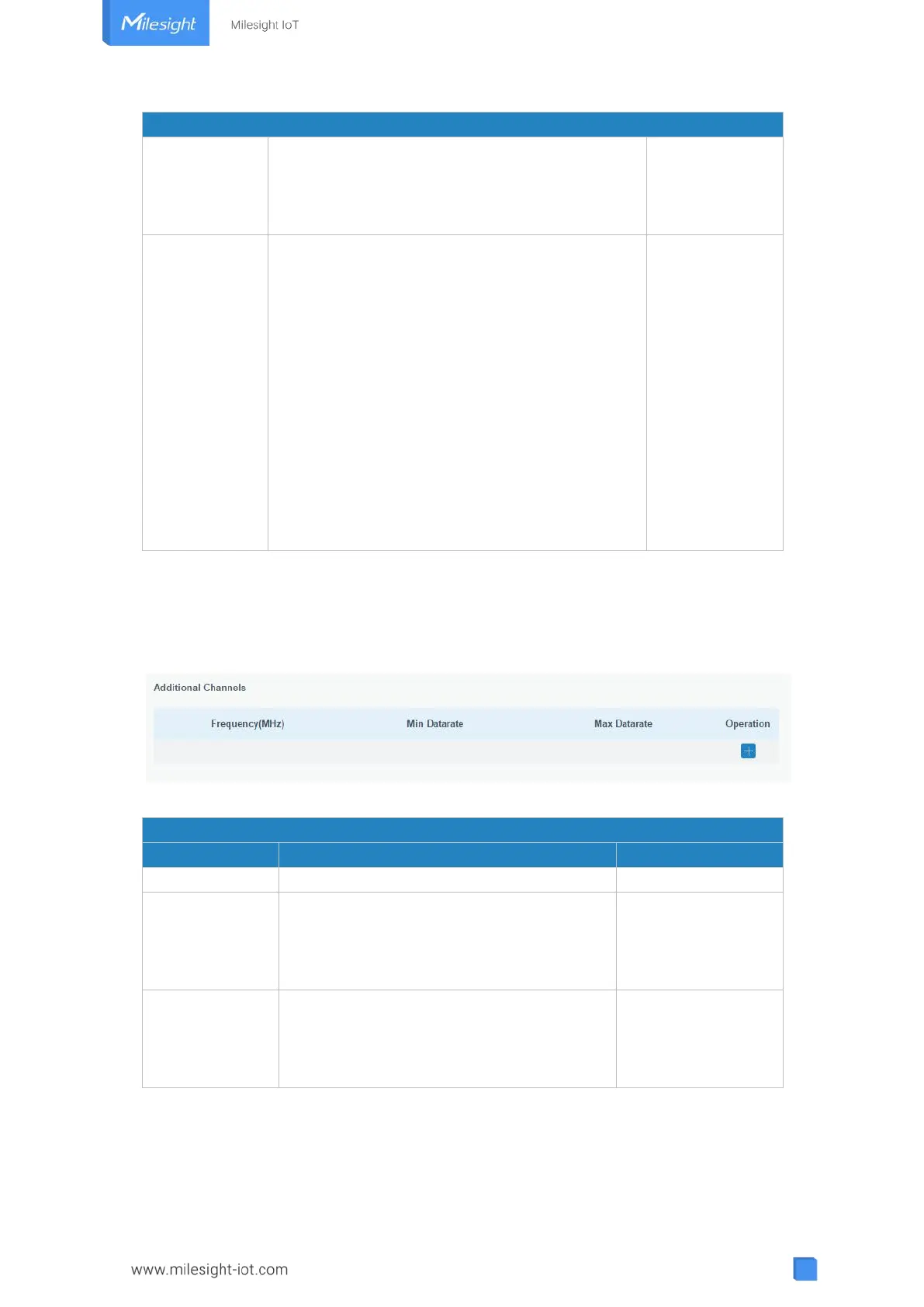
Additional Plan to configure additional channels undefined by the LoRaWAN
®
Regional
Parameters, like EU868 and KR920, as the following picture shows:
Figure 3-2-2-2
Enter the frequency of the additional plan.
Enter the max datarate for the end-device.
The range is based on what is specified in
the LoRaWAN
®
regional parameters
document.
Enter the min datarate for the end-device.
The range is based on what is specified in
the LoRaWAN
®
regional parameters
document.
Table 3-2-2-2 Additional Plan Parameters
3.2.2.2 Application
An application is a collection of devices with the same purpose/of the same type. All



 To Next Page