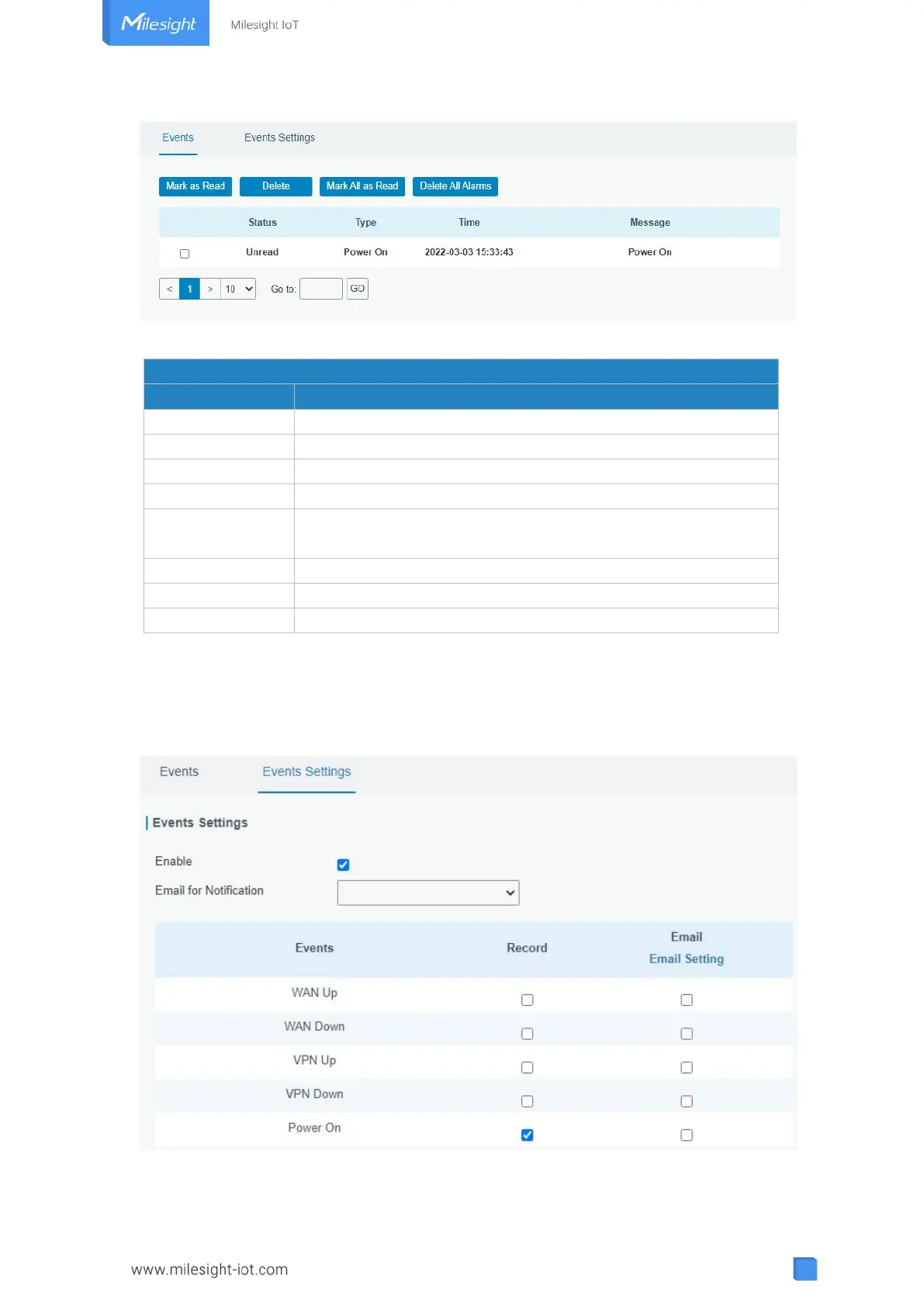
Figure 3-4-5-1
Mark the selected event alarm as read.
Delete the selected event alarm.
Mark all event alarms as read.
Show the reading status of the event alarms, such as “Read” and
“Unread”.
Show the event type that should be alarmed.
Table 3-4-5-1 Events Parameters
3.4.5.2 Events Settings
In this section, you can decide what events to record and whether you want to receive
email and SMS notifications when any change occurs.
Figure 3-4-5-2



 To Next Page